87
10.6 What Type of Network Connection do you have?
Everfocus DVR’s can operate using three distinct types of networking connections.
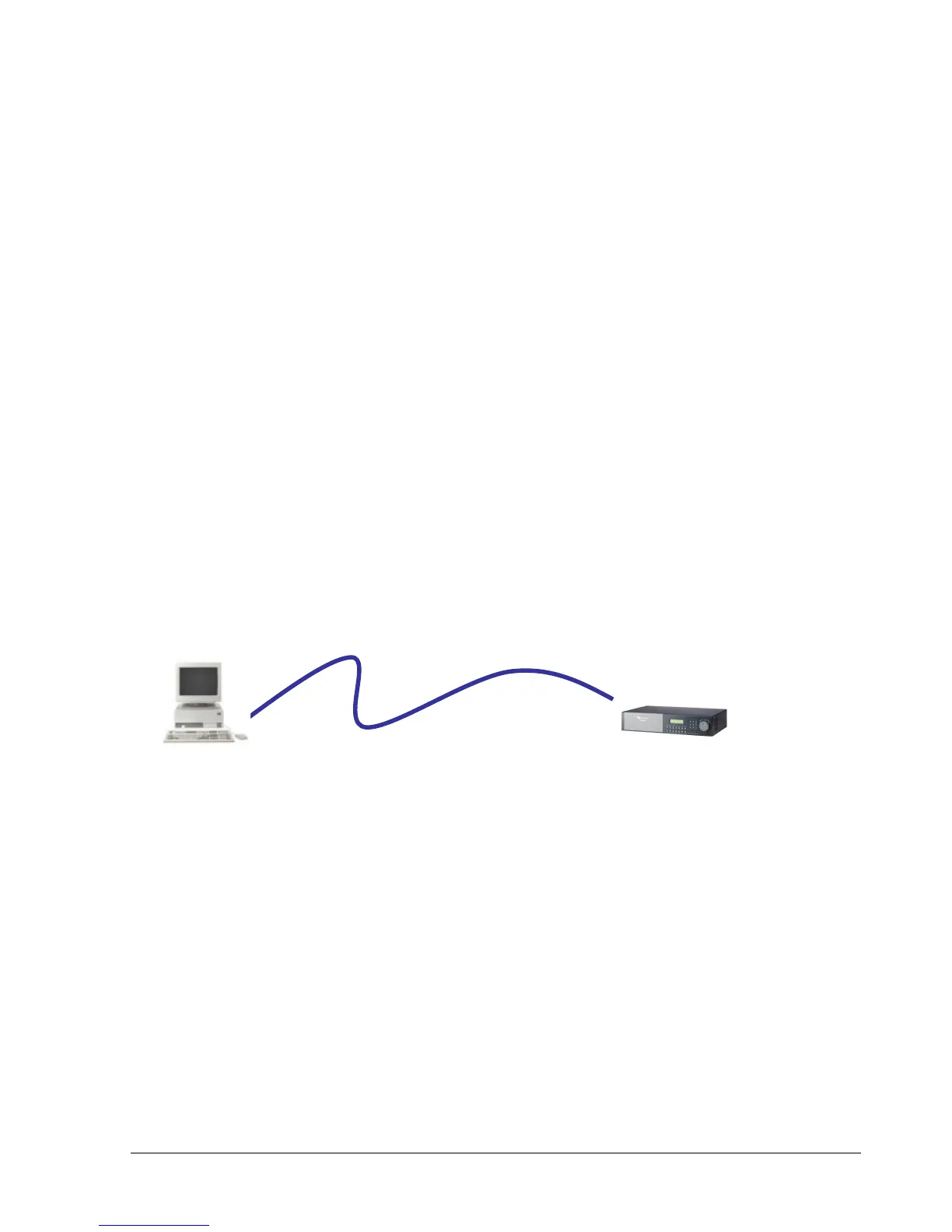
1. Simple One to One Connection: A simple one to one connection is the most simple
network connection. Basically it is a connection between a Computer and Another
Computer or in this case a DVR using a cross-over cable.
2. Direct High Speed Modem Connection: A direct high speed modem connection is a
network connection from the modem directly to a computer or in this case the DVR.
3. Router or LAN Connection – A local area network connection either requires a router or
a pre-existing LAN connection. Typically this type of connection is the most commonly
used application. A router allows multiple computers and DVR’s to access each other as
well as the Internet. It assigns different internal IP addresses to the computers.
10.7 Simple One to One Connection
Crossover Ethernet Cable Pin outs:
The Diagram below shows the pin configurations for a cross over cable.














 To Next Page