53
3.9 Disk Setup Menu
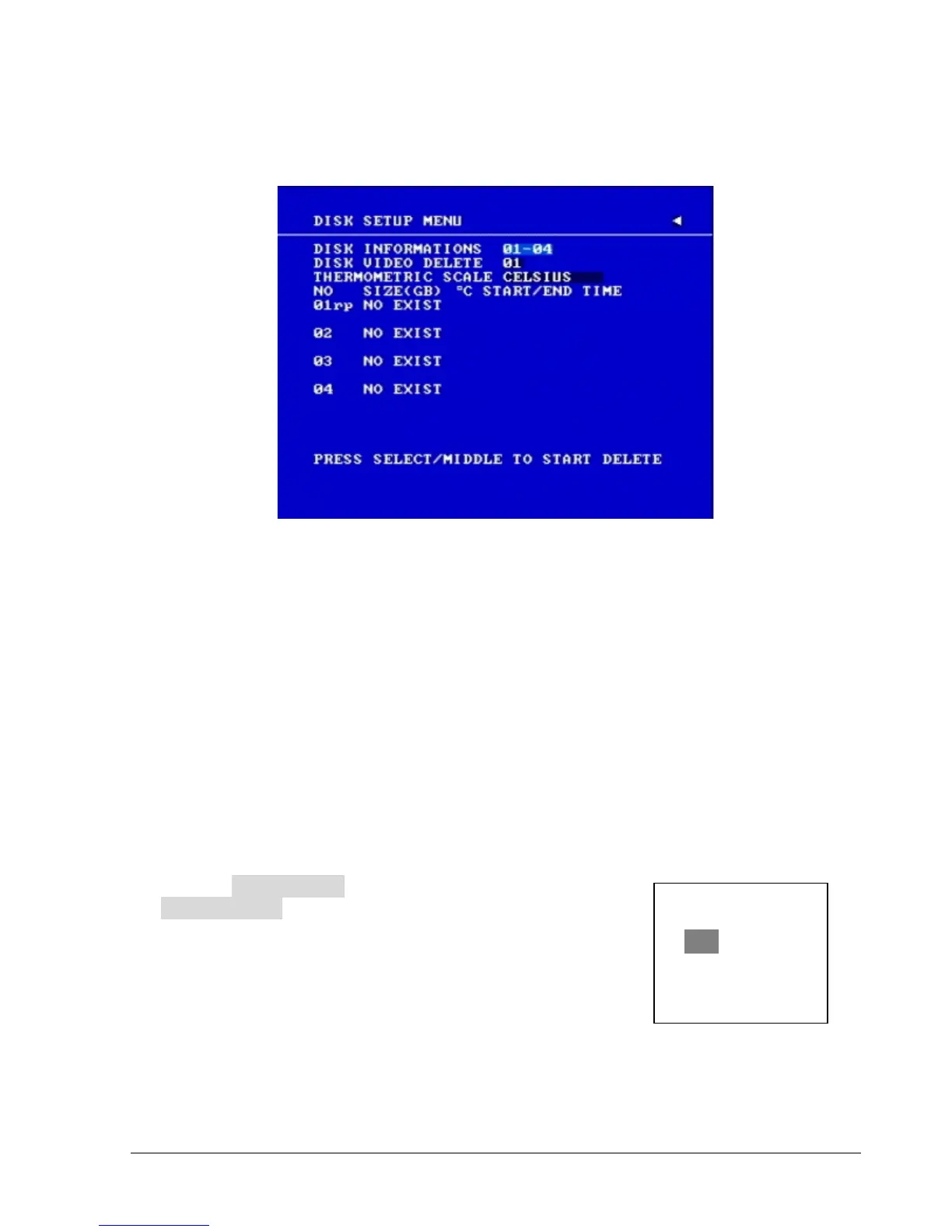
Diagram 3.17
Diagram 3.17 is a screen shot of the DISK SETUP MENU. This menu is for viewing Disk
information and formatting the disks. For initial setup or major setup changes we recommend
formatting the Hard Disk.
In the DISK SETUP MENU the following fields are defined as follows:
1. DISK INFORMATION
Select disk information, it is selectable from 1 up to 50 disks, in intervals of 4. The total number of
hard drives varies by model.
2. DISK VIDEO DELETE
Press SELECT to start delete. A delete disk confirmation window will show up after
pressing SELECT button.
Dial the Jog to move highlighter to YES, and then press SELECT button; a deleting
indicator DELETE…… will show up. An indicator of success
SUCCESS…… will show up when delete is completed.
If you do not want to delete the disk after the delete disk
confirmation window shows up, you can move highlighter to
NO, and then press SELECT to quit.














 To Next Page