49
4. SECONDARY DNS
If your ISP provides you with a secondary DNS address, please set it in here.
NOTE:
Please complete all settings in the PPPoE Setup Menu before changing IP CONFIG to
PPPoE in the CONFIG options. If you make this change before completing PPPoE settings,
then the PPPoE function will not work.
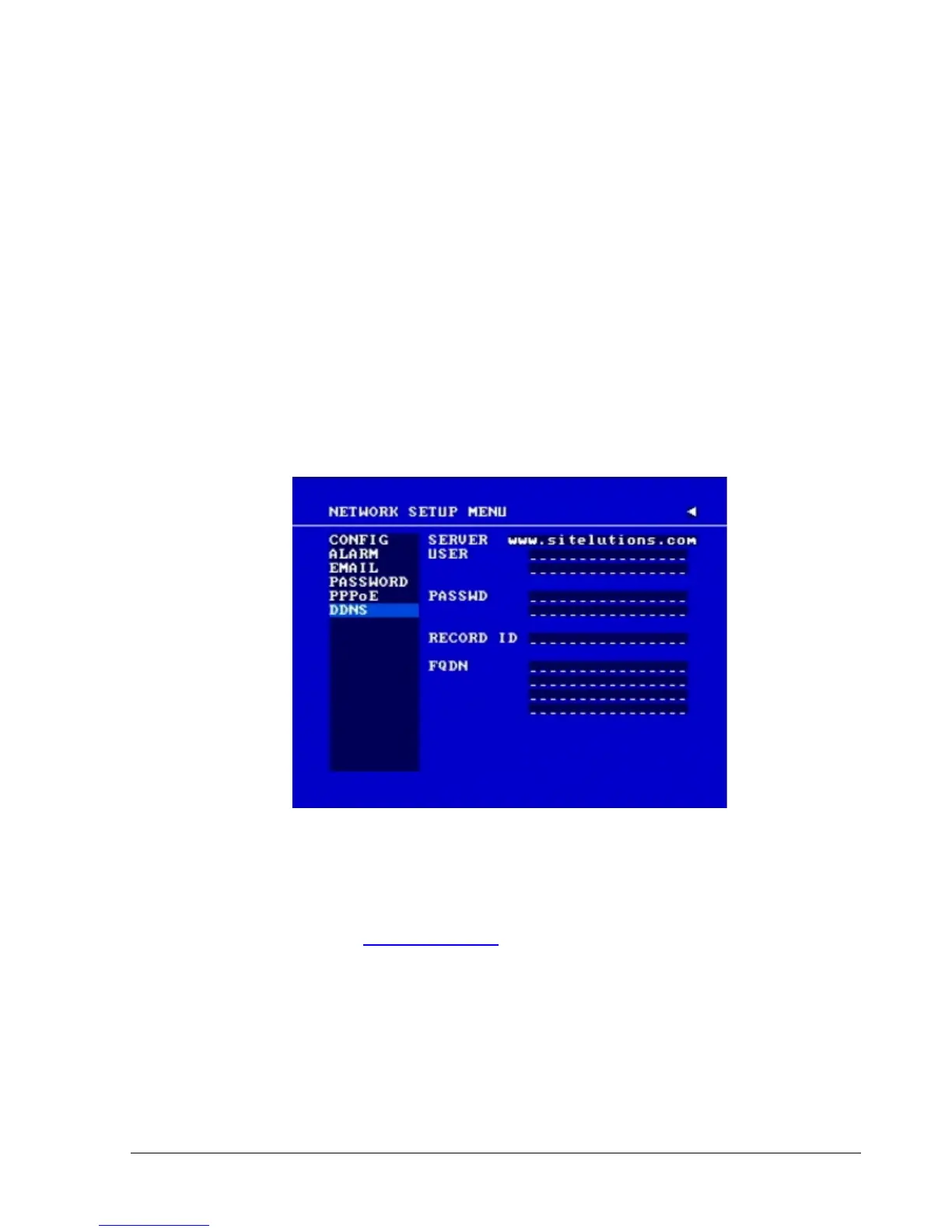
3.7.6 DDNS
In the DDNS of the NETWORK SETUP MENU, we define:
Diagram 3.15
In DDNS of the NETWORK SETUP MENU, we define :
1. SERVER
DDNS provider (example: www.dyndns.com)
2. USER
User name of the account.
3. PASSWD
Password of the account.














 To Next Page