58
5. SEND EMAIL:
YES: Send an email when the fan does not work.
NO: Do not send an email when the fan does not work.
The email settings can be set in the NETWORK SETUP MENU.
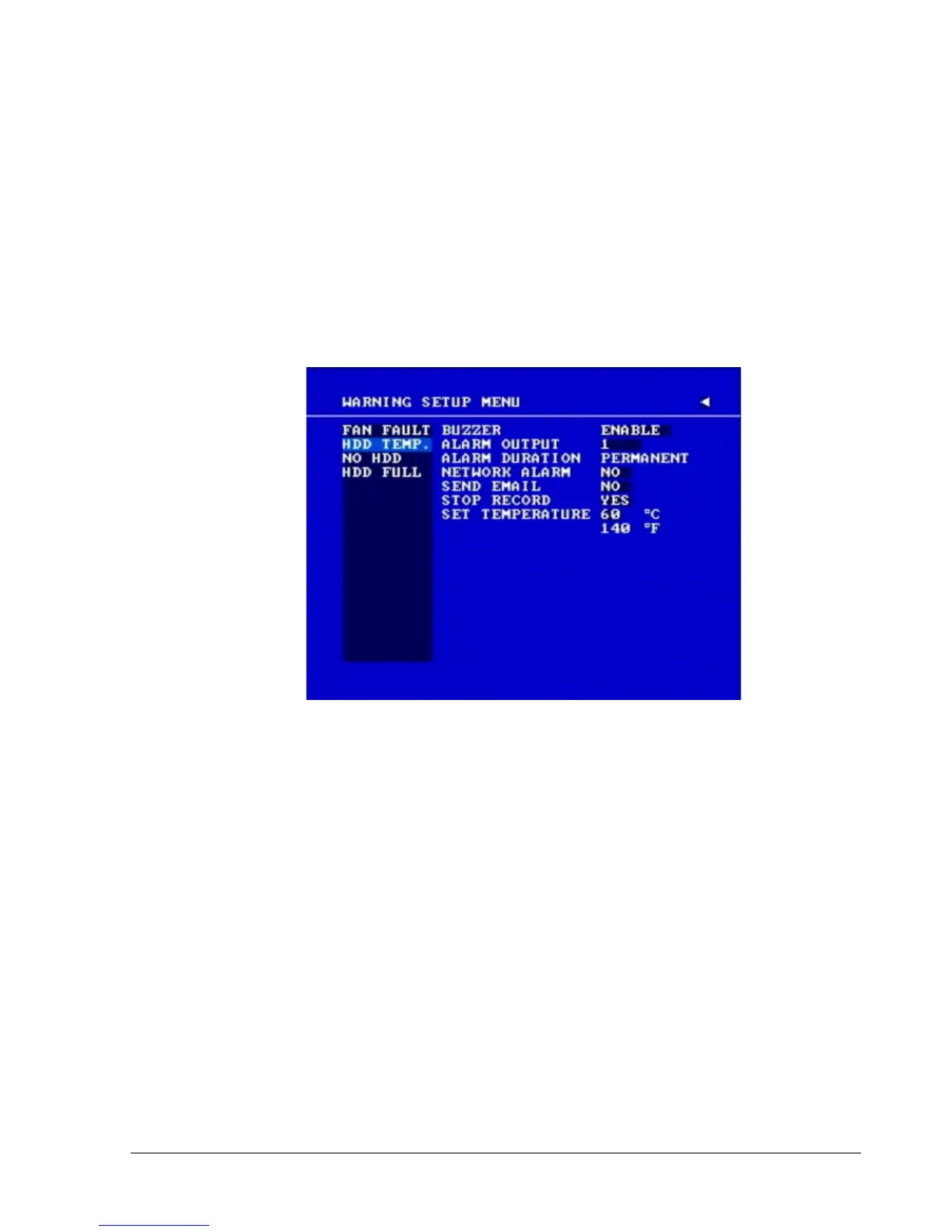
3.11.2HDD TEMP
In HDD TEMP, we define:
Diagram 3.20
In HDD TEMP, we define:
1. BUZZER: HDD TEMPERATURE buzzer.
ENABLE: To enable a buzzer when HDD’s temperature is higher than the temperature set in
“SET TEMPERATURE”.
DISABLE: To disable HDD TEMP Buzzer.
2. ALARM OUTPUT
This will transmit a signal to another device. The setting of alarms are NONE = not activated, 1
= output signal 1 transmits, 2 = output signal 2 transmits, 3 = output signal 3 transmits and
4 = output signal 4 transmits. To change this, simply use the Jog Dial on the DVR.
3. ALARM DURATION
Permanent. This setting cannot be changed.














 To Next Page