118
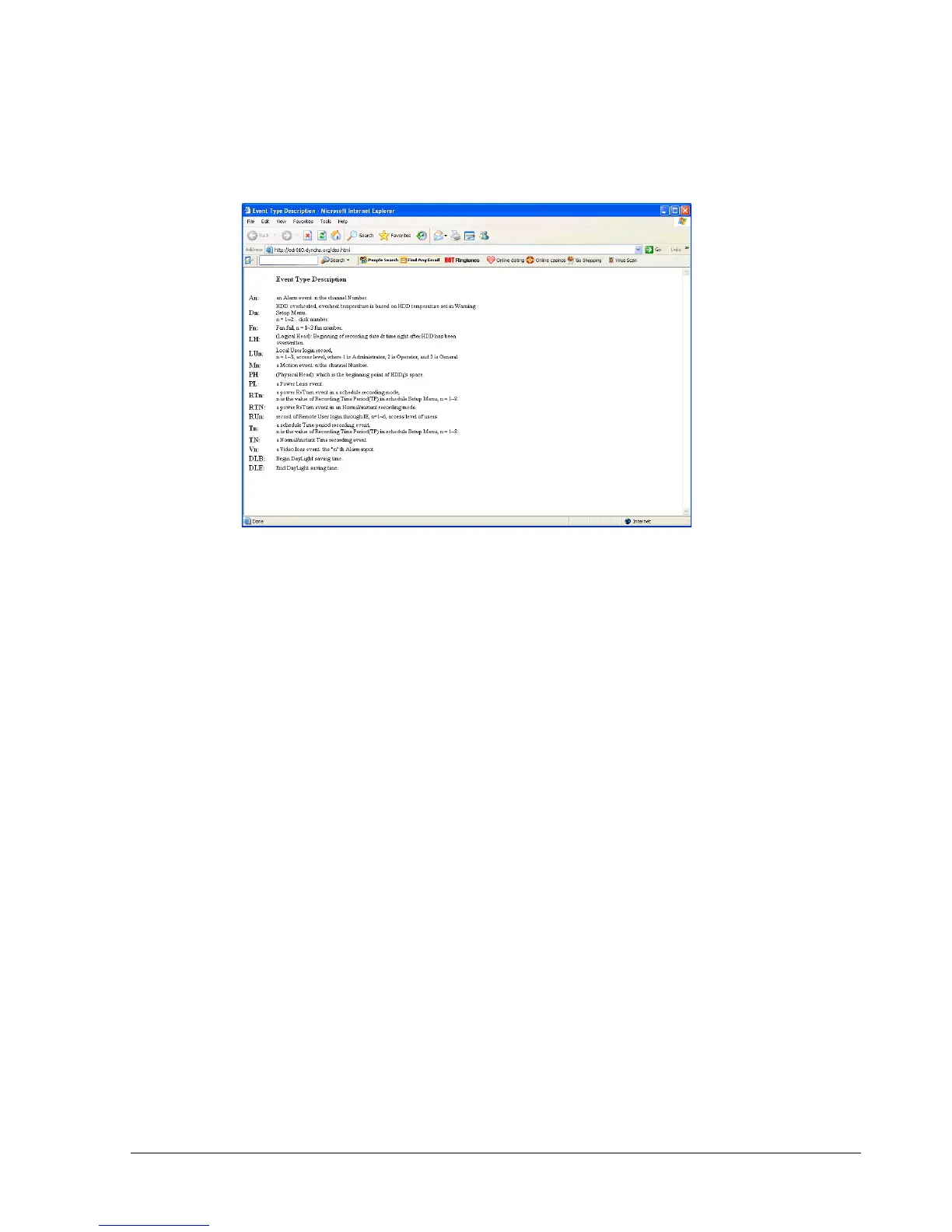
20. Event Description: By clicking on the ○
?
sign, an event description list will show up as
follow:
21. Record: Press the button to remotely activate the DVR’s record function. Press again to stop
recording.
22. Audio: This function allows you to transmit audio from DVR to your PC’s remote site.
Select audio source 1/2/3/4, or “OFF” to disable this function.
23. Audio Broadcast: This function is designed to transmit audio (through a microphone) to
DVR that has speaker device installed. Keep this button pressed whenever you need to do audio
broadcasting. Release this button to stop transmitting audio to DVR.
24. Relay Output: Press the button to trigger relay output.
25. OSD: Press to show OSD information, including camera name, date, time, and event type.
Press again to hide them.














 To Next Page