6
15
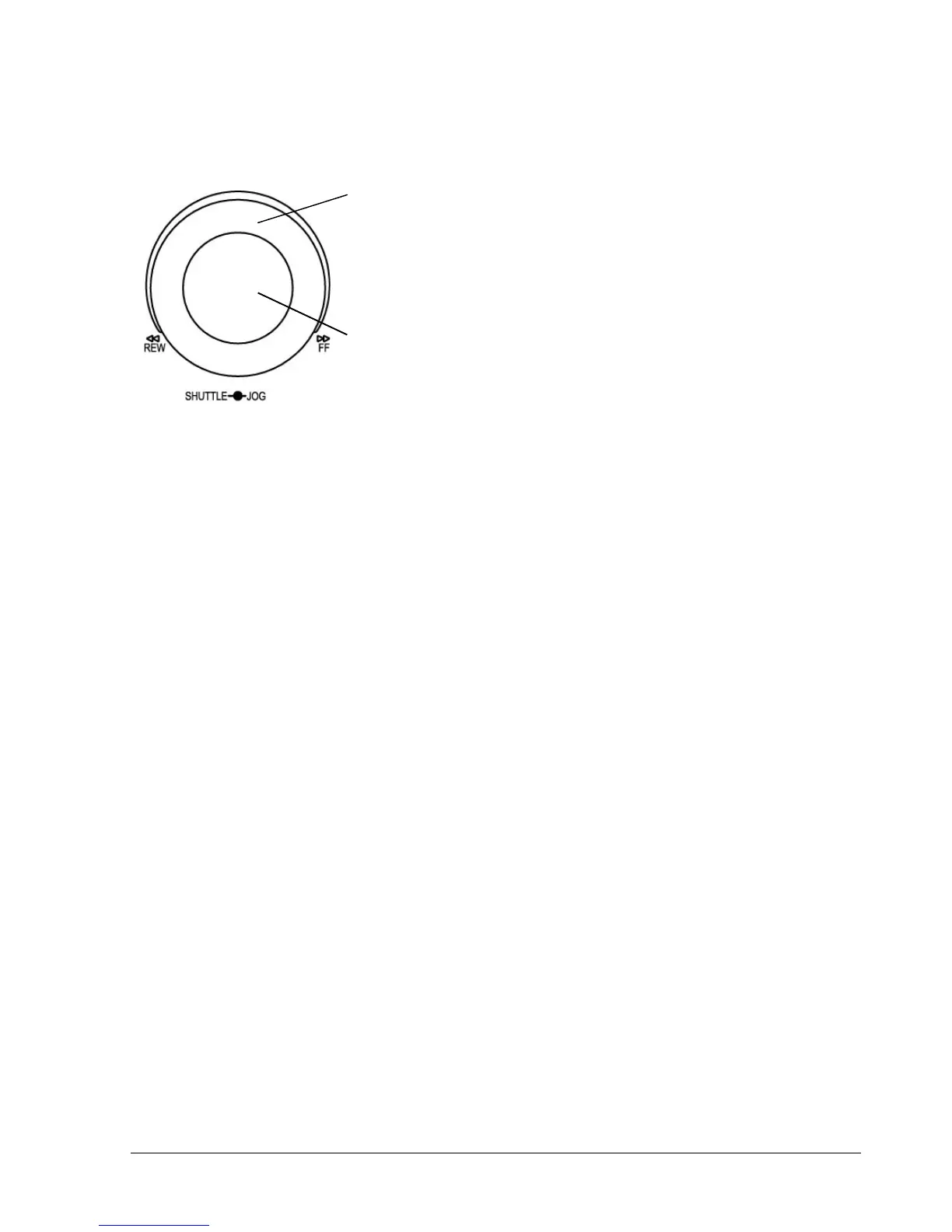
. Shuttle and Jog Dial
Shuttle:
In the Playback mode, turn the Shuttle dial to fast forward/rewind
the video.
In the Pause mode, turn the Shuttle dial to slow forward/rewind
the video.
In the event list, turn the Shuttle to change pages.
Jog Dial:
In the Pause mode, turn the Jog dial to forward/rewind the video
frame by frame. In the Menu mode, turn the Jog dial to change
settings and values in subentries.
16
. System LEDs
LEDs for system active HDD, ALARM and LAN display.
17
. Channel Key (1~16)
Press channel key (CH1~CH16) to display that channel in full screen view.
18
. HDD LOCK
Turn on HDD power and prevent HDD theft.
19
. Hard Disk Tray
Hard Disk holder for HDD.
20
. HDD LED’s
LED’s for HDD active power (GREEN) and data reading/writing (RED).
21
. LCD Panel
To display Date and Time, and other system information.
22
. IR receiver
Receiver for optional infrared remote control.
23. USB slot
USB port allows you to archive video files to USB device.














 To Next Page