EasyManua.ls Logo

EverFocus EDR1640 - Page 40

EverFocus EDR1640
162 pages
Print Icon
To Next Page IconTo Next Page
To Previous Page IconTo Previous Page
Loading...
30
4. SEQ (MAIN/CALL): Set the dwell time for sequences on the Main or Call Monitors. To
change this, simply use the Jog Dial on the DVR.
5. REC QUALITY: Select an image quality for recording. There are six different qualities
available. A higher image quality uses more HDD space. To change this, simply use the Jog
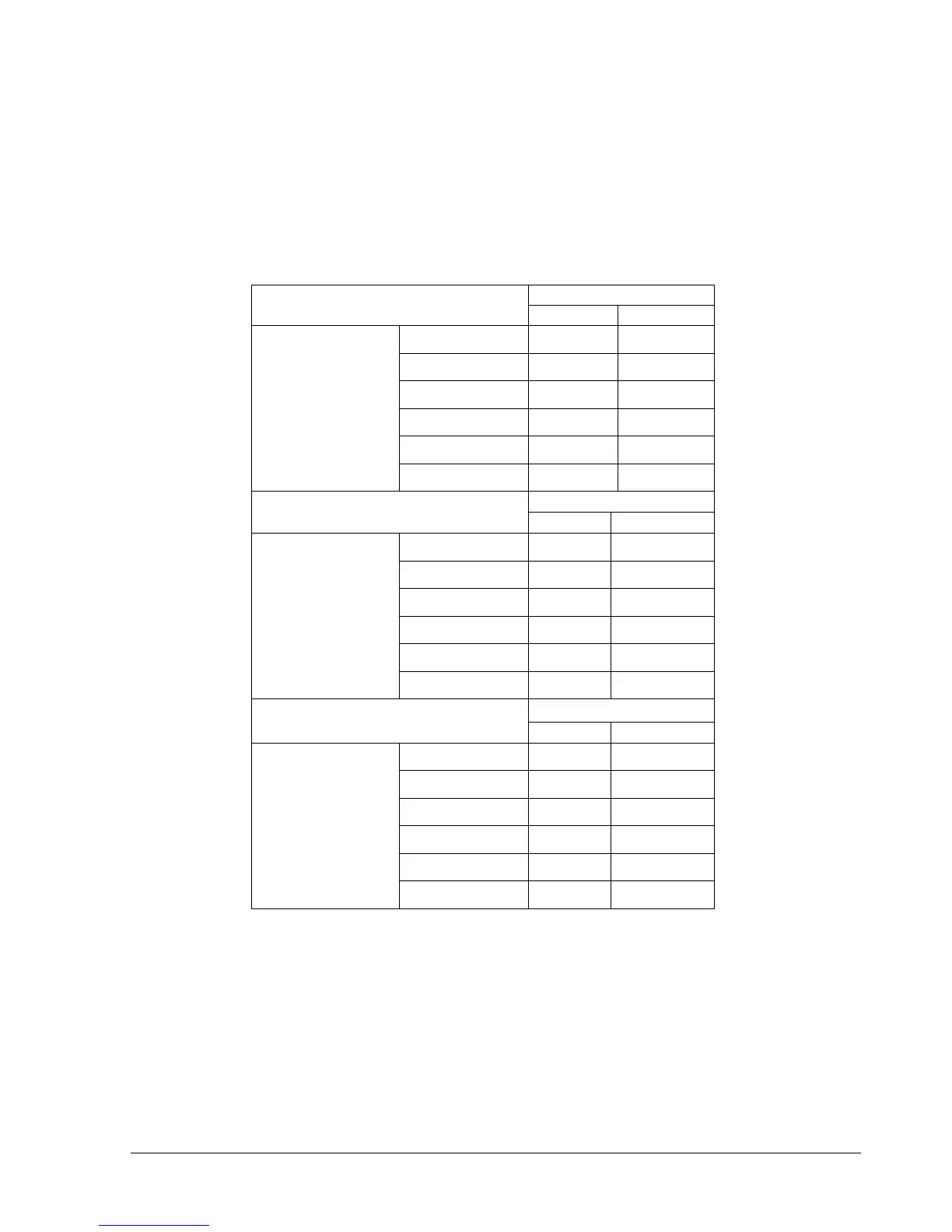
Dial on the DVR. The estimated space needed per second lists below:
720x480
Video Source
Simple:
Complex:
LOWER:
8.04KB
12.33KB
LOW:
8.42KB
13.7KB
BASIC:
10.15KB
16.72KB
STANDARD:
11.86KB
19.56KB
HIGH:
14.72KB
24.63KB
Average size
per image
SUPERIOR:
18.60KB
30.05KB
720x240
Video Source
Simple:
Complex:
LOWER:
3.53KB
7.82KB
LOW:
3.87KB
8.36KB
BASIC:
4.21KB
8.9KB
STANDARD:
4.92KB
9.54KB
HIGH:
5.62KB
10.17KB
Average size
per image
SUPERIOR:
6.41KB
12.89KB
360x240
Video Source
Simple:
Complex:
LOWER:
1.76KB
4.56KB
LOW:
1.87KB
4.87KB
BASIC:
1.97KB
5.46KB
STANDARD:
2.38KB
6.51KB
HIGH:
2.67KB
7.08KB
Average size
per image
SUPERIOR:
3.63KB
9.02KB
Note: Since the compression ratio of MPEG4 depends on the variation and complexity of the
recorded video, the table above is for your reference only.


Table of Contents

Related product manuals