68
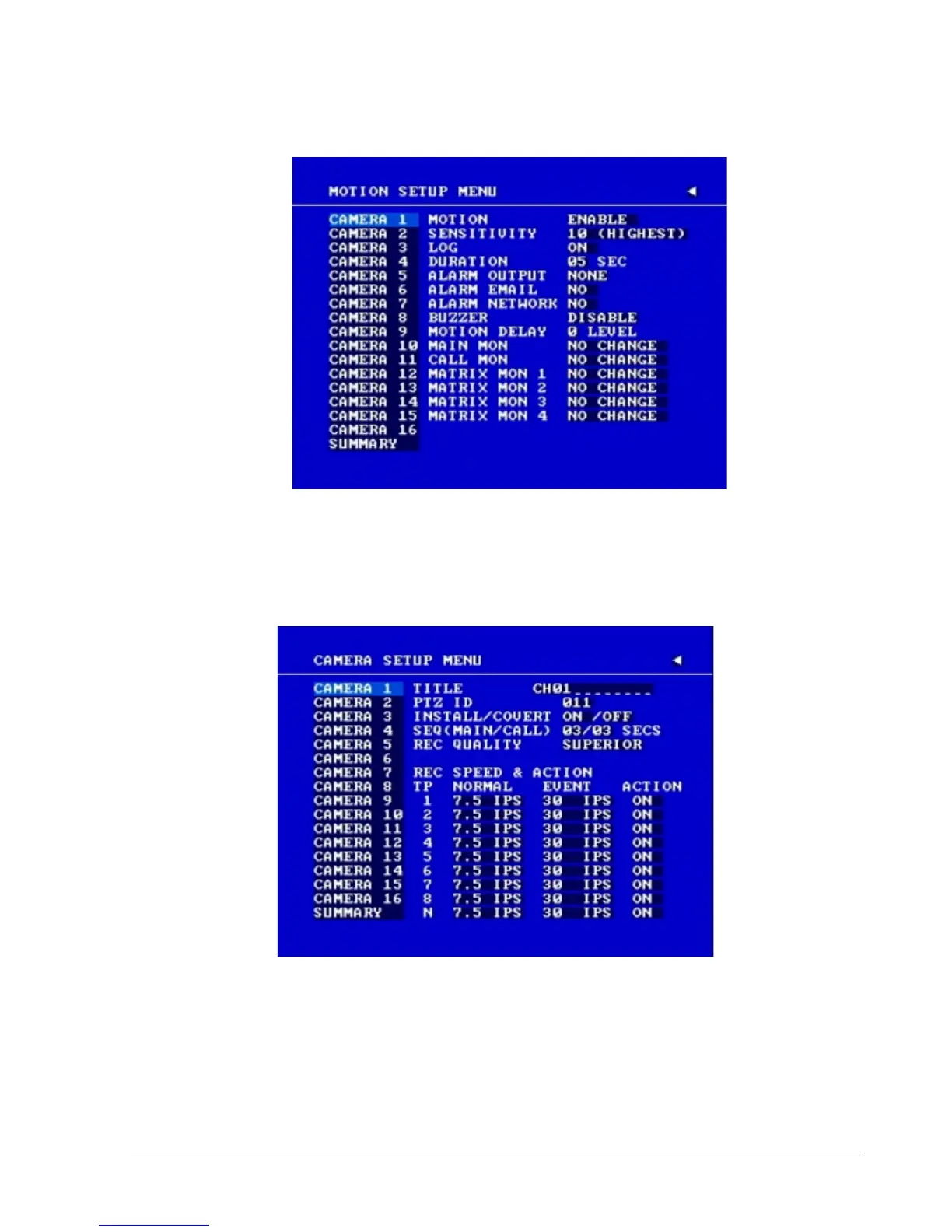
Diagram 4.2
2. When the event is set, enter the CAMERA SETUP MENU to set the event recording speed (IPS)
of the camera in the time period (TP) section.
Diagram 4.3
3. Once the event and record and speed are set, you need to activate Instant Recording or set a time
period (TP) in the SCHEDULE SETUP MENU. You can refer to the SCHEDULE SETUP
MENU for time period configurations (Chapter 3.8).














 To Next Page