TR-4800E
Tally Router
Revision 1.1 Page - 7
3.3 SERIAL PORTS
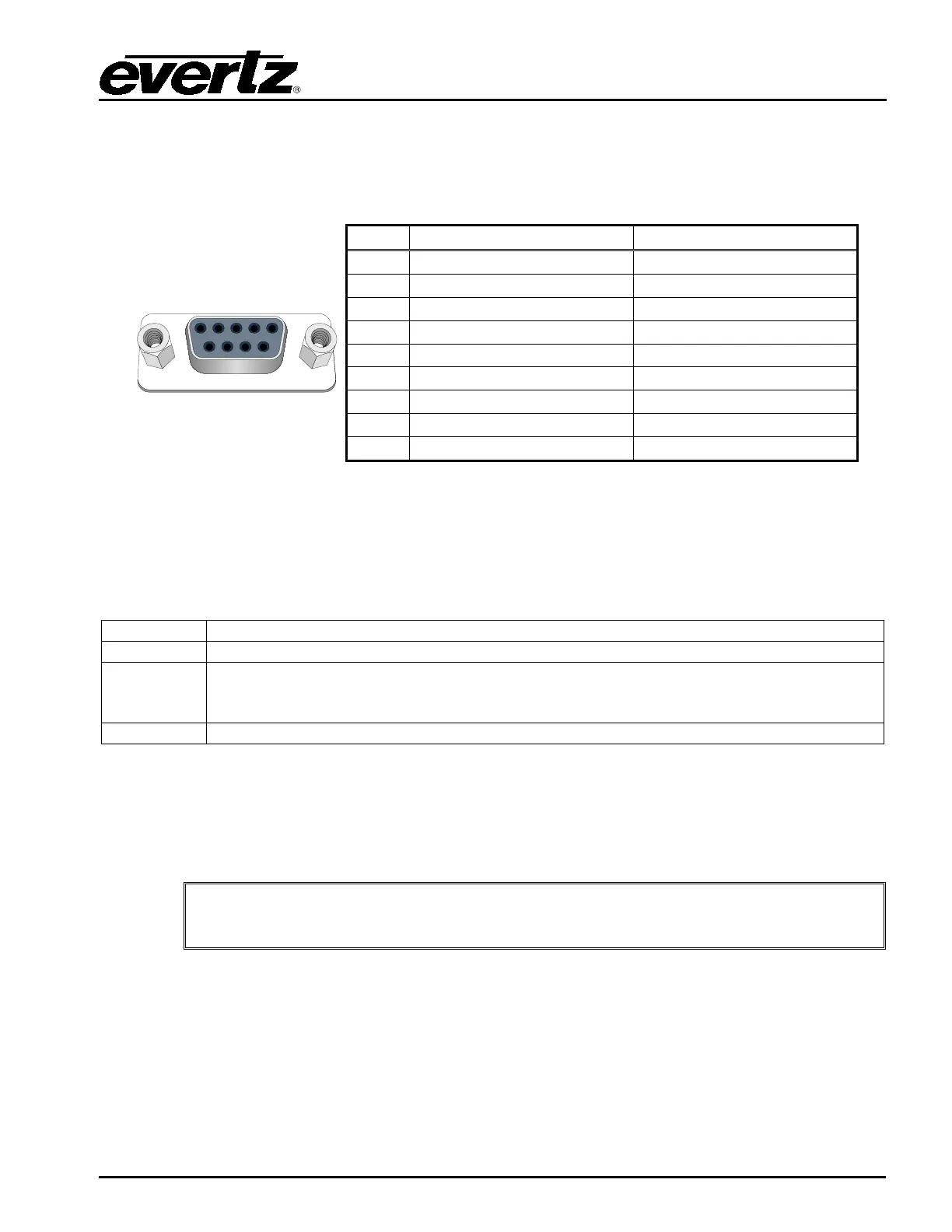
There are two serial ports available on the rear on the tally router as Female 9-pin D-Sub connectors.
Both ports default to RS-232 mode but are also configurable as RS-422.
Serial 1 and Serial 2
Table 2-2: Serial Port Pin Definitions
The Serial1 port is used for configuration, debug, and for upgrading the firmware on the unit. When the
unit has finished booting, a “CLI>” prompt will be displayed. It is not recommended to play around with
the command line interface unless under direction of Evertz customer support. The following
commands may be used to configure, upgrade, or find information about the unit:
Will display hardware and software version of the tally router
Used to configure the TCP/IP settings for the Ethernet port. Enter on one line:
ifconfig 0 inet [IP] netmask [SUBNETMASK] broadcast [BROADCAST]
gateway [GATEWAY]
Will reboot the unit (in order to perform a software upgrade)
Table 2-3: Command Line Interface Commands
The Serial2 port is used for optional Quartz protocol control. Please see section 5.1 for a discussion on
how the Quartz protocol is used in the context of the tally router. Refer to Evertz application note AN65
for more information about the Quartz protocol.
Both serial ports default to 115200 BAUD, 8 data bits, no parity, and 1 stop bit.



 To Next Page