TR-4800E
Tally Router
Revision 1.1 Page - 29
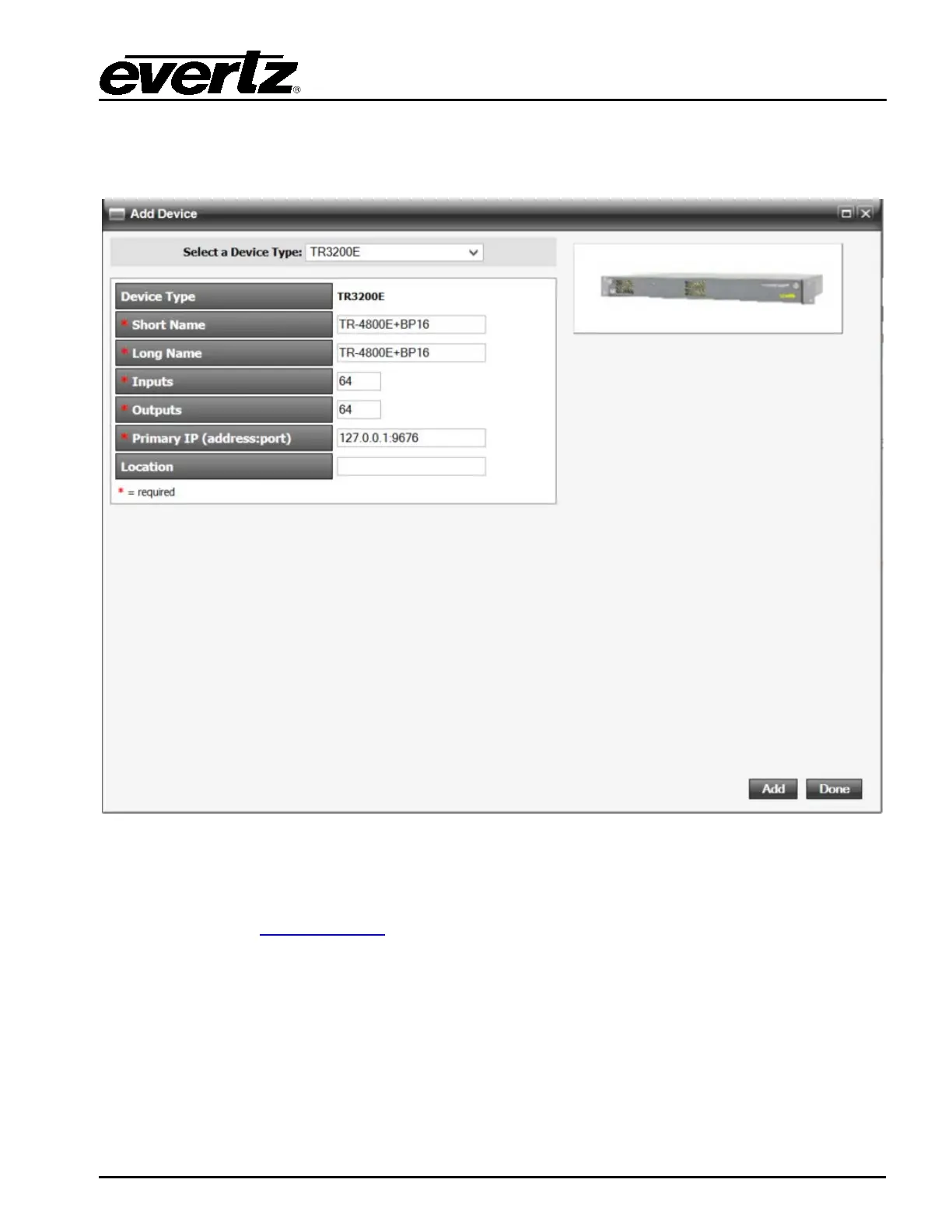
5.2.2 Adding the Tally Router to MAGNUM
Add new Tally router device, use port 9676
5.3 UPGRADING THE FIRMWARE
The firmware in the TR-4800E is stored in a FLASH EEPROM. From time to time firmware updates will
be provided to add additional features to the unit. Check the Evertz web site for information on
firmware releases (
www.evertz.com). The firmware is updated through the Ethernet port using
VistaLINK® Pro. It can also be updated through the serial port.
5.3.1 Performing a Firmware Upgrade with VistaLINK® Pro
The upgrade is performed through the version information dialog (see section 3.2.1). Access this
dialog in the VistaLINK® Pro client by going to the Tools menu, Products..., and selecting Version
Information. Select the “Active” filter and click on the TR4800E. There is an “Upgrade” checkbox that
should be checked for every unit that is being upgraded. Finally click the “Upgrade” button in the
bottom-right corner.



 To Next Page