Quantum Series Videowall Processing Systems • Installation and Maintenance 42
Output Channels
The two output channels on each card can be used to drive separate displays or
individual screen elements within a larger tiled display.
In a tiled display, each output card channel pair can be configured to output any region of
the overall display.
Output Channel Identification
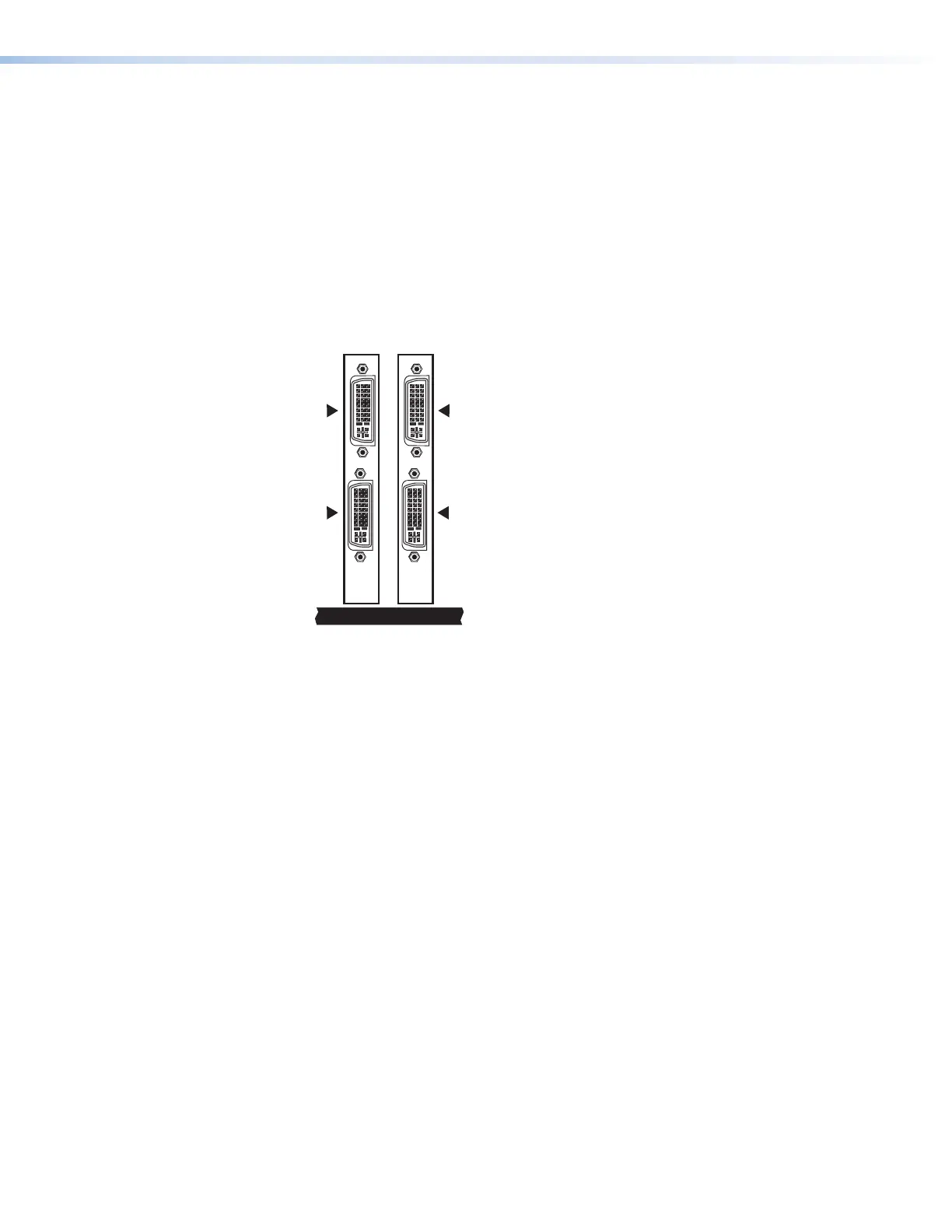
The control software identifies each output channel by the slot number in which the output
card is installed and by the card channel number (1 or 2).
For example, if two output cards are installed in slots 7 and 8, the output channels are
identified as 7.1, 7.2, 8.1, and 8.2 (see the DVI example in figure 28).
78
Ch 7.1
Ch 7.2
OUT OUT
Figure 31. DVI Channel Identification Example
Output Channel Mapping
When connecting multi-screen displays, consider the order in which screens are
connected to the various output channels.
You can use the Quantum Control Software to map any output card to any location
on the target display (see the Quantum Control Software User Guide, available at
www.extron.com, for details and procedures for mapping). There are three ways to
use the output channels of each card and the method you choose determines how you
connect each screen.
• Dual channel horizontal — The channels drive two screens placed side by side.
• Dual channel vertical — The channels drive two screens placed one above the
other.
• Single channel — Only channel 1 is used, and channel 2 is not connected. Use this
method when the maximum number of windows need to be displayed on a single
screen, or if there is an odd number of screens in the array.
Choose the method (or combination of methods) that best suits the layout of the display.



 To Next Page