BEISSBARTH MT 870 / MT 880
3-6
py
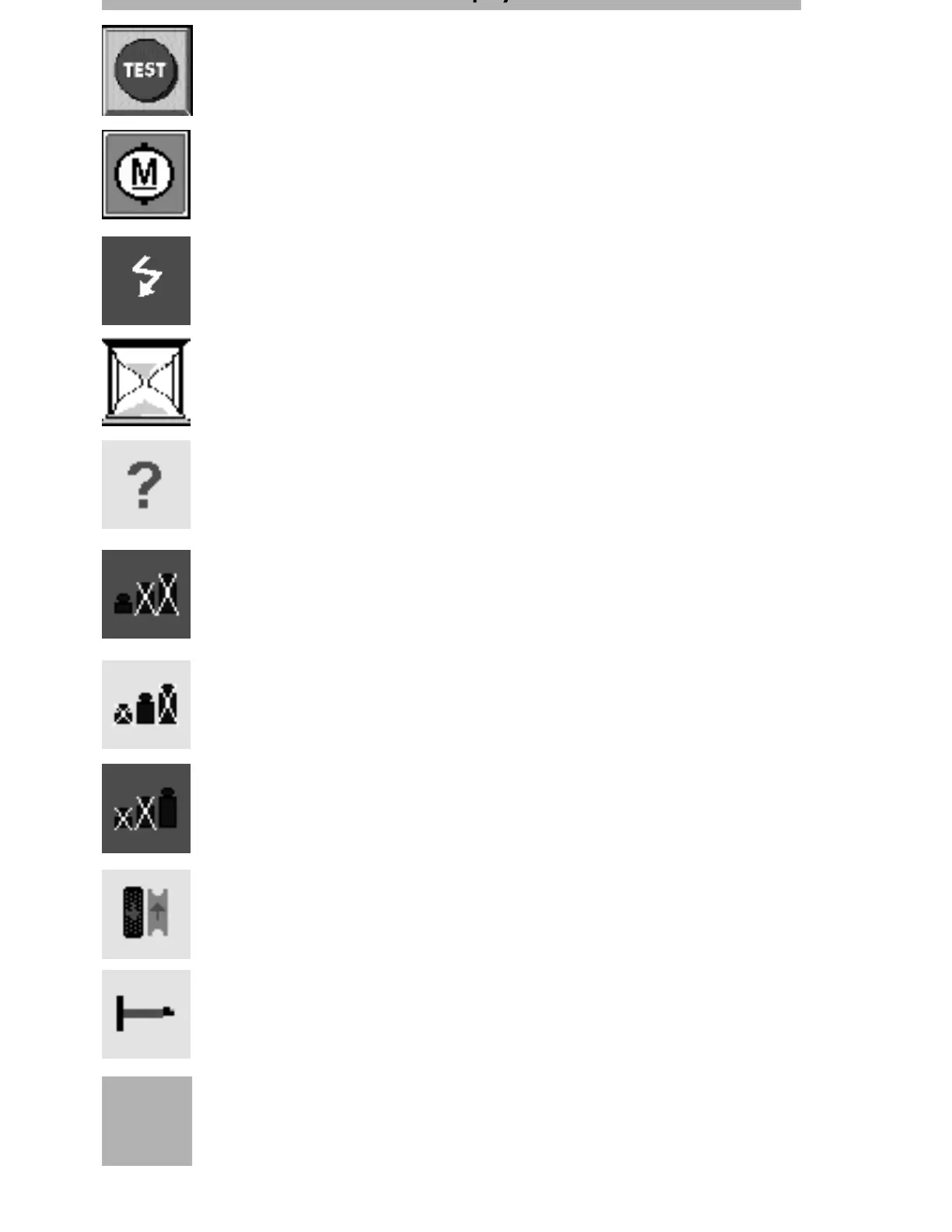
Motor running
This symbol remains on display in the status line (top right) whenever the
motor is running.
Error
blinks if an error occurs.
Please wait
While the machine is being started up, an egg-timer symbol is seen at the top
right of the screen.
Help mode
blinks when help mode activated.
Suppression stage (green)
This symbol is shown when a suppression value of 0 gram/ounces has been
selected.
Suppression stage (yellow)
This symbol is shown when a suppression value of 5 grams/25 ounces has
been selected.
Suppression stage (red)
This symbol is shown when a suppression value of 10 grams/50 ounces has
been selected.
Match mode
This symbol is shown during the matching routine.
Measuring mode
During the measurement, the position/measuring arm(rim width sensor sym-
bol is shown.
Test
When turning on the main switch, press the test screen button.
The wheel turns slowly (app. 1 sec) and checks all functions.
The start picture then appears on the screen.
10:04
Time display
Permanent display of time in the top left corner of the screen.



 To Next Page