Mt 880/870/En/Rev. 002/05/98 * 901.882.002
BEISSBARTH MT 870 / MT 880
6-1
WHEEL DATA INPUT
1.) Input with position measuring arm and rim width sensor
Note:
There are three different methods of wheel data input:
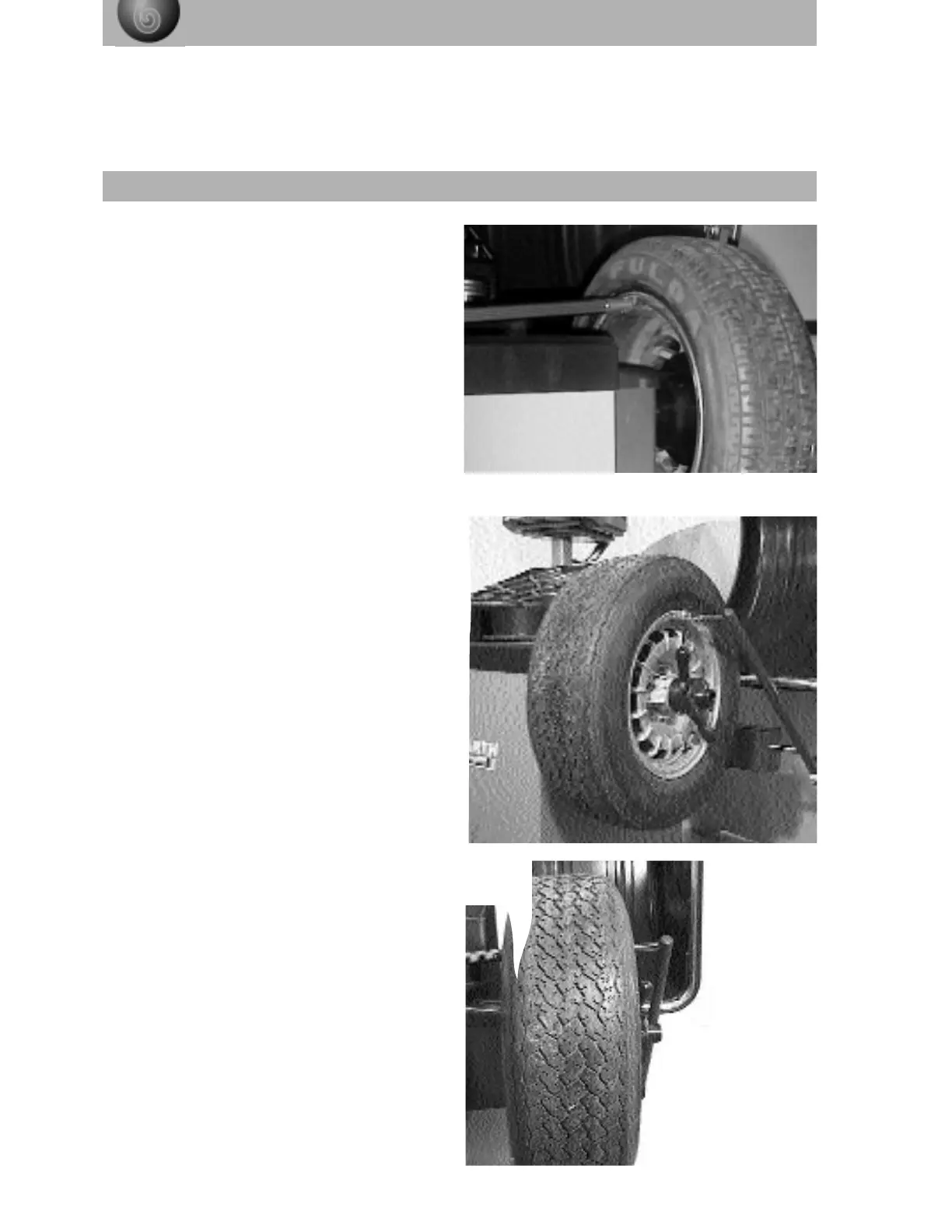
Carefully push the positioning measuring arm
away from the zero position against the inner
wheel rim shoulder, and wait until the measuring
symbol disappears from the wheel rim data
adjusting diagram and the rim distance and
wheel diameter are displayed.
Carefully move the rim width sensor away from
its zero position and push it against the outer rim
shoulder. Wait until the measuring symbol dis-
appears and the rim width is displayed in the rim
data adjusting diagram.
The wheel balancing computer will then have
memorised all three wheel values needed for
balancing.
Important:
On the Mt 870 there is no rim-width sensor. The
rim width must be input to the computer
manually according to version 3 with the aid of
the Action-Center
To speed up the measuring procedure, both
measuring sensors can be moved against the
wheel at the same time.



 To Next Page