Mt 880/870/En/Rev. 002/05/98 * 901.882.002
BEISSBARTH MT 870 / MT 880
7-3
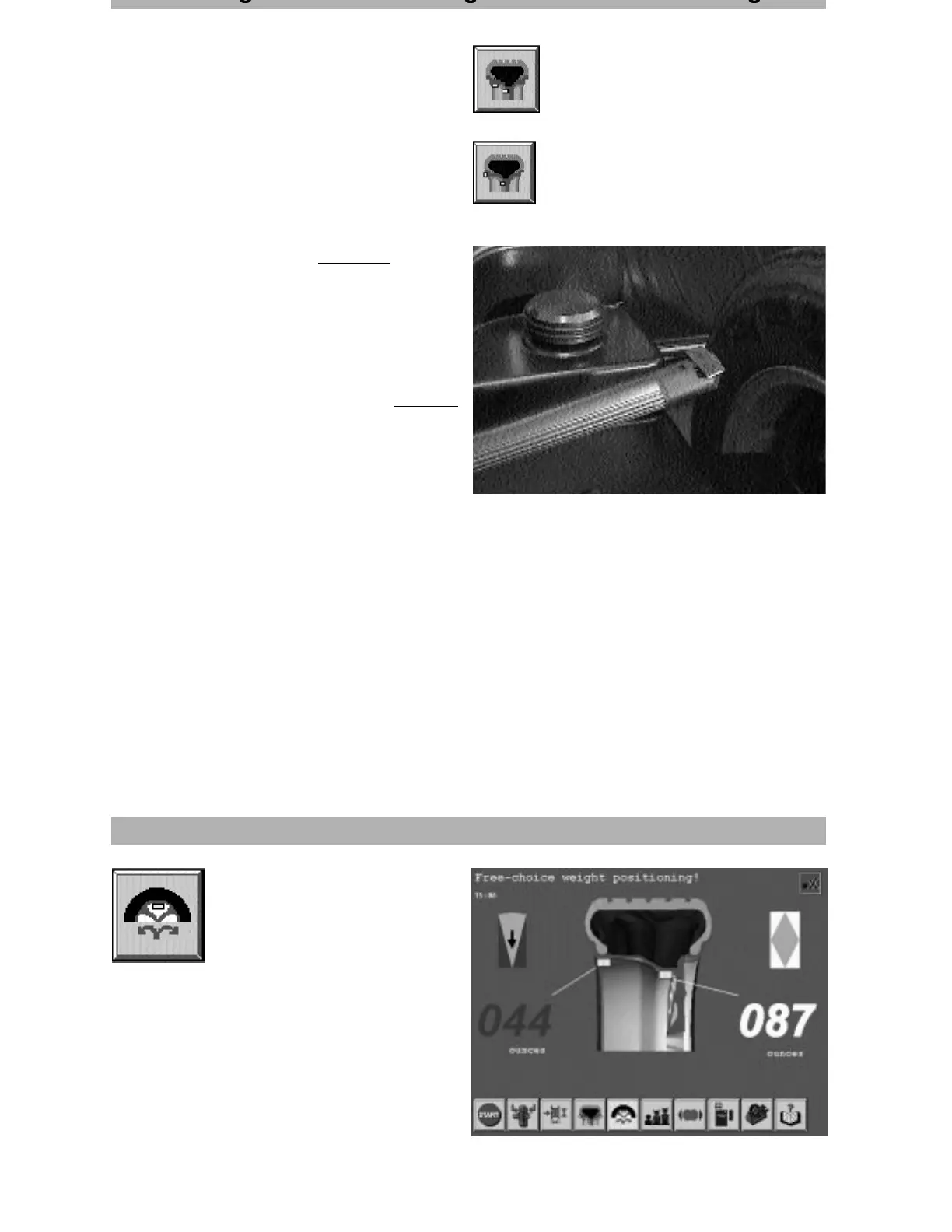
If the balancing method for concealed adhesive
weights was activated during balancing, proceed
as follows when attaching the adhesive weights:
- Insert the correct adhesive weight in the holder
on the end of the position-measuring arm.
- Pull the position measuring arm fully out
horizontally (= memorised position for concealed
adhesive weight)
- then raise it in this position and press the
adhesive weight against the wheel rim.
(To make sure that the weight has been
attached reliably, press it with your hand.)
Reset position-measuring arm to start position.
- Press Action-Center :
the wheel automatically turns into the inner
plane position . Attach the required adhesive
weight to the rim, similar to the concealed
adhesive weight or attach inner drive - on
weight at 12 o’clock position.
gg g
inside adhesive weight
and concealed adhesive
weight
inside drive- on weight
and concealed adhesive
weight
Balancing method with free weight positioning
After the balancing process, mark
with the Action-Center the screen
key for free weight positioning.



 To Next Page