Mt 880/870/En/Rev. 002/05/98 * 901.882.002
BEISSBARTH MT 870 / MT 880
8-1
SYSTEM SETTINGS
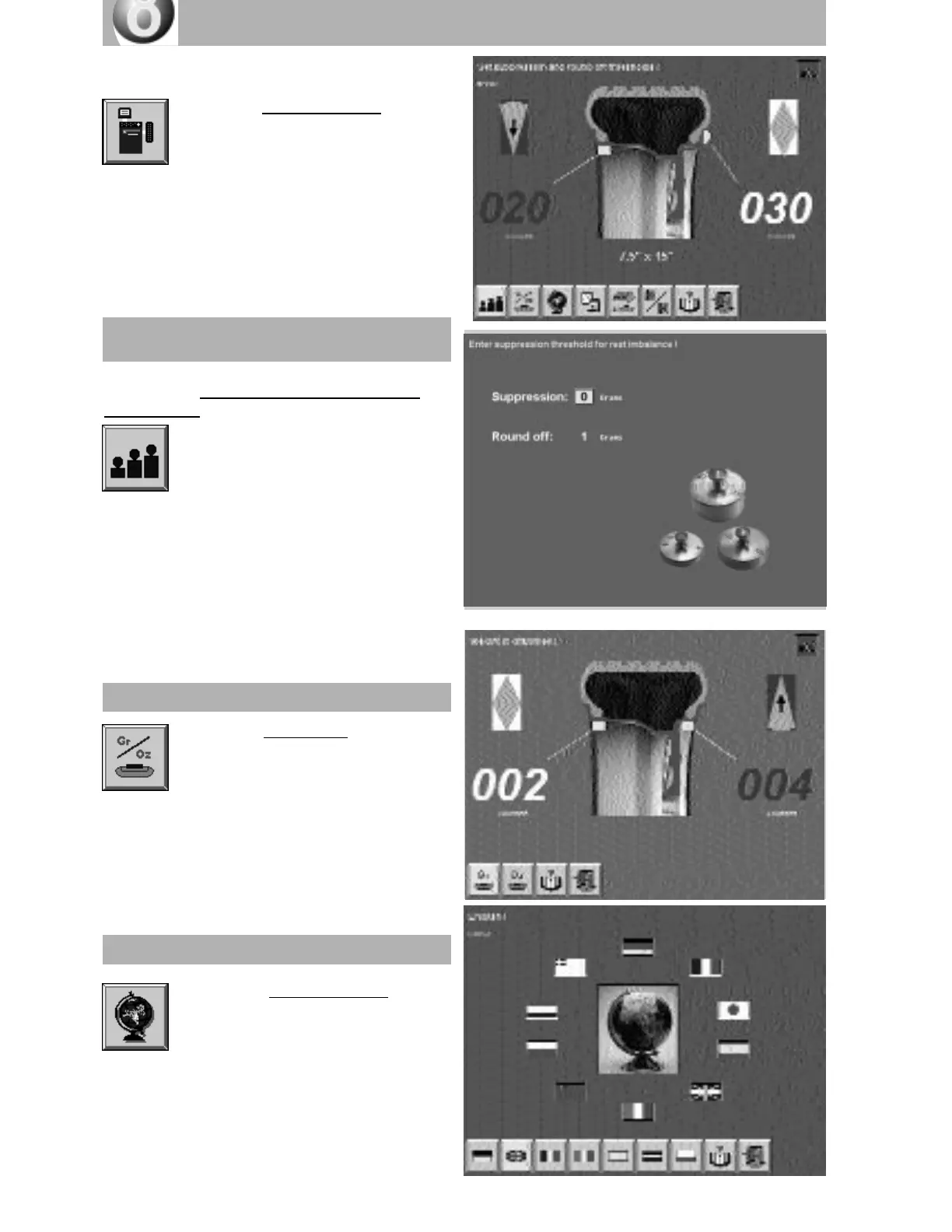
Activate the “System settings” screen
button by pressing the Action Center.
The screen page with the available
settings will appear, with a menu strip.
Activate the “Weight unit” screen button
by pressing the Action Center.
Activate the desired unit of weight by turning
and then pressing the Action Center.
Weight unit
Activate the “Weight display suppression and
rounding-off” screen button by pressing the
Action Center.
Input the desired weight suppression
value (0/5/10 grams or 0/25/50
ounces) by turning the Action Center and then
pressing it to confirm the input.
Next, activate the rounding-off input (1/5
grams or 0/25 ounces) by a similar procedure
to that just described.
Weight display suppression and
rounding-off
Activate the “Select language” screen
button by pressing the Action Center.
Select the local language or the one
you wish to use by turning and pressing the
Action Center.
Selecting language



 To Next Page