Mt 880/870/En/Rev. 002/05/98 * 901.882.002
BEISSBARTH MT 870 / MT 880
9-3
Service diagnosis
The “Service diagnosis” area is only
accessible to technicians authorised by
the Beissbarth company.
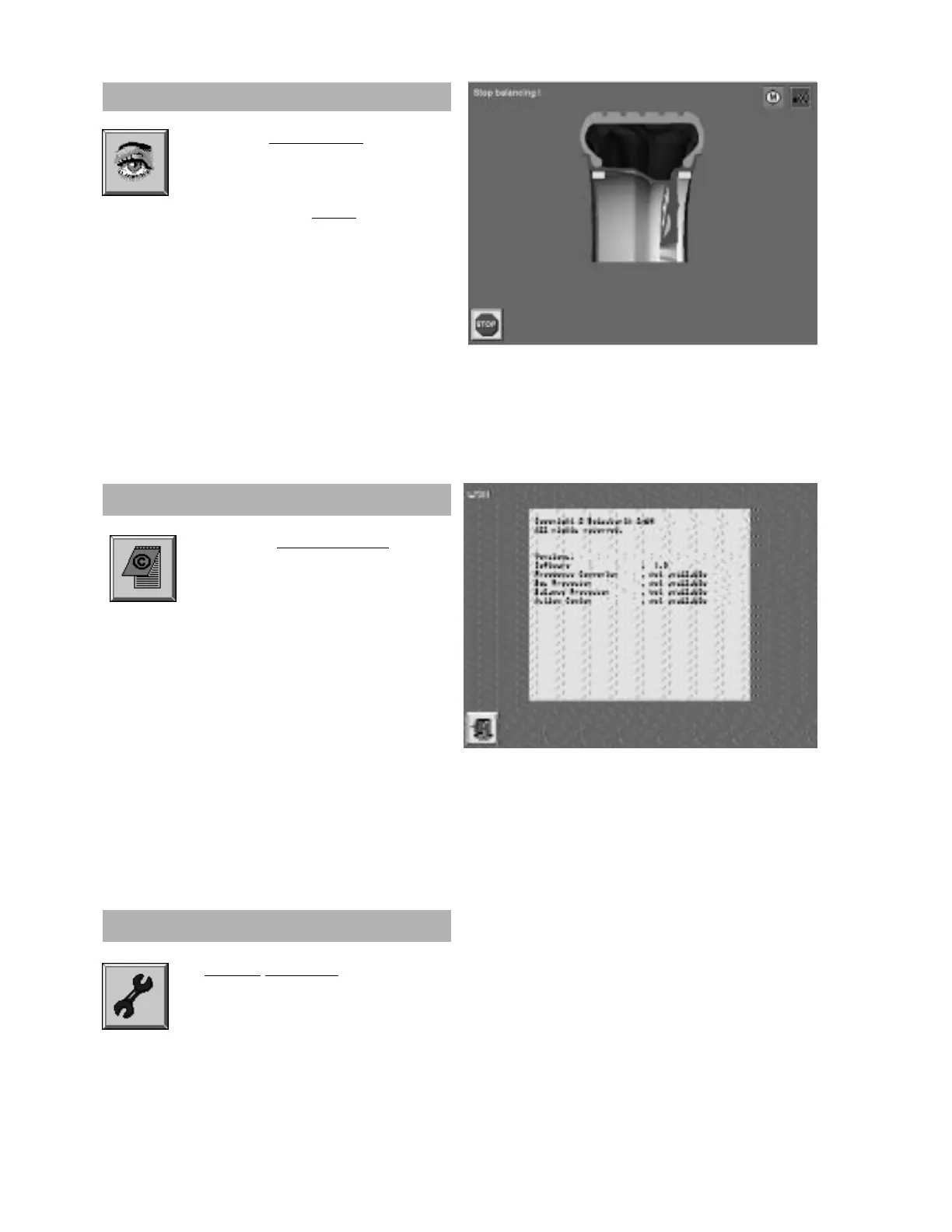
Activate the “Version display” screen
button by pressing the Action Center.
The display shows the manufacturer’s copy-
right, the versions in use, the software status
and various equipment modules.
Version display
Activate the “Visual check” screen
button by pressing the Action Center.
The wheel will be turned slowly, and
held automatically when the “Stop
” button is
pressed.
Visual check



 To Next Page