BEISSBARTH MT 870 / MT 880
8-2
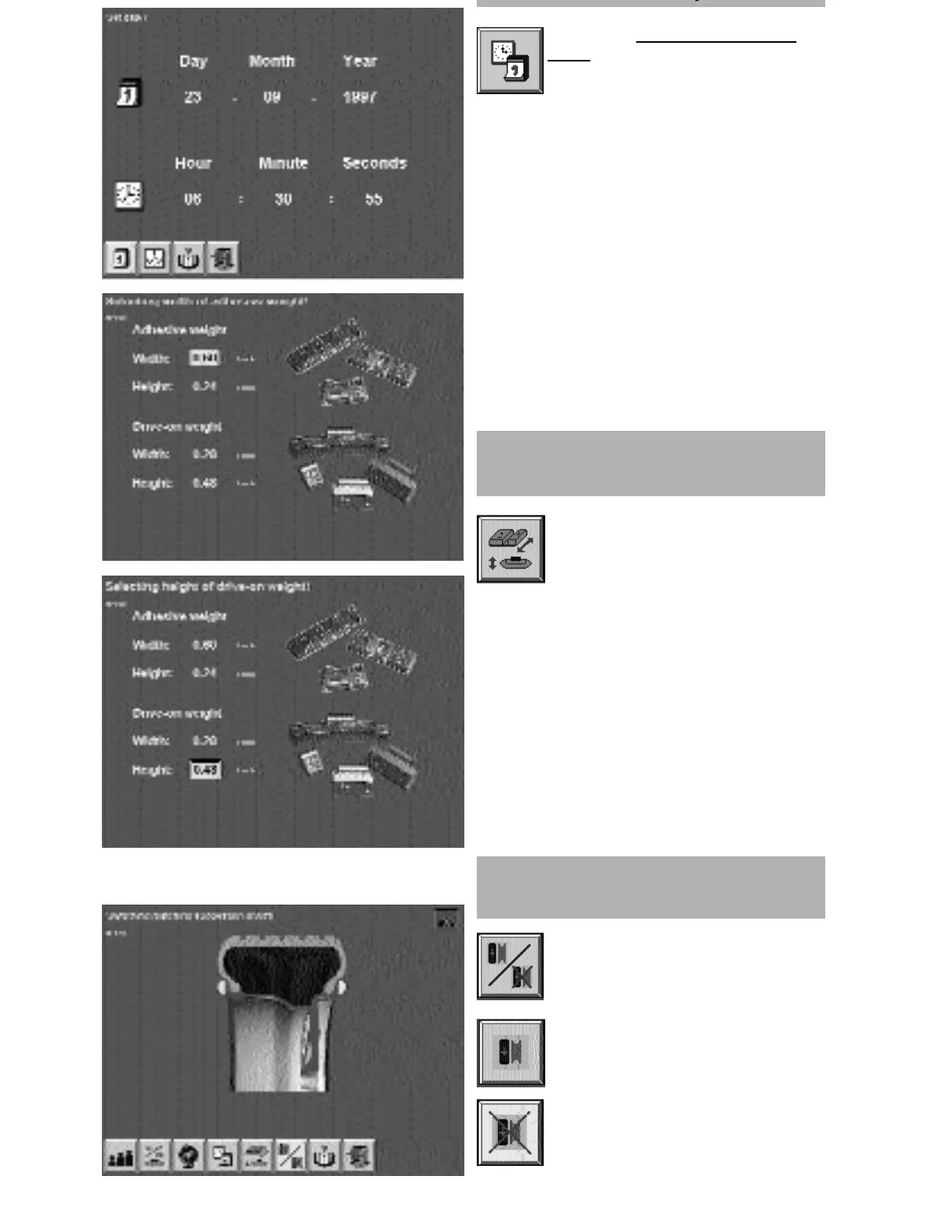
Activate the “Date and time adjust-
ment” screen button by pressing the
Action Center.
Activate the date display button. Selecting the
correct day/month/year by turning the Action
Center to the correct position and then pressing
it. Adjust the time display in a similar way.
j
Switching matching suggestion
on/off
Selecting dimensions of adhesive
and drive-on weights
Input width and height of the adhesive
or drag-in weights used to the
computer.
(manufacturer-specific)
on
off



 To Next Page