Mt 880/870/En/Rev. 002/05/98 * 901.882.002
BEISSBARTH MT 870 / MT 880
5-1
CHOICE OF BALANCING METHOD
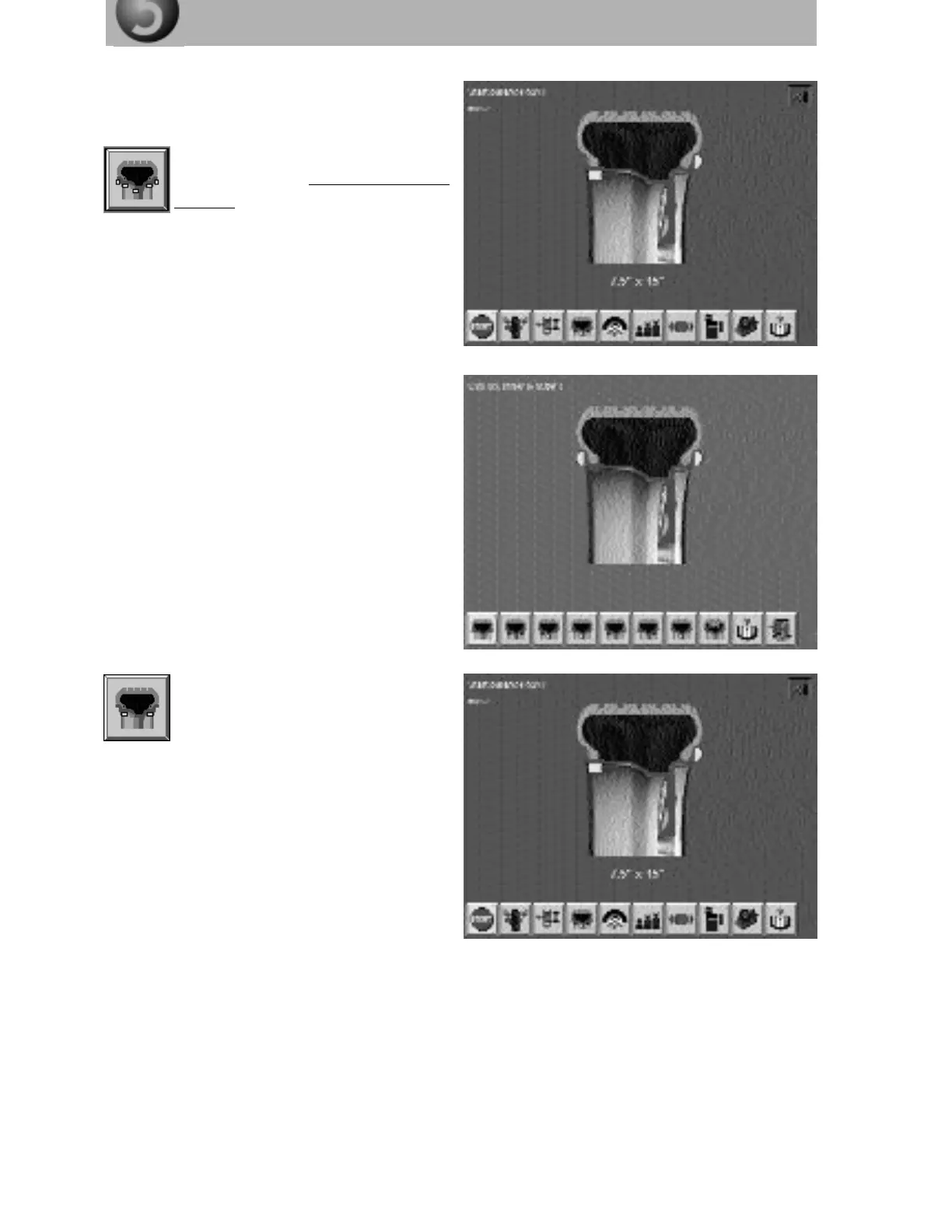
The screen shows a symbolic wheel. The menu
strip contains the screen buttons for the available
methods of balancing.
Using the Action Center, mark the
screen button “Select balancing
method” and press to obtain the scre-
en page for selection of the balancing method.
Use the Action Center to mark the
desired balancing method on the
menu strip (e.g. internal and external
adhesive weights) and press to memo-
rise it.
Note:
The selected balancing method remains memo-
rised until a fresh input is made.
The wheel balancing computer automatically
determines the precise distance value from
wheel rim shoulder to the actual point of attach-
ment for the balance weights.
The chosen balancing method is shown as a
symbol on the screen pages.



 To Next Page