BEISSBARTH MT 870 / MT 880
7-2
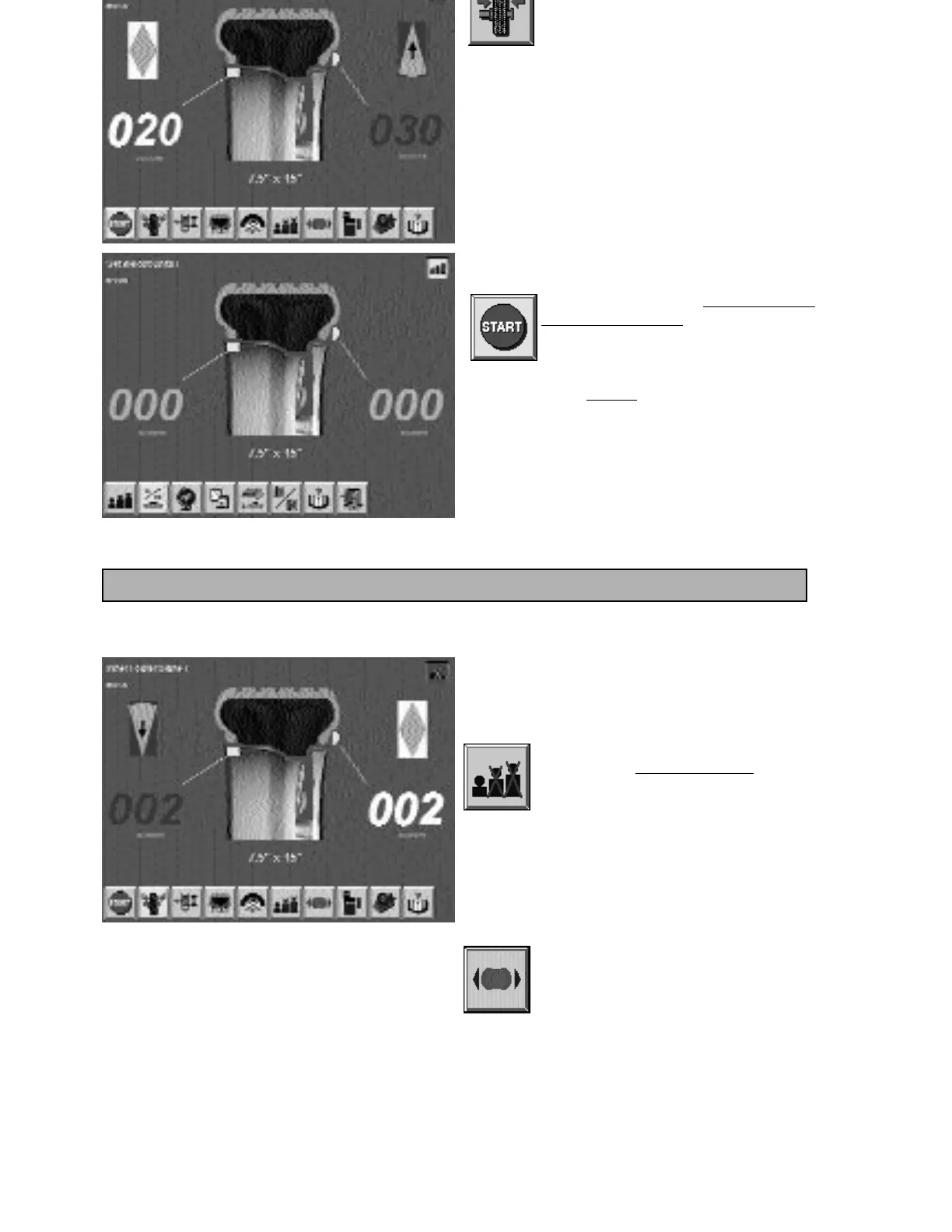
screen button by pressing the Action
Center.
The wheel will be turned automatically in the
direction for balancing the inner plane.
The imbalance value and adjusting arrow symbol for the
inner wheel plane change colour from red to green.
Attach the balance weight for the inner plane
according to the chosen balancing method.
A control run can be performed to check the
balancing results.
To do this, activate the “Start balancing
run” screen button by pressing the
Action Center.
If balancing was correct, the digital imbalance
values will read “
OOO” in light grey..
If the suppression and rounding-off input for
the weight display was selected during balan-
cing, it can be switched off briefly by
activating the “F
ine balancing” screen
button.
The value is then shown for a short
period without suppression or
rounding-off.
Special notes on balancing procedure:
The brake is released for a short time
when pressing this screen button
(app. 2 s).
Note:
In addition, the brake can also be released for a
short time
by briefly turning the wheel by hand
- in both directions -



 To Next Page