12
8 - Other functions
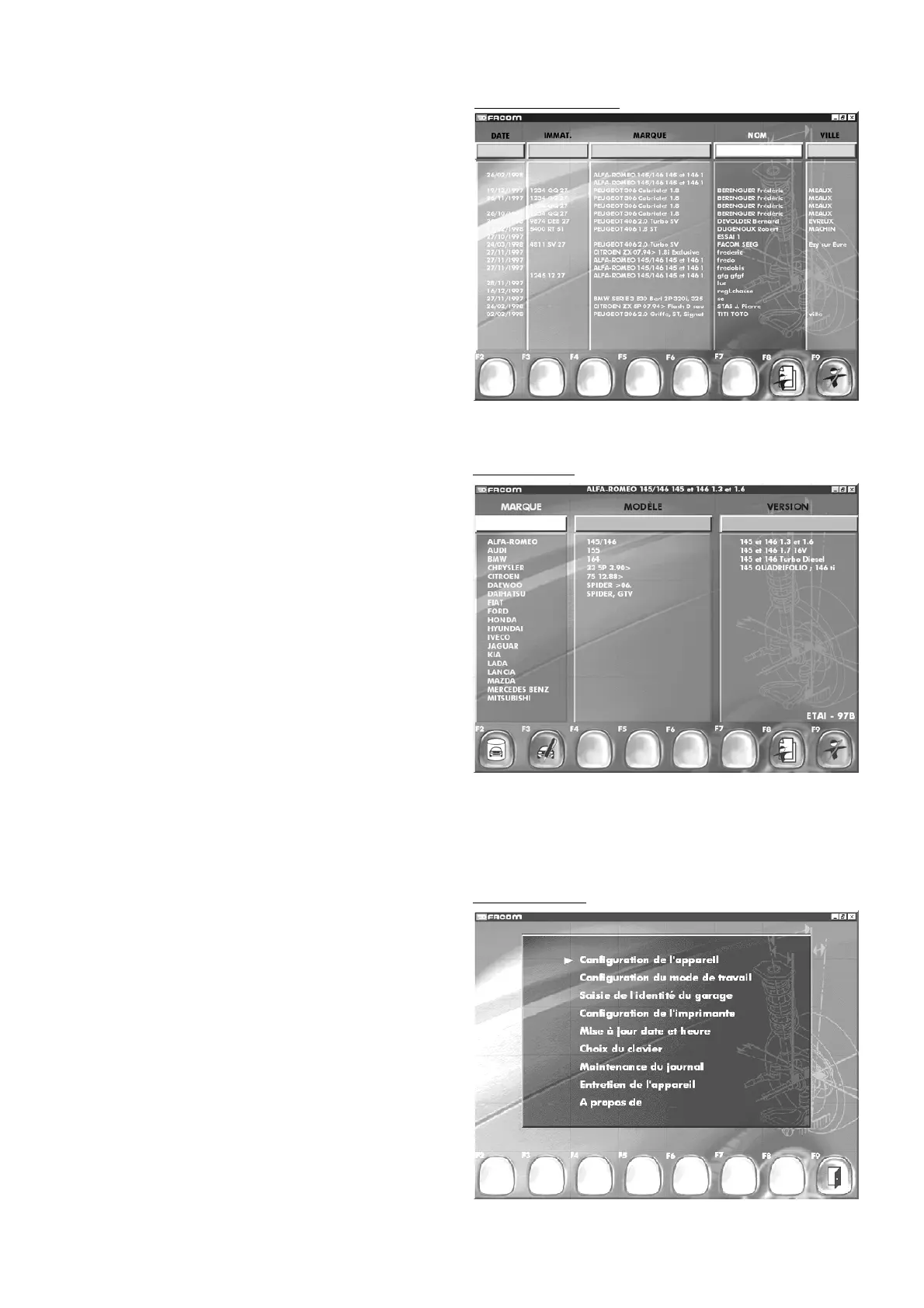
Screen display for access to main configuration, keyboard choice,
date, time, etc...
Choose option using arrow keys.
Confirm choice by pressing Enter.
"F9" "
Return to main menu
".
Other functions
7.4 Vehicle choice
Press "F5"
Two databases are available
Manufacturer database: this database is referenced UB.11V
or UB.11 CD (contact your dealer for update).
Personalized database: created by and for the user for special
or new cars not included in the manufacturer database.
"F2" "
Selection
of manufacturer or personalized database"
"F3" "
Addition of vehicle to personalized database
"
"F8" "
Customer identification
"
"F9" "
End checking
".
Vehicle choice
Search by customer
7.3 Data retrieval by customer name
Press "F4"
You can select by: date, registration number, customer name or
town. Move your cursor using the direction keys or the keyboard:
enter the first letter in the right-hand field and accept the resulting
selection by pressing Enter on the keyboard.
"F8" "
Customer identification
"
"F9" "
End checking
".
Nota
For commands "F6" "
Measurements
" and "F7" "
Preceding
measerement context reminder
" see under Measurement.



 To Next Page