31
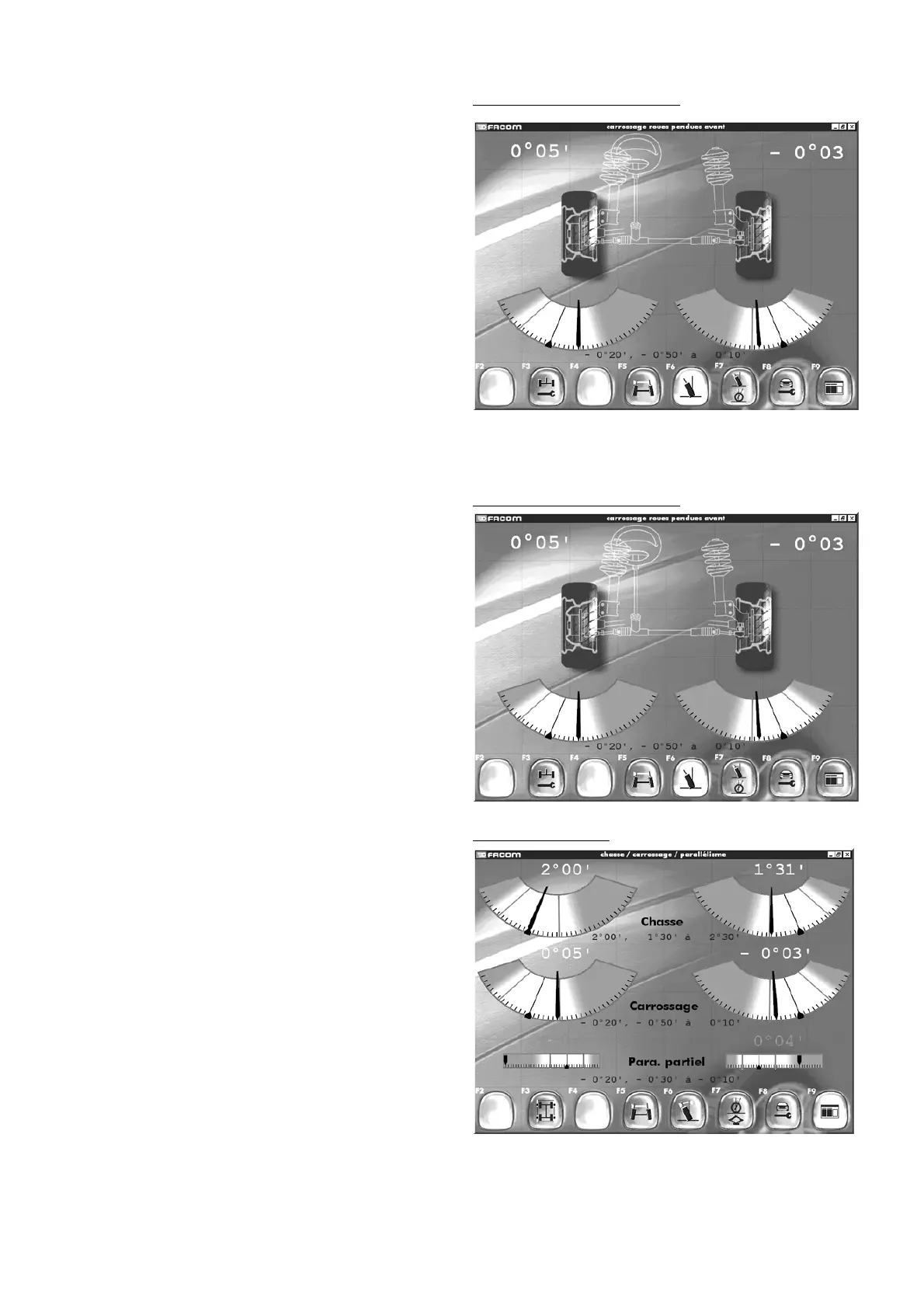
Front camber hanged wheel
"F3" "
Rear adjustment
"
"F5" "
Wheel alignment
"
"F6" "
Camber
"
"F7" "
Camber an castor
"
"F8" "
Read adjustment points
"
"F9" "
Return to inspection results
".
- Press F7 to perform camber and castor adjustment.
- Follow the instructions on the screen.
Front camber hanged wheel
Camber and castor
11.10 Camber and castor
"F3" "
Rim runout compensation
"
"F5" "
Wheel alignment
"
"F6" "
Camber
"
"F7" "
Hanged wheel castor
"
"F8" "
Read adjustment points
"
"F9" "
Return to inspection results
".
In this screen you can see the read-outs for camber, castor and
partial left or right alignment.
Do not forget that after adjusting the castor angle, the steering
sequences must be performed again in order to confirm the new
values.
After each new steering sequence, if this is done at 10°, the
steering read-outs will be replaced by dashes.
Using F3, you can perform rim runout compensation on the
adjusted wheel if the head is removed.
Front camber hanged wheel
11.9 Hanged front wheel camber
Note:
The hanged wheel camber procedure is performed by lifting the
vehicle but without removing the wheels from the deck.
- Follow the instructions on the screen.
- Validate each stage.
- Confirm by pressing F2.
- You will then see the next screen.



 To Next Page