25
11.3 Rear wheel alignment
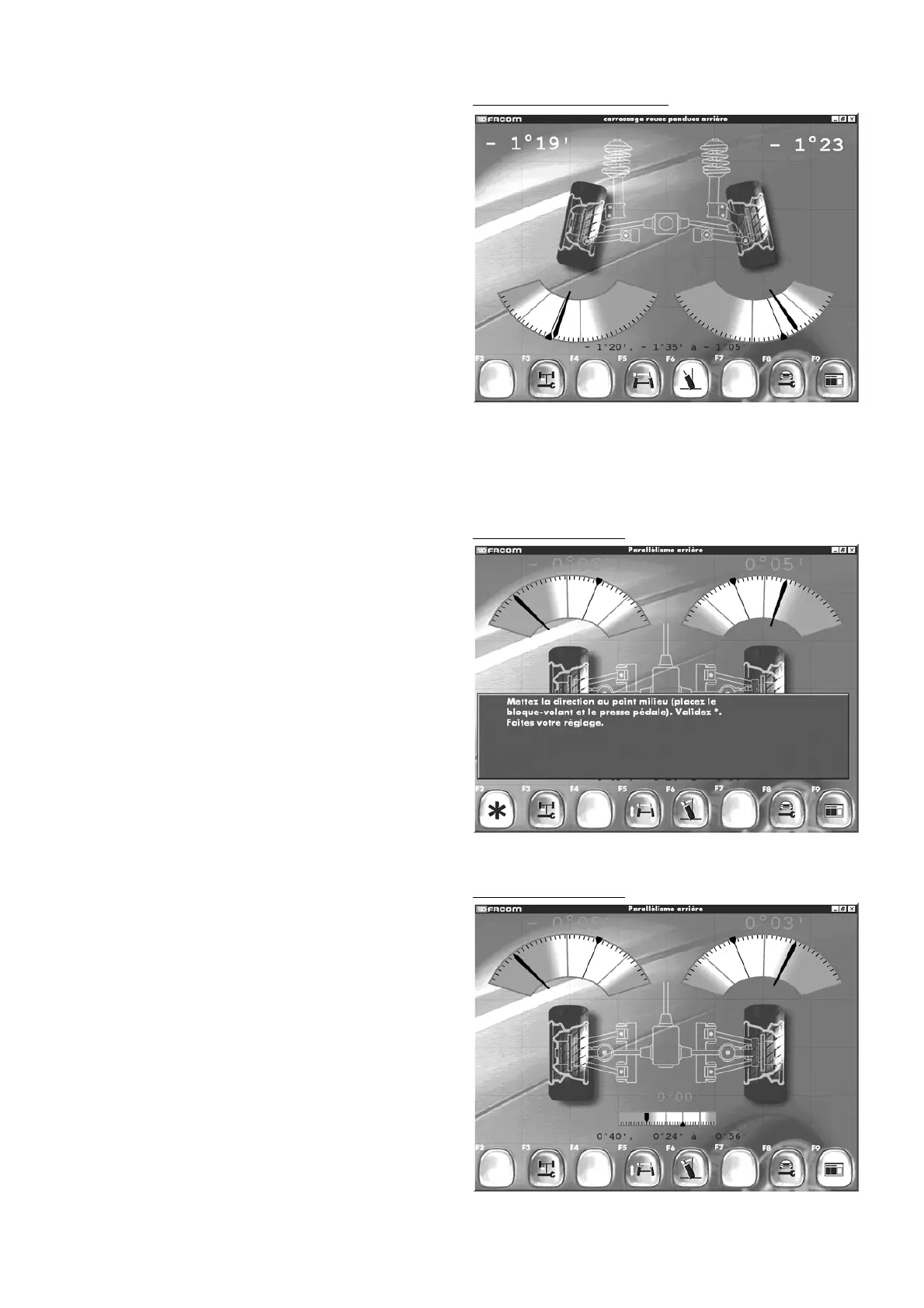
Confirm by pressing F5 to perform adjustment of the rear wheel
alignment.
Follow the instructions on the screen.
Confirm by pressing F2.
You will then see the next screen.
Rear wheel alignment
Rear wheel alignment
"F3" "
Front adjustment
"
"F5" "
Alignment variation
"
"F6" "
Ca
mber"
"F8" "
Read adjustment points
"
"F9" "
Return to inspection results
".
- Confirm by pressing F5.
- You will then see the next screen.
Rear wheel alignment
Rear hanged wheel camber
Rear hanged wheel camber
"F3" "
Front adjustment
"
"F5" "
Wheel alignment
"
"F6" "
Camber
"
"F8" "
Read adjustment points
"
"F9" "
Return to inspection results
".
- Confirm by pressing F5. You will then see the next screen.



 To Next Page