15
8.8 Equipment maintenance
- Validate using the Enter key.
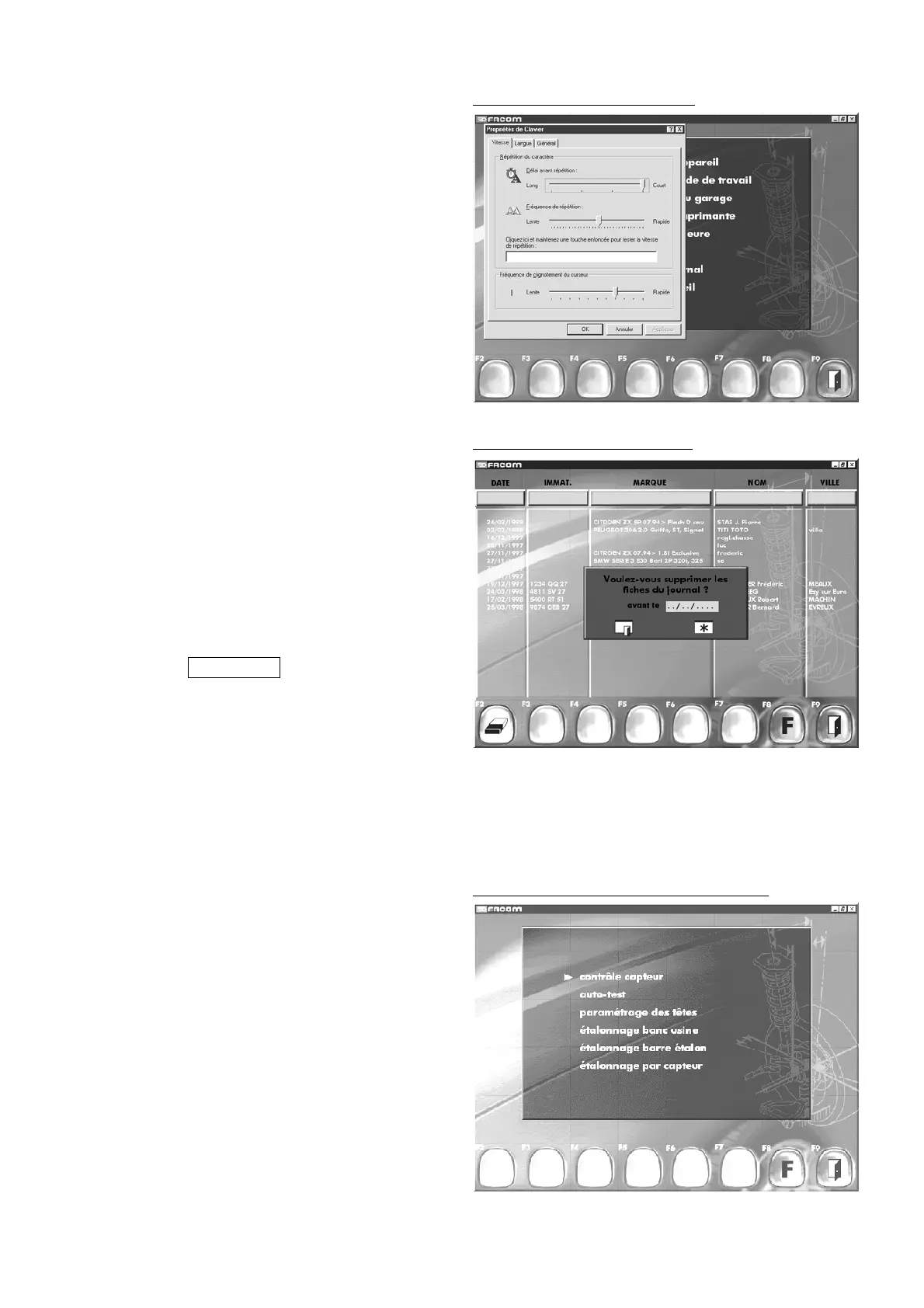
Different function tests and checks are available.
The following :
- sensor check
- auto-test
can be use by you.
Others:
- Head parameters,
- Factory calibration of bench
- Standard bar calibration
- Calibration by sensor
are reserved for the exclusive use of After Sales engineers.
"F8" "
Return to function menu
"
"F9" "
Return to main menu
".
Other functions. (log maintenance)
Other functions. (Equipment maintenance)
8.6 Keyboard choice
- Validate using the Enter key.
There are three choices of parameter:
- Speed
- language
- general
- Choos the best configuration for your needs by using the
Tabulation and arrow key on the keyboard.
- Use the tabulation key to move to the "OK" button.
- Press Enter to save and quit the menu.
Other functions. (Keyboard choice)
8.7 Log maintenance
Validate using the Enter key.
The list of log data is displayed.
There are two deletion procedures:
A datasheet can be deleted by selecting it with the arrow keys
on
the keyboard and confirming by pressing Enter and then
responding to the screen message by indicating Yes.
A series of inspections as from a specified date can be deleted:
Confirm by pressing F2.
Using the arrow keys on the keyboard, move to the data entry
field “Before (date) .
Enter the date using the format Day (two digits) / Month (two
digits) / Year (four digits).
Confirm deletion by pressing Enter.
"F2" "
Delete log by date
".
"F8" "
Return to function menu
"
"F9" "
Return to main menu
".



 To Next Page