21
G
F
E
D
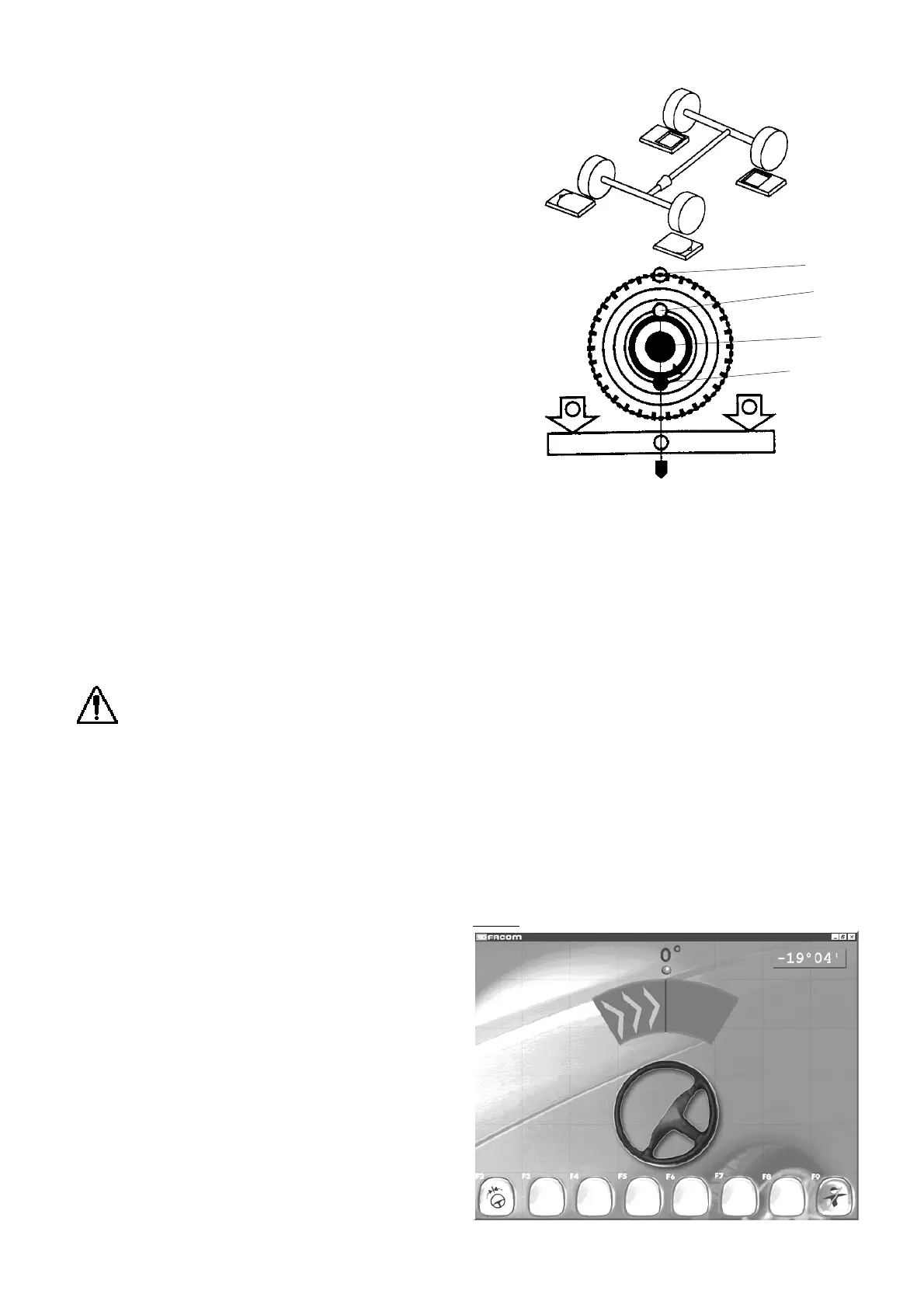
10.6 Centring
In this screen, the target indicates the direction in which to turn
the steering wheel in order to centre the vehicle wheels.
"F2" "
Steering sequence
"
"F8" "
End checking
"
- Perform centre steering
Centre
With the rim runout compensation screen displayed:
- Put the steering wheel block in place and lift the vehicle.
- Perform the following for each wheel:
- Level the head
- Press the red button (E) on the head to validate the first measurement.
Lamp (F) will blink, and lamp (D) will light. The chosen wheel will be
framed in yellow.
- Loosen the locking screw (C). Turn the wheel one half-turn.
- Relevel the head and retighten the locking screw.
- Validate the second measurement by pressing the red button again (E).
Lamp (D) will blink and the green lamp (G) will light.
Prolonged blinking of the red lamp (D) indicates that the programme is awaiting
confirmation (rim runout is nil or very large). Confirm by pressing the button
again.
Display indications
The maximum value is indicated beside each wheel and is expressed in
millimetres and 1/10 millimetre calculated using the wheel diameter shown
in the database if a vehicle has been selected.
Warning messages
- The millimetre indication is displayed in white.
- The message “
Data acquisition performed in poor conditions
” indicates: a
problem with the infrared data link, wrong centring or that the wheel was
not
levelled when the button was pressed.
- The message; “
Rim run-out too large
” means that it is necessary to verify the
operational status of the head-carrier and its mounting on the wheel rim.
- The message “
Have you turned the wheel one half-turn
?” means that no runout has been detected.
- The four wheel display frames are in green.
- The four level bubbles on the screen are in green.
- The readings for the four head frames indicate the rim runout.
- Unpin the plates.
- Reposition the vehicle on the plates.
- Remove the steering wheel lock.
- Relax the vehicle suspension.
- Trim the vehicle to manufacturer’s reference (see manufacturer data).
- Relevel the wheels.
IMPORTANT: For 4WD-type vehicles with mechanically independent wheels: perform operations simultaneously on
both wheels on each axle.
At this point, 2 choices are available: centring or steering. Press F2 for “Centre steering” for inspection of wheel alignment and
adjustment, and F3 for “Steering sequence”, to perform a full inspection.



 To Next Page