30
11.8 Front wheel camber
"F3" "
Rear adjustment
"
"F5" "
Wheel alignment
"
"F6" "
hanged wheel camber
"
"F7" "
Camber and castor
"
"F8" "
Read adjustment points
"
"F9" "
Return to inspection results
".
Press F6 to perform a hanged wheel camber procedure.
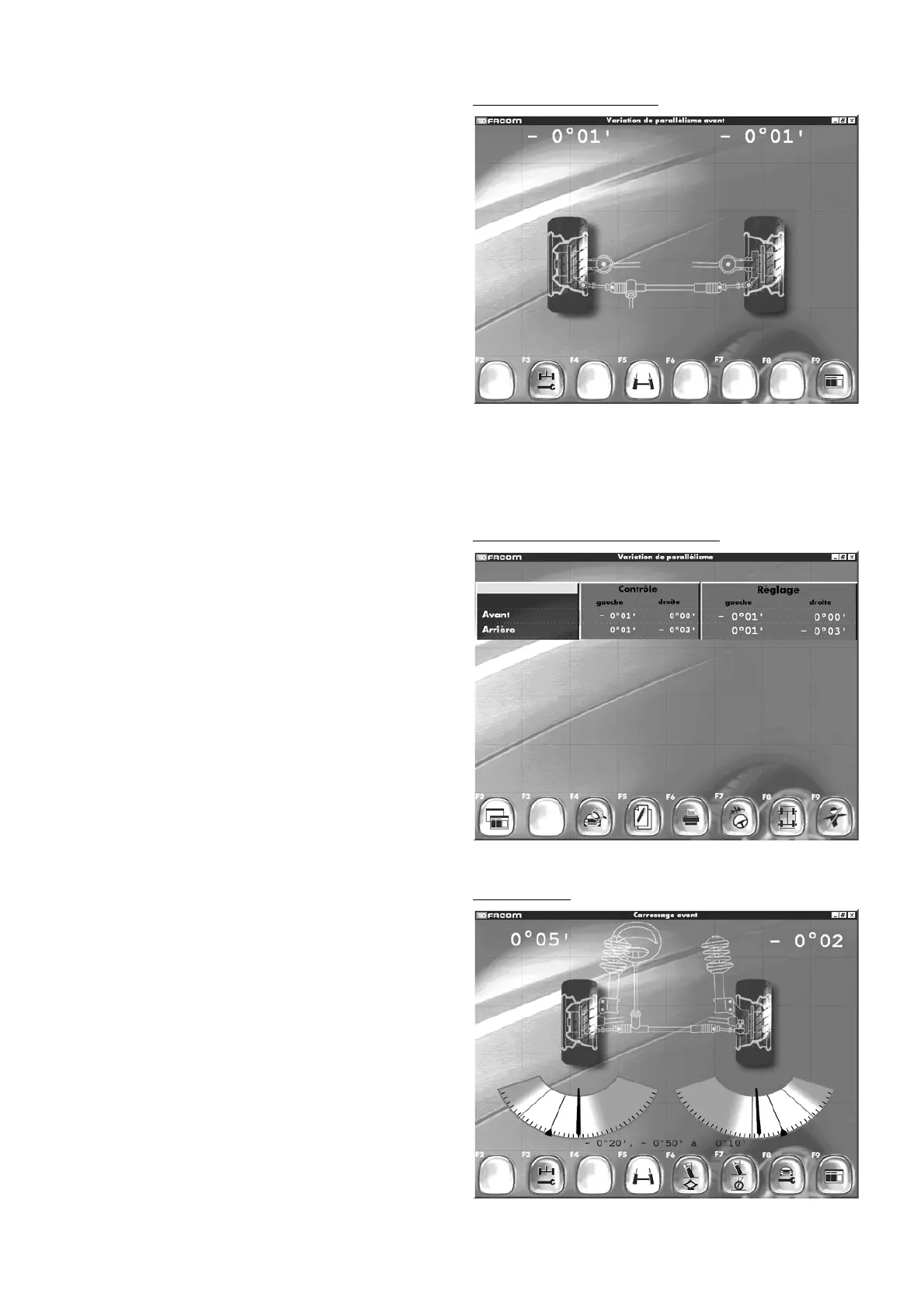
Front camber
Results wheel alignment variation
By switching between “
Results
” screens using F2, you can recall
front and rear adjustments.
Results wheel alignment variation
Front alignment variation
"F3" "
Rear adjustment
"
"F5" "
Wheel alignment
"
"F9" "
Return to inspection results
"
- Confirm by pressing F9.
By pressing F2 in the “
Results
” screen you will access the “
Wheel
alignment variation results
” screen.
Front alignment variation



 To Next Page