17
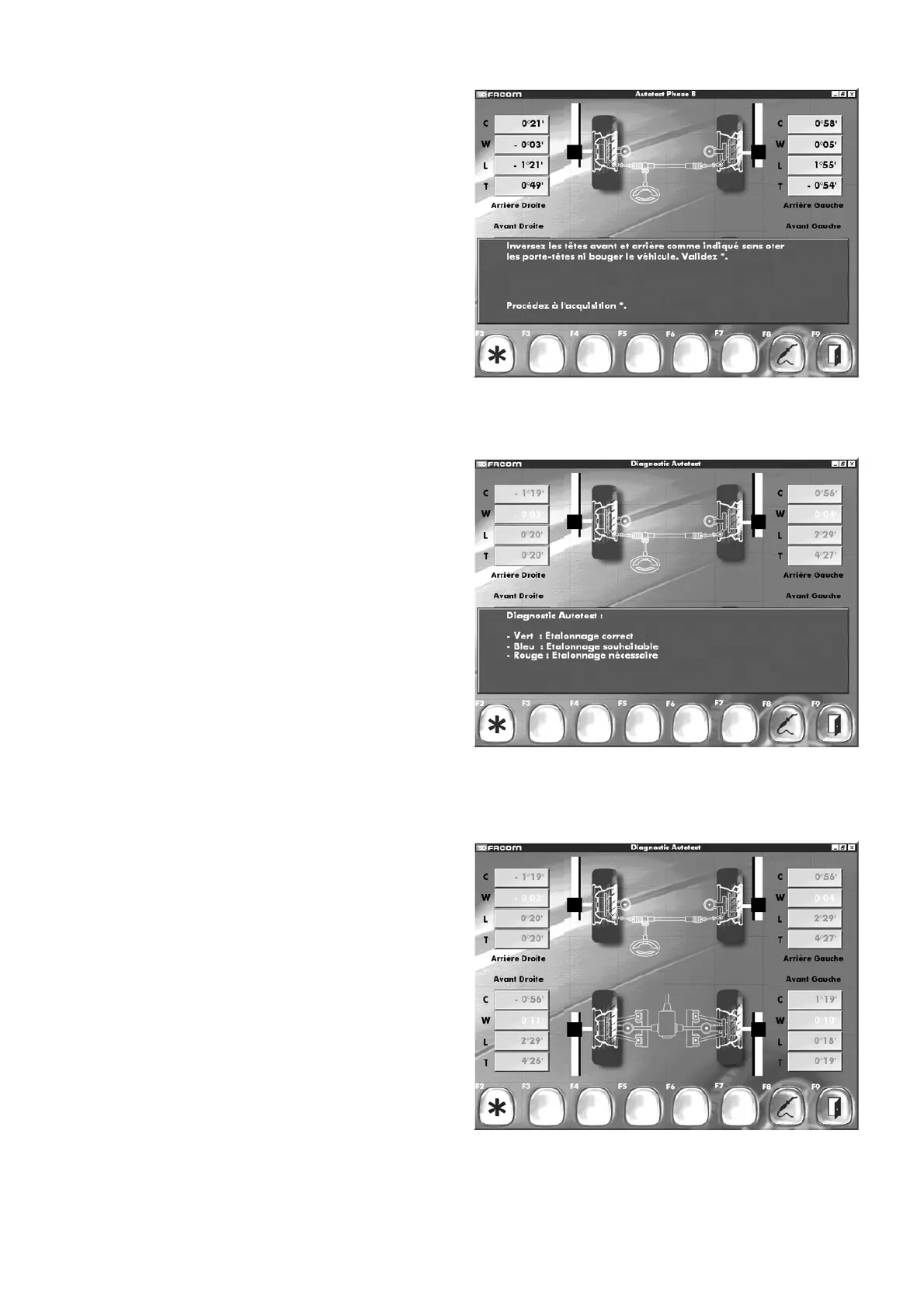
- Follow the instructions on the screen.
- Relevel the heads (always use the spirit level).
- Acknowledge the message.
- Confirm data acquisition.
- The next screen will be displayed.
On the basis of to the result displayed:
Readings in red (calibration required)
Readings in blue (calibration desirable)
Readings in green (calibration satisfactory)
- Determine whether a calibration procedure is needed to confirm
the test result. If necessary, contact the After Sales Department
(the contact details are on the last page).
- Acknowledge the message.



 To Next Page