MP-73/53 G3 Wireless Option
MP-70/50 • MP-72/52 • MP-73/53 • PN 98-0002-29 • REV 1709.13 123
SCOREBOARD G3 SETTINGS
SET SCOREBOARD GROUP NUMBER (G3)
Warning: Changing the scoreboard type or group number
setting on the MP-73/53 control or scoreboard may
cause you to loose the ability to communicate with
the scoreboard. To maintain communication, the
scoreboards and controls must be set to the same
group number or group.
There are two (2) methods to set the scoreboard group number.
WIRELESS METHOD below.
DIRECT CONNECTION METHOD on page 124.
WIRELESS METHOD
The following method will change the group number of the scoreboard via
wireless method.
1. Turn on the MP-73/53 and establish communication with the scoreboard.
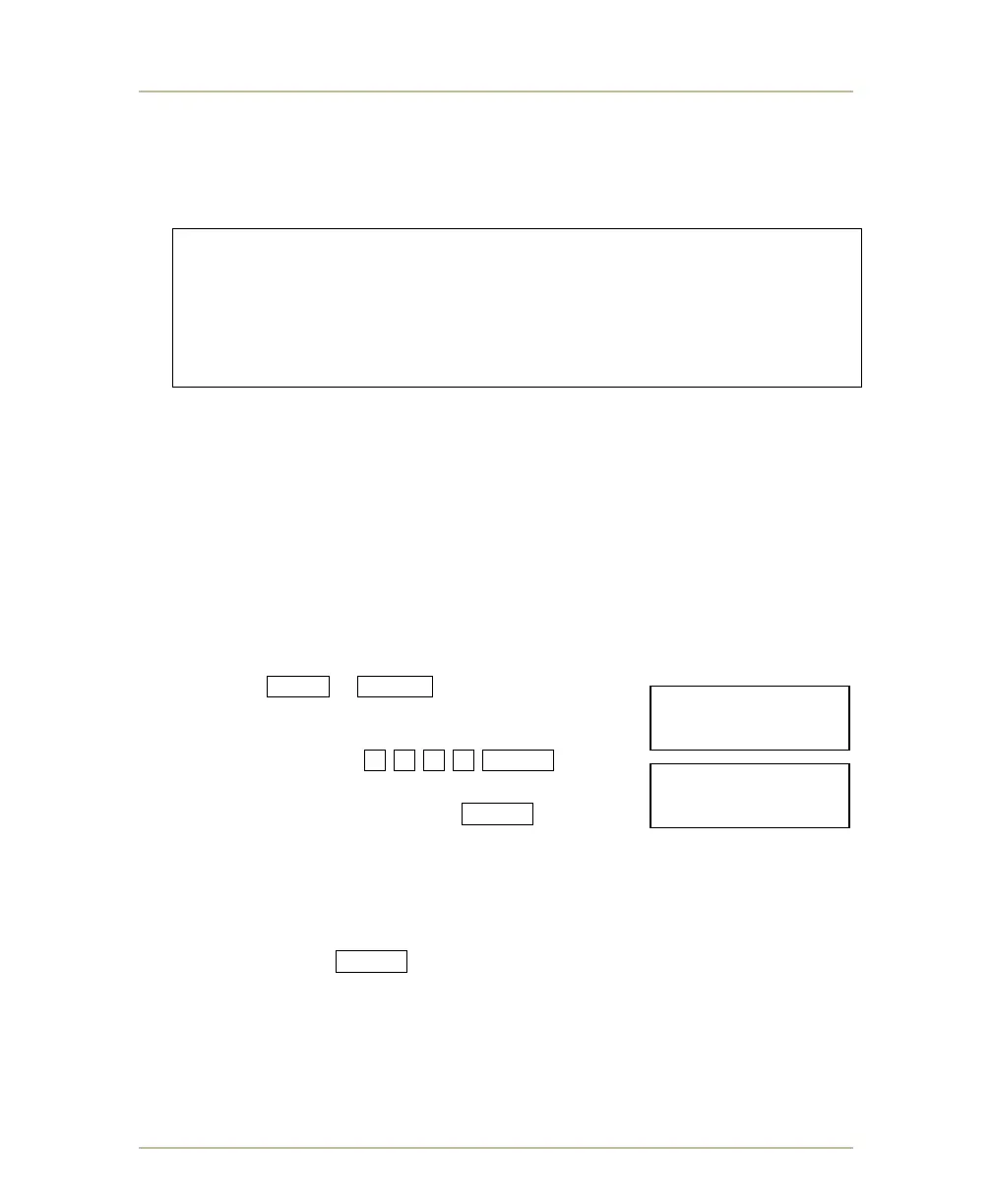
2. Press SHIFT + BAT/RF buttons and hold down
for at least 6 seconds and release when it displays
ENTER PASS CODE.
3. Type the following 7 4 5 6 ENTER .
4. When the control displays SCBD GROUP #, type the
new group number and press ENTER .
a. Wait about 30 seconds until all scoreboards in communication with the
control begin to display their scoreboard order. The number will display
in the seconds field.
b. Select which scoreboard will receive the new group number by typing
the desired scoreboard number (1, 2, 3, 4, 5, or etc…) and
press ENTER .
c. The scoreboards will reboot and display their assigned group number.
5. If additional scoreboards need to be changed, repeat steps 2 thru 4 above.
ENTER PASS CODE:
____________7456
SCBD GROUP #
________________



 To Next Page