Lock/Unlock Mode
140 MP-70/50 • MP-72/52 • MP-73/53 • PN 98-0002-29 • REV 1709.13
LOCK/UNLOCK MODE
The Lock Mode is used to prevent unauthorized changes to the System Settings
or Configuration Settings.
If the MP-70/50 control has been locked, then you must first unlock it before you
can set the System Settings or Configuration.
The Lock/Unlock Mode requires the user to create and use the same 4-digit code
to lock or unlock the MP-70/50 control.
LOCK THE CONTROL
Follow the instructions to lock the control.
1. Turn off the MP-70/50 control.
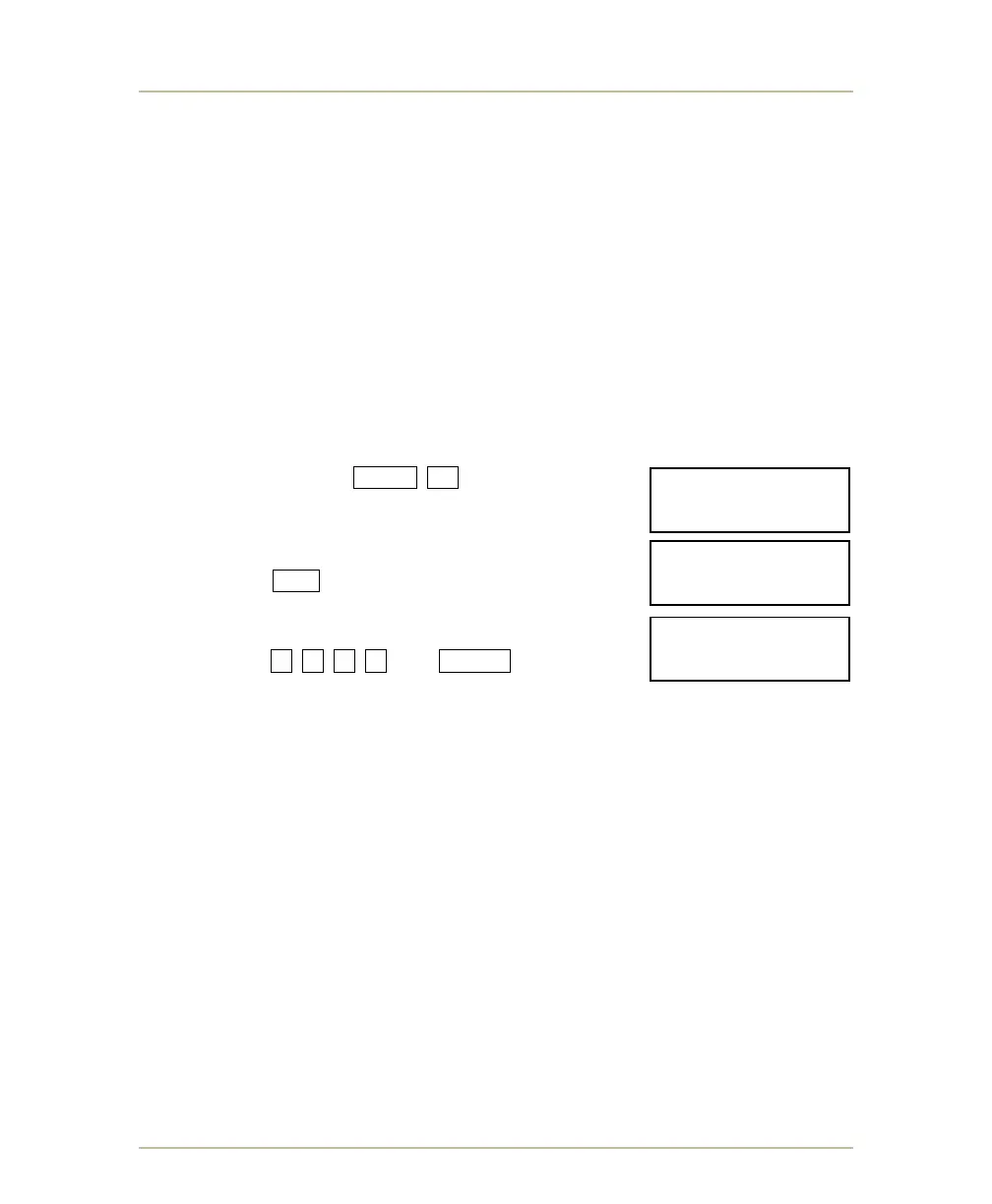
2. Press and hold SHIFT +1 keys while turning
on the MP-70/50. Wait until CONTROL
UNLOCKED appears on the screen before
releasing keys.
3. Press YES to continue to lock the control.
4. Create a 4-digit code (0-9) to lock the control.
Press [4-digit
code] # # # # and ENTER .
Important Note: Remember the 4-digit code as it
will be required to unlock the control.
5. The control is locked.
FEATURES NOT LOCKED
New Game Clear
LOCKED FEATURES
Enter/Exit Relay Mode
Enter/Exit Segment Timer Mode
Enter Test Mode
Load/Edit/Delete Configuration Mode
Enter System Settings
Enter Sport Configuration Mode
Enter MP50 Mode
Change G2 Radio Settings
Enable/Disable Radio Handswitch for Clock G3
Enable/Disable Radio Handswitch for Timer G3
CONTROL UNLOCKED
LOCK CONTROL?Y/N
ENTER YOUR CODE:
4 digits _______
CONTROL LOCKED!
4 digits _______



 To Next Page