Common Functions
14 MP-70/50 • MP-72/52 • MP-73/53 • PN 98-0002-29 • REV 1709.13
CLOCK SET KEY
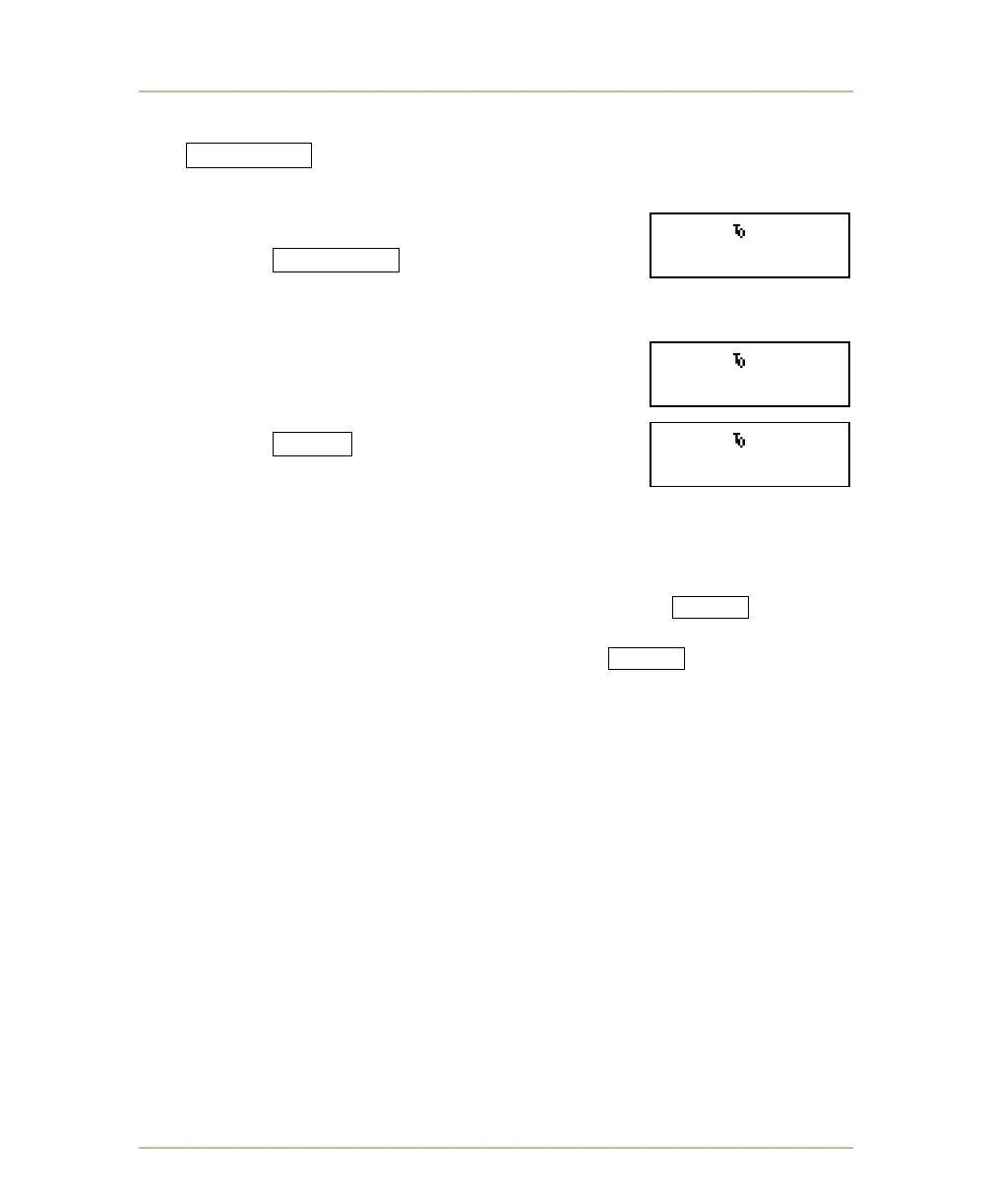
The CLOCK SET key allows you to set the clock for game, break, and
overtime periods. This key is unavailable while the clock is running; stop the
clock before pressing it. With the clock stopped, follow
these steps:
1. Press CLOCK SET repeatedly to cycle
through the screens shown on the following
pages:
2. After selecting the period for which you are
setting the clock, verify the duration shown is
correct. If you need to change the duration,
enter a new time on the numeric keypad.
3. Press ENTER to set the clock to the period
type and duration indicated on the LCD display.
The first two characters on the top line of the LCD display indicate which period
type is currently selected (BK for break, OT for overtime, HT for halftime, and the
two-character sport code for regular game periods). Letters will flash for PG,
(pre-game) HT (halftime) and BK (break) periods.
Note: If you are operating the clock with hand switch, the TIME IN switch on
the MP-70/50 must be in the time out position. Before attempting to reset
the clock with the hand switch, be sure the TIME IN switches on both
the MP-70/50 and hand switch are in the time out position.
Note: On Baseball scoreboards that feature game clock, you have the option of
operating the clock in HOURS mode. This must be enabled in the
CHANGE SPORT settings. See SELECTING AND CHANGING SPORTS on
page 151 and BASEBALL on page 70 for more information on baseball
settings.
When HOURS mode is ON: Enter hours and minutes in CLOCK SET.
When HOURS mode is OFF: Enter minutes and seconds in CLOCK SET.
BB 10.0 20:00.
SET CLK.20:00.0
BB 10.0 00:00
SET O.T. 5:00
BB 10.0 20:00.
SET BRK.15:00.0



 To Next Page