MP-73/53 G3 Wireless Option
MP-70/50 • MP-72/52 • MP-73/53 • PN 98-0002-29 • REV 1709.13 127
RESET TO FACTORY G3 SETTINGS
1. Turn on the MP-73/53.
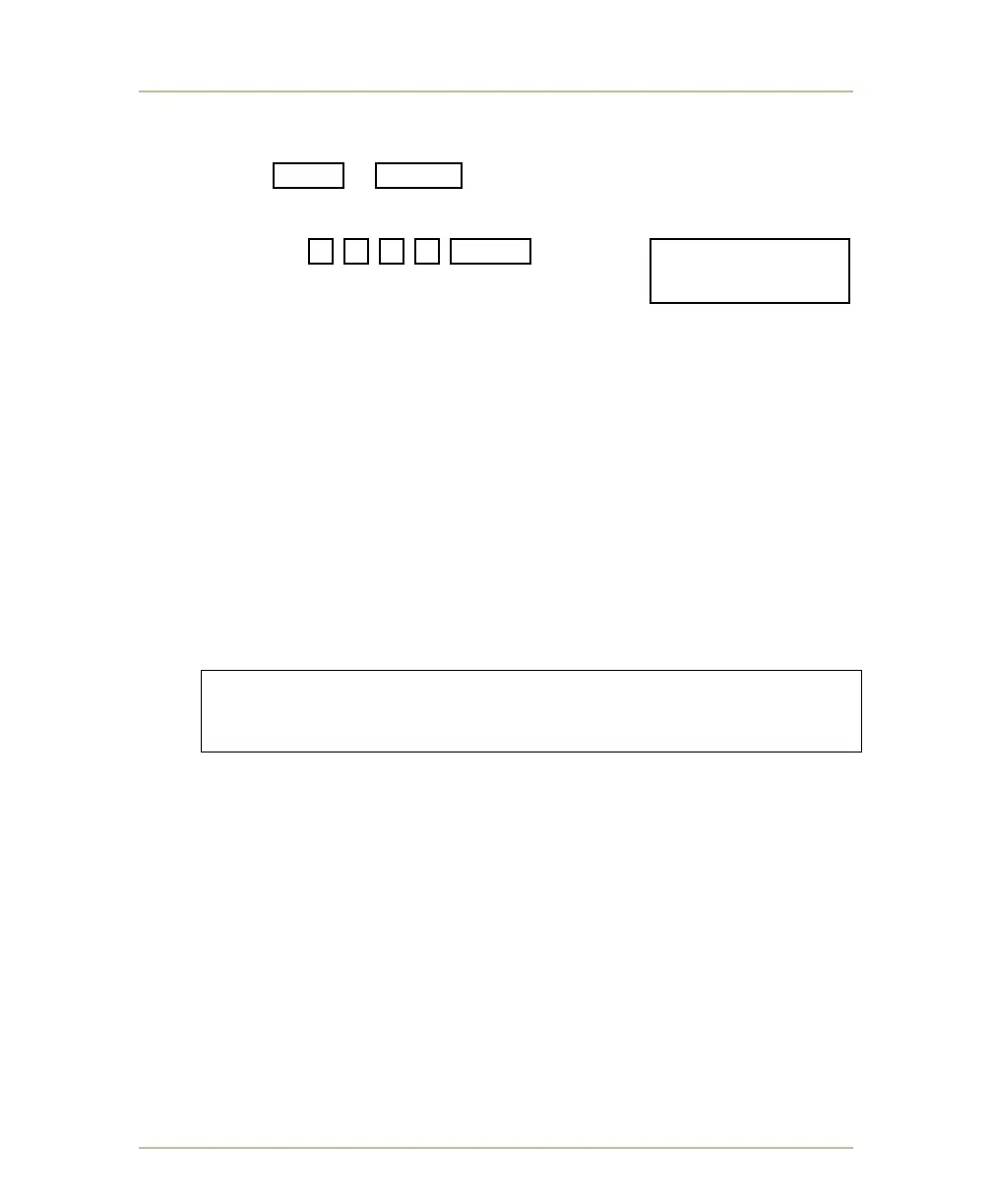
2. Press SHIFT + BAT/RF buttons and hold down for at least 6
seconds and release when it displays ENTER PASS CODE.
3. Type the following
sequence 3 2 1 4 ENTER . It displays
Defaults Entered to confirm that the control
has been reset to factory default settings.
GENERAL G3 WIRELESS OPERATING GUIDELINES
Maintain a clear, unobstructed line-of-sight between the control antenna
and the receiving units.
Refer to SETTING UP THE G3 WIRELESS CONNECTION on page 120 for more
information).
If more than one control and scoreboard is in use at a facility and if they
are to operate independently, then set each control and scoreboard
combination to their own dedicated group number.
Warning: Avoid setting more than one control at a time to the
same group number as this will cause the scoreboard(s)
to malfunction.
Note: Trans-Lux Fair-Play can arrange a recommended radio frequency
group/channel plan for your site. Contact your sales representative for a
group/channel plan.
For more information, see AVOIDING POTENTIAL PROBLEMS WITH MULTIPLE
CONTROLS (G3) on page 128.
The scoreboard or shot timer lamp driver circuit card can accommodate
either conventional control wire hookup or wireless radio receiver and
can accept both data transmission methods simultaneously.
ENTER PASS CODE:
____________3214



 To Next Page