MP-73/53 G3 Wireless Option
124 MP-70/50 • MP-72/52 • MP-73/53 • PN 98-0002-29 • REV 1709.13
DIRECT CONNECTION METHOD
The direct connection method is intended for the factory, servicing dealers, and
help desk.
Simply connect the transceiver to the MP-73/53 and the scoreboard type and
group number is set automatically.
1. Set MP-73/53 to required scoreboard type and group number.
Note: For instructions on how set the scoreboard type; refer to PROGRAMMING
THE SYSTEM SETTINGS on page 142.
2. Turn off MP-73/53.
3. Plug transceiver direct into MP-73/53 5-pin transceiver connector.
a. Turn on MP-73/53 and wait at least 5 seconds or when you see the
amber light on the transceiver.
b. Turn off MP-73/53 and unplug the transceiver from the MP-73/53.
c. Install the transceiver in the scoreboard.
4. If additional transceivers need to be changed, repeat steps 2 and 3.
SET SCOREBOARD TYPE (G3)
This is an alternate wireless method to remotely set the scoreboard type without
having to remove the transceiver from the scoreboard.
1. The scoreboard and control must be preset to the
same group or group number.
2. Turn on scoreboard and control.
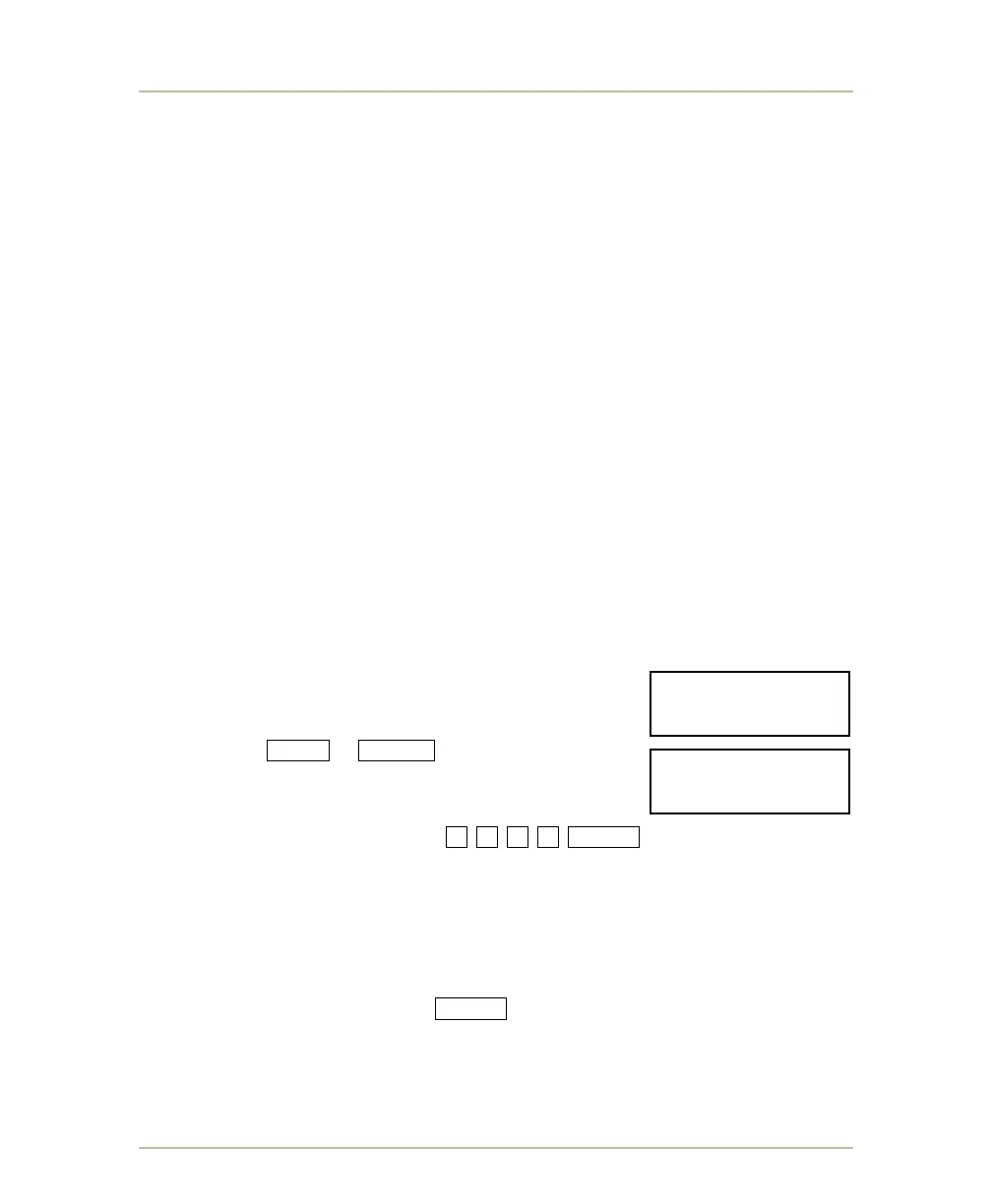
3. Press SHIFT + BAT/RT buttons and hold down
for at least 6 seconds.
Release when it displays ENTER PASS CODE.
4. Type the following sequence 1 5 0 7 ENTER .
a. When the control displays SCBD MODEL #, enter the two digit
scoreboard type. To determine the scoreboard type, refer to BOARDS
SUPPORTED on page 147.
b. The scoreboard will re-start and display its scoreboard number in the
seconds digits.
c. When the control displays ENTER SCBD #, type the scoreboard
number and press ENTER . The scoreboard will reboot.
ENTER PASS CODE:
____________1507
SCBD MODEL #
________________



 To Next Page