MP-73/53 G3 Wireless Option
126 MP-70/50 • MP-72/52 • MP-73/53 • PN 98-0002-29 • REV 1709.13
CONTROL G3 SETTINGS
VIEWING YOUR G3 TRANSMITTER SETTINGS
Turn on the MP-73/53 control. The following information will display briefly:
Brd ## – the scoreboard type.
Group ### – the group number.
MP-70 or MP-50 – the model number of the
controller.
VER.#.## - the firmware version of the
controller.
SET SCOREBOARD TYPE (G3)
Setting the MP-73/53 scoreboard type will automatically set the default group
number. For instructions on how set the scoreboard type, refer to the section
PROGRAMMING THE SYSTEM SETTINGS on page 142.
SET GROUP NUMBER (G3)
1. Turn on the MP-73/53.
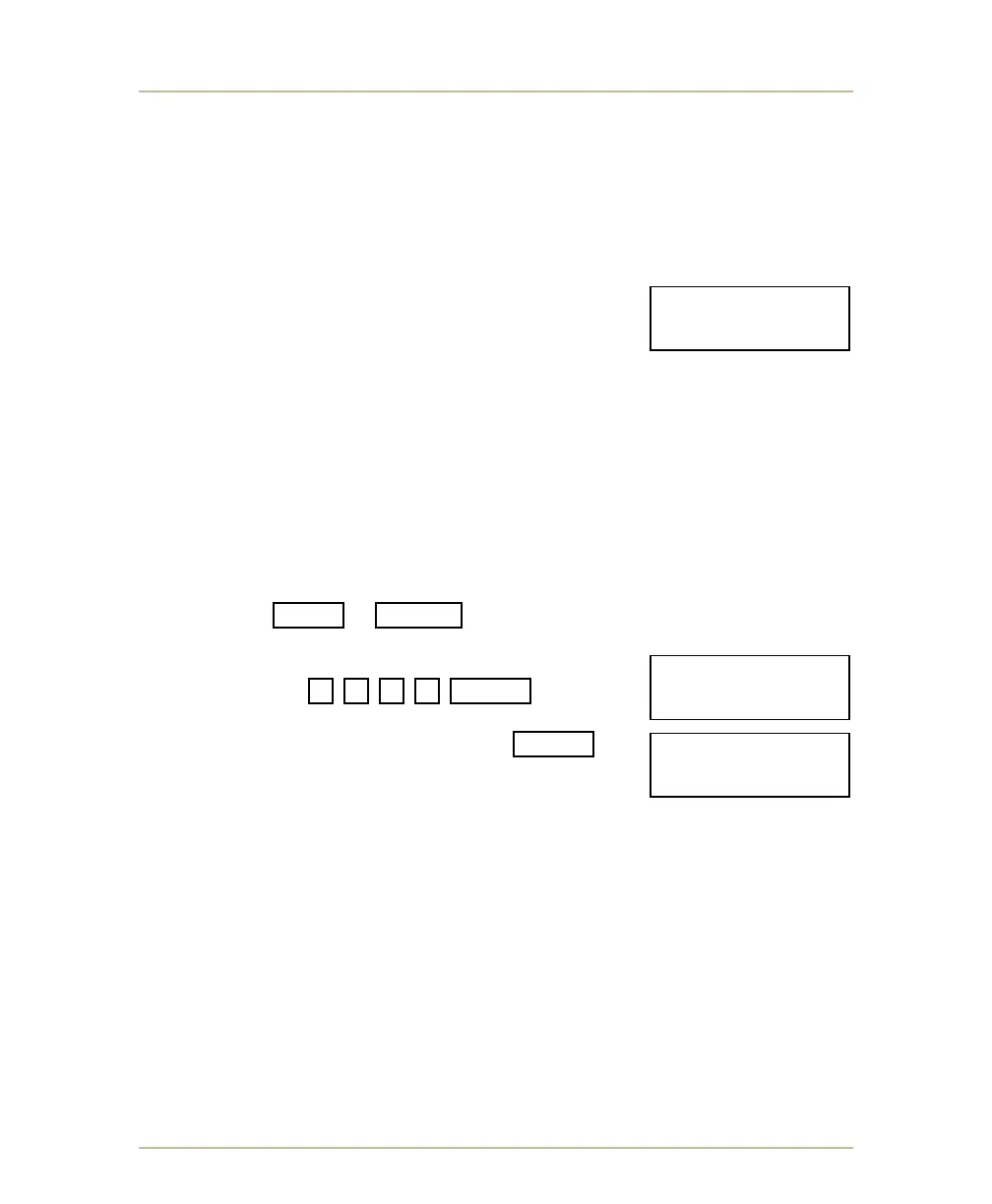
2. Press SHIFT + BAT/RF buttons and hold down for at least 6
seconds and release when it displays ENTER PASS CODE.
3. Type the following
sequence 9 6 3 2 ENTER .
4. When it displays CONTROL GROUP #, type in
desired group number then press ENTER .
Note: Additional information on the group number for
your scoreboard model is found in section
BOARDS SUPPORTED on page 147.
5. Turn off power to the MP-73/53, wait a moment and turn on power to the
MP-73/53.
ENTER PASS CODE:
____________9632
CONTROL GROUP #
________________
Brd 01 Group 009
MP-70, VER.3.01



 To Next Page