Common Functions
MP-70/50 • MP-72/52 • MP-73/53 • PN 98-0002-29 • REV 1709.13 13
COMMON FUNCTIONS
Certain functions of the MP-70/50 are common to all sports. You should become
familiar with these functions before proceeding to the chapters discussing
specific sports applications.
Operating the clock
TIME IN SWITCH
The TIME IN switch allows you to start and stop the clock. You can also start
and stop the clock with an optional hand switch.
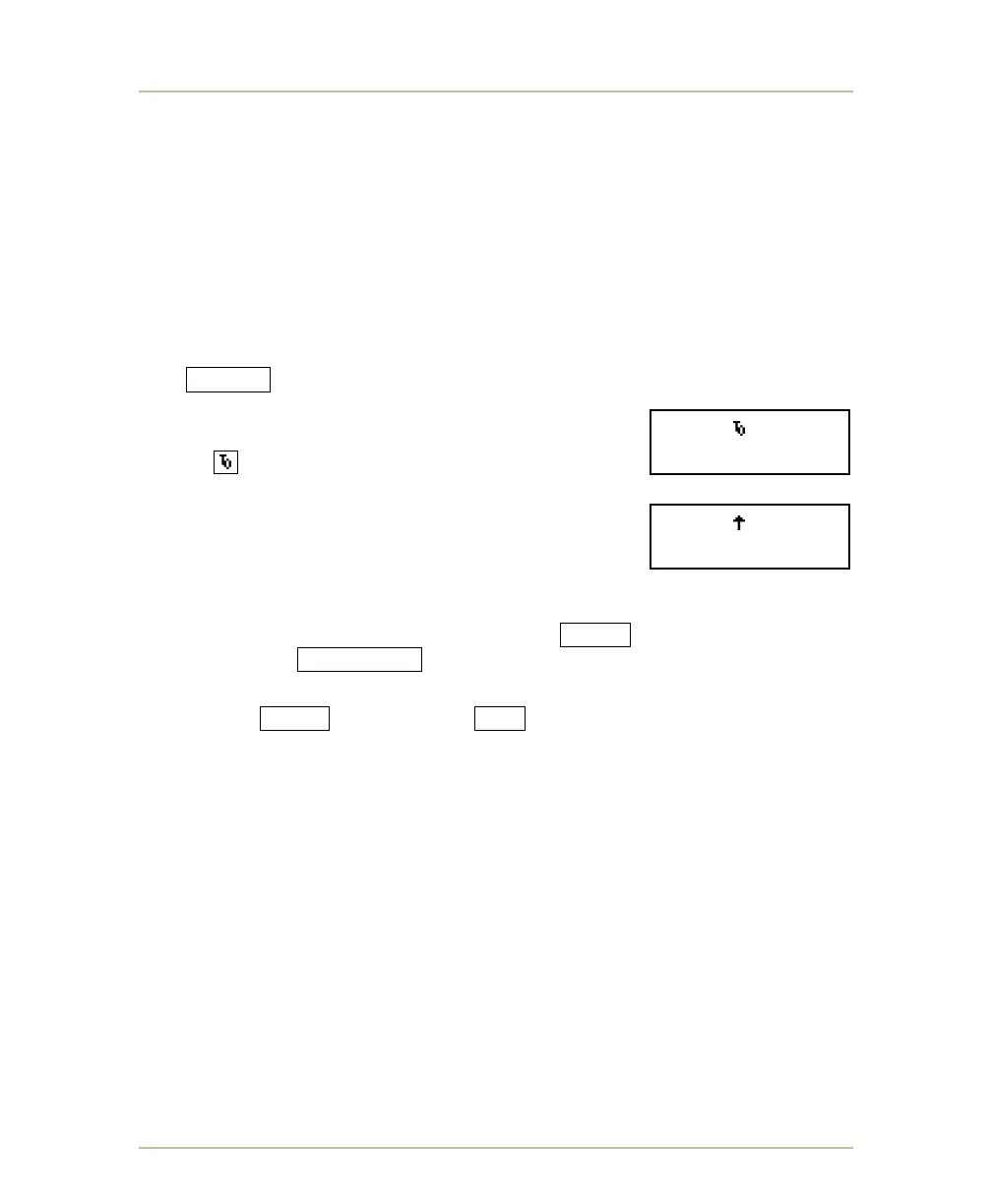
When the clock is stopped, the Time Out
symbol appears on the LCD display.
When the clock is running (TIME IN), an up or down
arrow on the LCD display indicates the direction in
which the clock is counting. In the example shown, the
clock is counting up.
If you want to change the clock direction, follow these steps:
1. With the clock stopped, press and hold SHIFT while
pressing CLK. UP/DN .
2. At the COUNT UP or COUNT DOWN prompt, press and
hold SHIFT while pressing YES .
SC 60.0 0:57.0
- SOCCER -
SC 60.0 0:57.0
- SOCCER -



 To Next Page