Basketball
MP-70/50 • MP-72/52 • MP-73/53 • PN 98-0002-29 • REV 1709.13 35
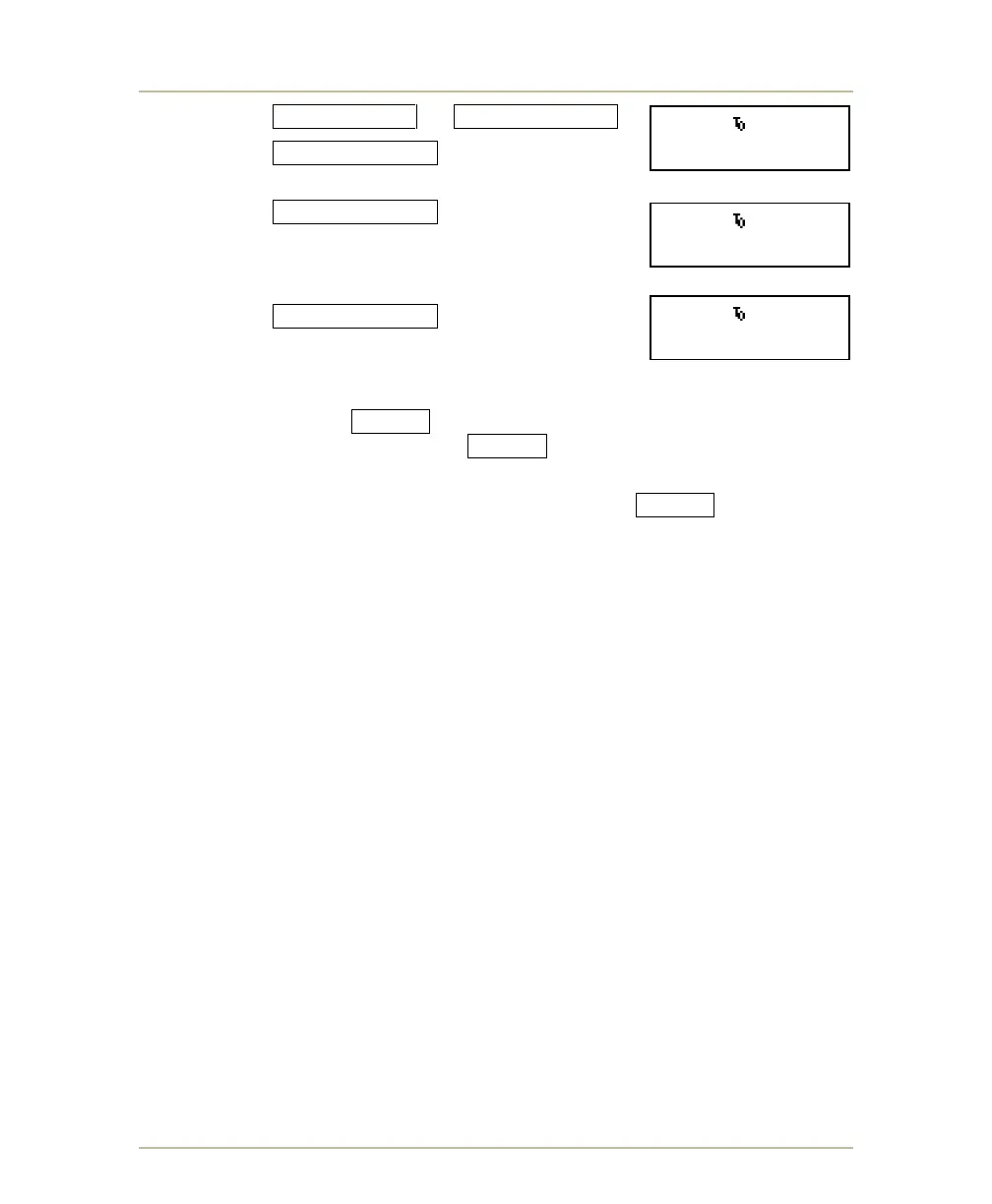
1. Press HOME FOULS or VISITOR FOULS .
2. Press FOULS/PLAYER , the prompt
PLAYER FOULS appears.
3. Press FOULS/PLAYER again. The statistics
for the first player in the selected team lineup
appear on the LCD display. (Player points
appear only if the points memory feature is active.)
4. Press FOULS/PLAYER repeatedly to cycle
through the statistics for each player.
You can correct a player’s statistics as you cycle through the player records. If
the points memory feature is active, type the player number on the numeric
keypad and then press ENTER . Type the new values at the ENTER FOULS
and ENTER PTS. prompts, pressing ENTER after each.
If the points memory feature is not active, enter the number of player fouls. At the
PLAYER NO. prompt type the player number and press ENTER .
Again, correcting an individual player’s statistics does not alter the team fouls or
total score; if those values require correction, you must adjust them separately.
BB 10.0 10:55.
H.TEAM FOULS 3
BB 10.0 10:55.
PLAYER FOULS
BB 10.0 10:55.
HOME # 1-2 FOULS



 To Next Page