MPC-6000 / MPC-7000 / RND-2 INSTALLATION, OPERATION AND MAINTENANCE MANUAL
93
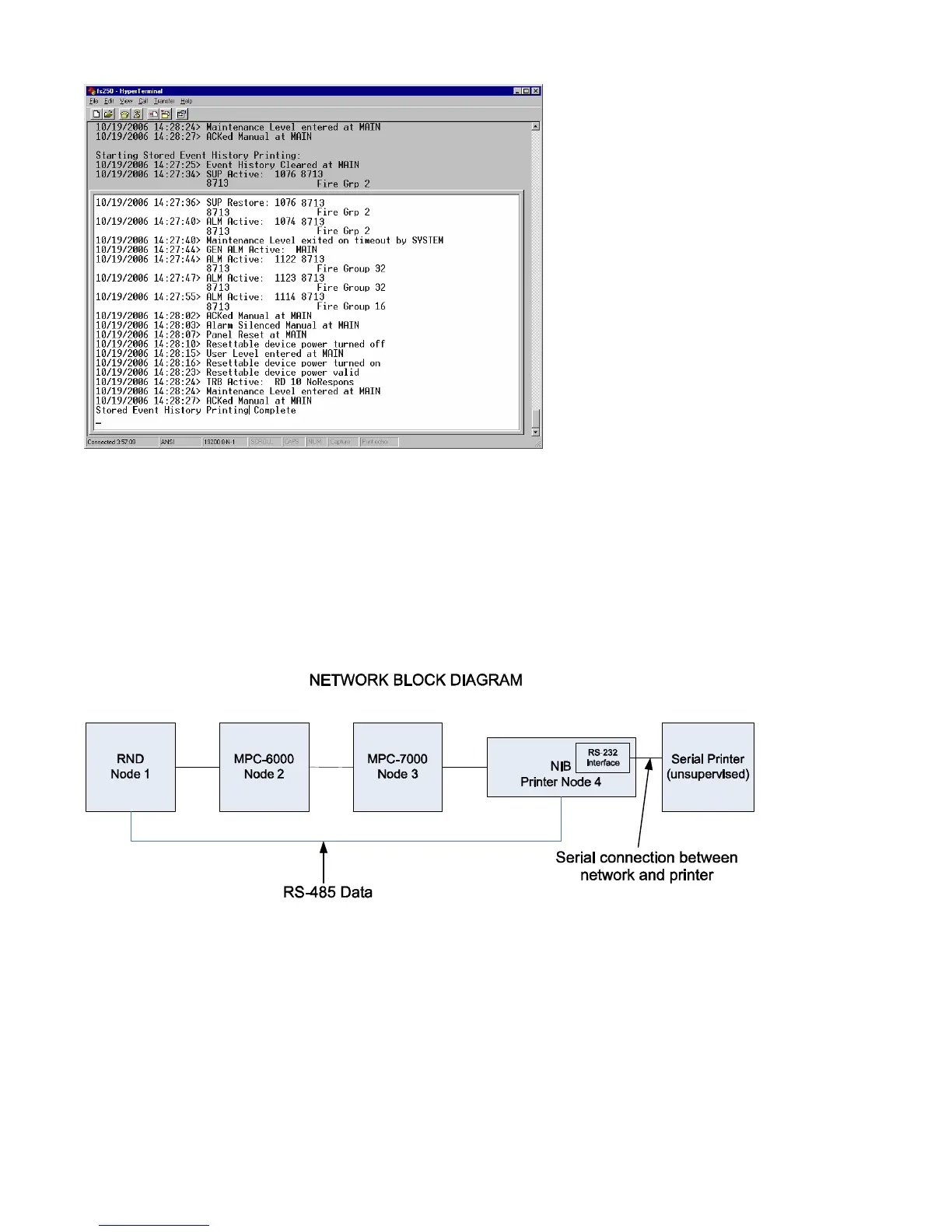
Figure 5
System History on HyperTerminal
(Refer to the Programming Manual to access this feature)
Network Printer
A diagnostic printer can also be installed in a network. Refer to the Network Block diagram in
Figure 6.
Figure 6
Network Block Diagram
Network printing requires a serial printer connected to a 12526A (NIB with serial interface) that
is connected to the MPC-NET2 network system. Connect 12536A serial connector to the
printer using an RS232 DB25 or DB9 as shown in Figure 7.



 To Next Page