AM-JACKAL-35/ JULY 2020
PRESET RATES SCREEN
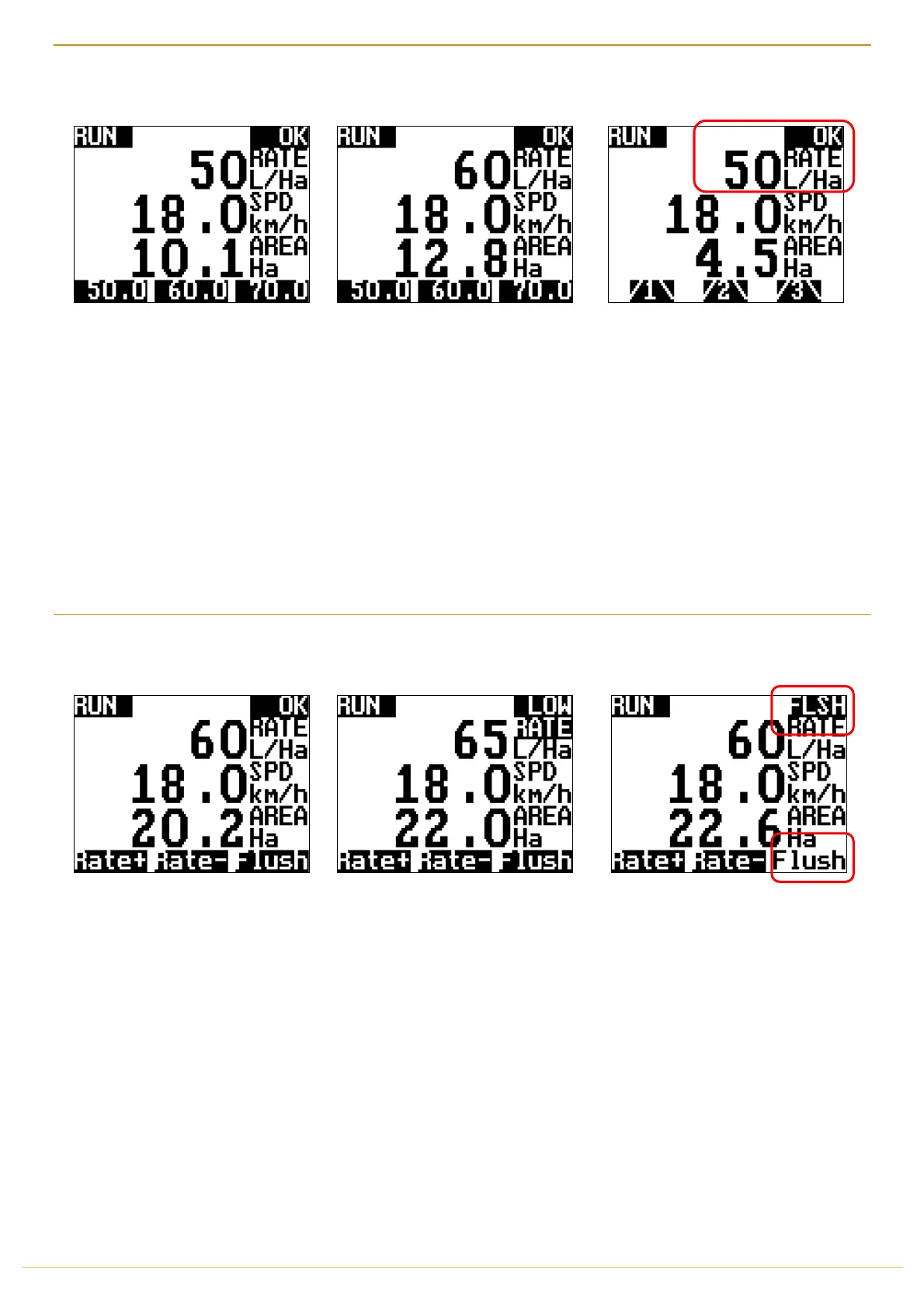
Quick Pre-set rates allows you to change
rates on the go with ease. The Jackal will
control up or down to the desired rate
depending on vehicle speed.
Pre-Set Rates can be changed via
SETUP > FRONT SCREEN > RATE
RateA/B/C/D
When changing rates, the Jackal will
adjust the master control valve to allow
more or less flow.
NB: If you believe the rate is not
being maintained correctly when
you speed up and slow down, it’s
possible the Flow Control Valve is
opening back to front.
Please refer to the OUTPUTS on
PAGE 45 to swap the + & - Outputs
MANUAL RATE & STEP ADJUST DURING FLUSH
The
Rate +
&
Rate (STEP) –
allows you to
adjust your flow rate with the
Pre-Defined
STEP
rate previously input
via the Wizard.
Your STEP can be changed via
SETUP > FRONT SCREEN > RATE
The
FLUSH
function will enable the full
flow rate possible on your system.
Dump valve will close & all sections and
control valve will open fully.



 To Next Page