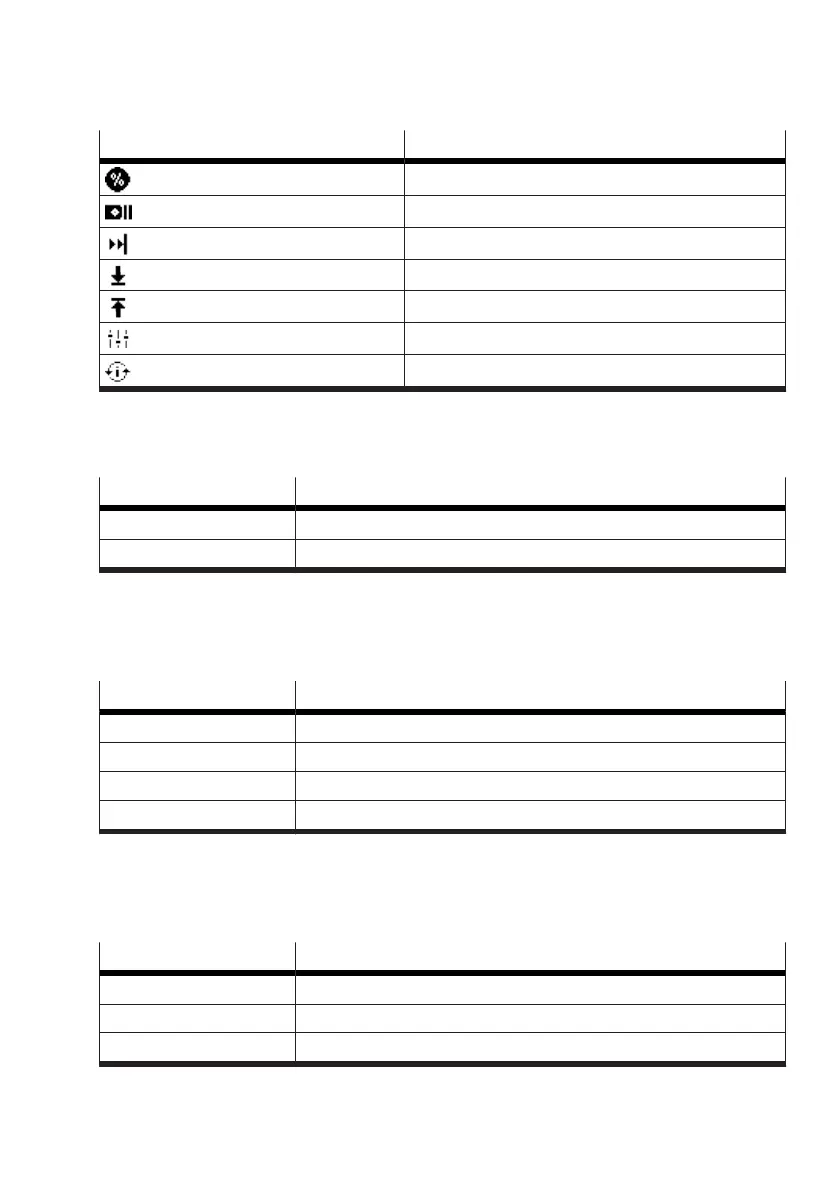
Menu option Reference
Exhaust position
è
Exhaust position
Extension Modules
è
Extension Modules
Tight close mode
è
Tight close mode
Tight close lower value
è
Tight close lower value
Tight close upper value
è
Tight close upper value
Control mode
è
Control mode
Initialization
è
Initialization
Tab. 15: ‘Guided setup’ menu
Language
The ‘Language’ parameter defines the display language of the device.
Value Description
ENGLISH Factory setting
DEUTSCH —
Tab. 16: Language
Display Orientation
The ‘Display Orientation’ parameter defines the display direction of the device. The display can be
adjusted in 90° steps by pressing the left or right key.
Value Description
0° Factory setting
90° —
180° —
270° —
Tab. 17: Display Orientation
Actuator type
The ‘Actuator type’ parameter defines the drive type to which the positioner is attached. Sine correc-
tion can be activated for linear drives with lever kinematics for position detection.
Value Description
rotary Factory setting
linear —
linear with lever —
Tab. 18: Actuator type


 To Next Page