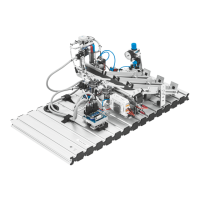
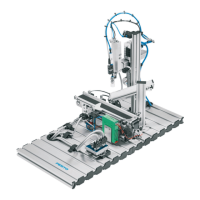
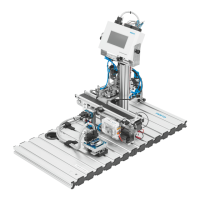
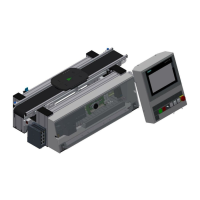
Programming
© Festo Didactic GmbH & Co. • MPS 101
Move your station automatically to the starting position (home position), this
means, this is the position where a material flow starts. Press the Reset-button
shortly to start the sequence. Station is not in starting position, the Reset-light shall
flash with 500 ms, Station is in starting position, the Reset-light is on.
Information
Please edit the program FC1 in FBD which starts without any condition. Edit with
symbols. Use the list of inputs and outputs. The OB1 is in STL. After reaching the
starting position, only one output is allowed to be on, the Reset-light.
Instructor: work out the starting condition together with the teams station by
station. Think also about, that a workpiece could be inside the station but can not
be detected by a sensor – take out by hand. Let the participants define the action
themselves according the conditions. Make sure, that they follow the steps like
mentioned within the planning.
Planning
Please plan your project step by step first within the team. Define the input
conditions of the starting position first and then define the action of the actuators.
The time to finish this project should be around 1,5 hour.
Conditions:
C1 Visual control no workpieces are on the chutes (slides)
C2 No workpiece is available (not I0.0)
C3 No workpiece inside the gripper (not I0.6)
C4 Lifting cylinder is up (I0.5)
C5 Handling at the following station (I0.2)
Actions:
the actions have to be done if the corresponding condition is not fulfilled.
A1 Remove the workpiece by hand from the chutes (slides)
A2 Remove the workpiece from the workpiece mounting by hand
A3 Move the handling to the following station
2.14 Programming –
Move to Starting
Position


 To Next Page