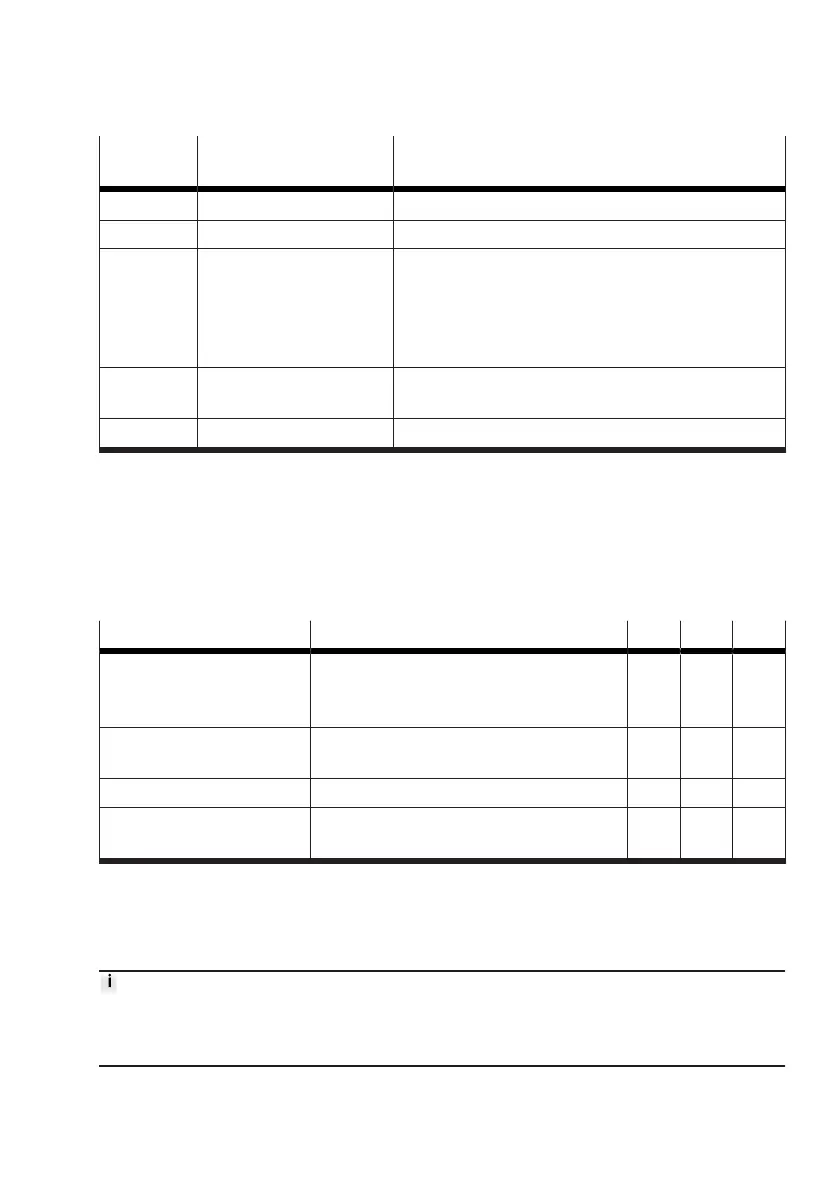
Value dec. Operating mode of the
valve
Description
1 … 59 Operating Motion App Display of currently running Motion App using the ID.
60 Teach-in run
è
3.7 Teach-in run
61 Valve inactive (in initial
position)
No Motion App is currently being executed, or the most
recently executed Motion App has been stopped.
If the valve is inactive due to an error in the output data,
the cause is output in the section "app state"
è
3.5.3.5
Feedback in the case of invalid output data.
62 Valve inactive (in initial
position)
Not used. Feedback for command "62" (acknowledge
error) is "61" (valve inactive).
63 Transfer mode active
è
3.5.4 Transfer mode
Tab. 45: Operating mode of the valve
Example
To start Motion App #05, the value “5” is transferred in the PDO section "valve mode". The Motion
App is only actually started when the value “5” is present in the PDI section "valve mode" (and “2” is
present in the section "valve state").
Status of the valve (valve state)
The current status of the valve (valve state) is given by bits 7 … 6 in byte 0 (PDI).
Status of the valve Meaning Bit 7 Bit 6 Dec.
Not ready (not ready) Start process for Motion Terminal is not com-
pleted or an error that has been detected and
eliminated is yet to be acknowledged.
0 0 0
Ready (configurable) The valve is inactive. A Motion App can be
run or it can be switched to transfer mode.
0 1 1
Running (running) A Motion App is currently being executed. 1 0 2
Error (failure) An error has been detected but not yet elimi-
nated. The Motion App has been stopped.
1 1 3
Tab. 46: Status of the valve
Status of the Motion App (app state)
The current status of the Motion App (app state) is shown by a range of information using bits 7 … 0 in
byte 1 (PDI).
The information described here is valid during operation of all Motion Apps. Additional information
specific to the Motion App that is transferred in the Motion App (app state) is included in the manuals
for the Motion Apps.










 To Next Page