SERVICING THE E100 16
Starting the E100
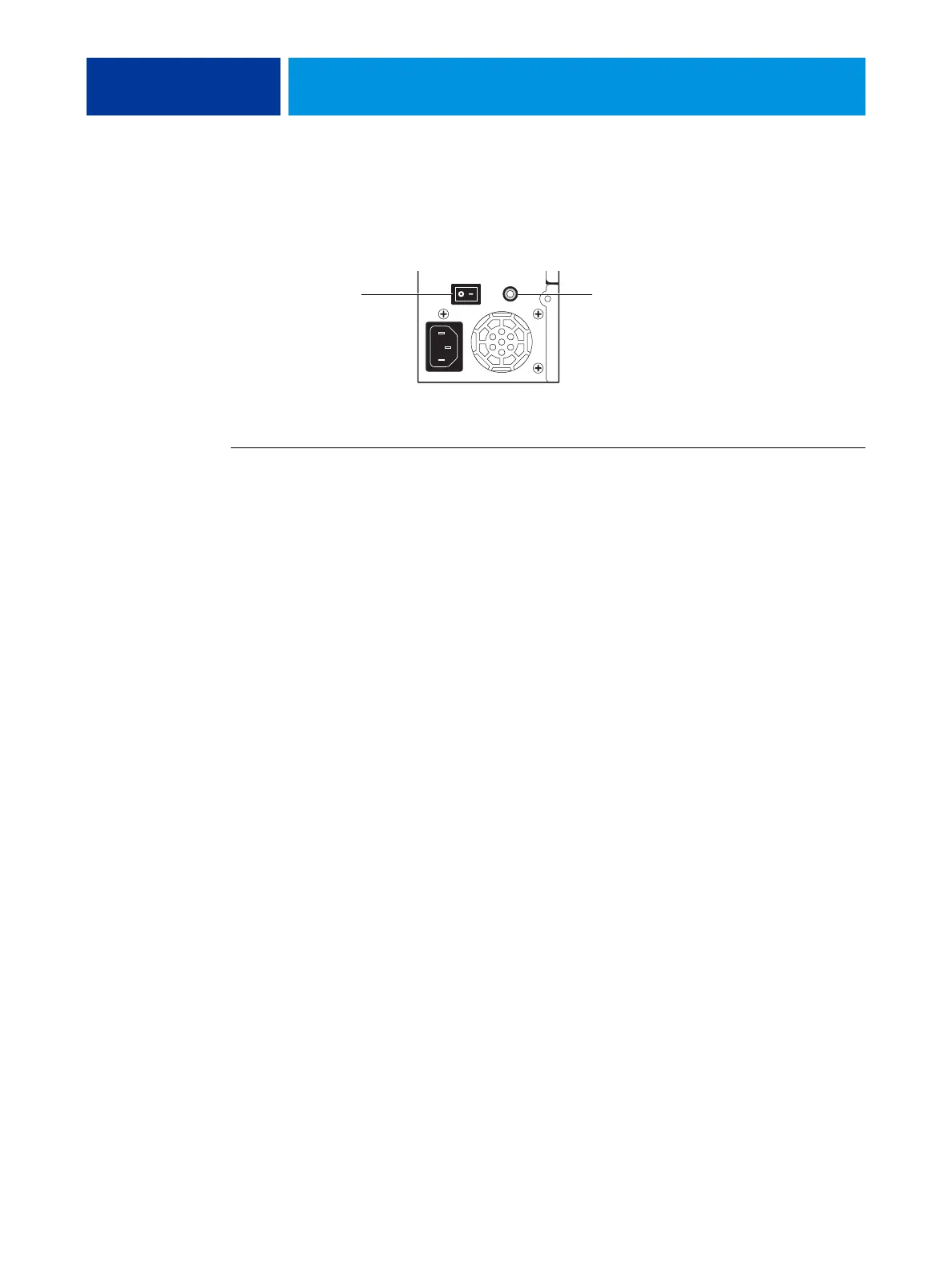
The E100 has a power switch and a power button. When the E100 is powered on, the power
button is green.
FIGURE 4: Power switch and power button
TO START THE E100
1. Make sure that the E100 power switch is set to ON (|). Press the power button once.
2. Wait approximately 1 minute as the E100 completes the startup sequence.
The LED display flashes intermittently and displays 00. It then flashes intermittently and
displays
00 continuously.
Power buttonPower switch



 To Next Page