COMPONENTS 26
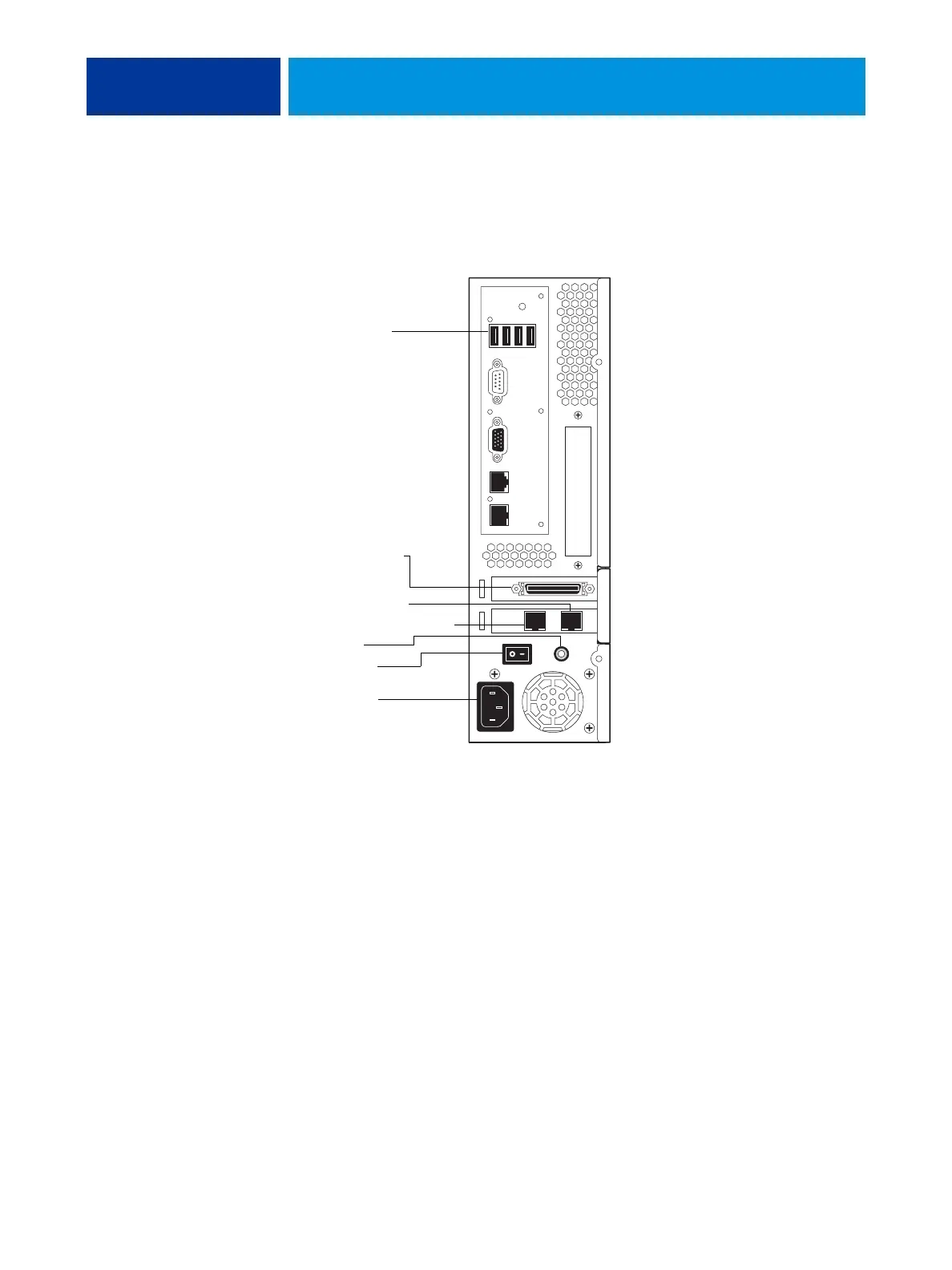
Connector panel
With the connector panel, you can connect the E100 to the copier and the network. You can
also control the power supply of the E100 using the AC power switch and the power button.
FIGURE 10: Connector panel
Copier (Ethernet) port
Copier interface port
Network switch (Ethernet) port
Power button
AC power switch
Power connector
USB ports (type A)
The copier port and network switch port
can be used interchangeably.
When installing system software with a
prepared USB flash drive, you may use
any USB port.



 To Next Page