COMPONENTS 27
Front panel
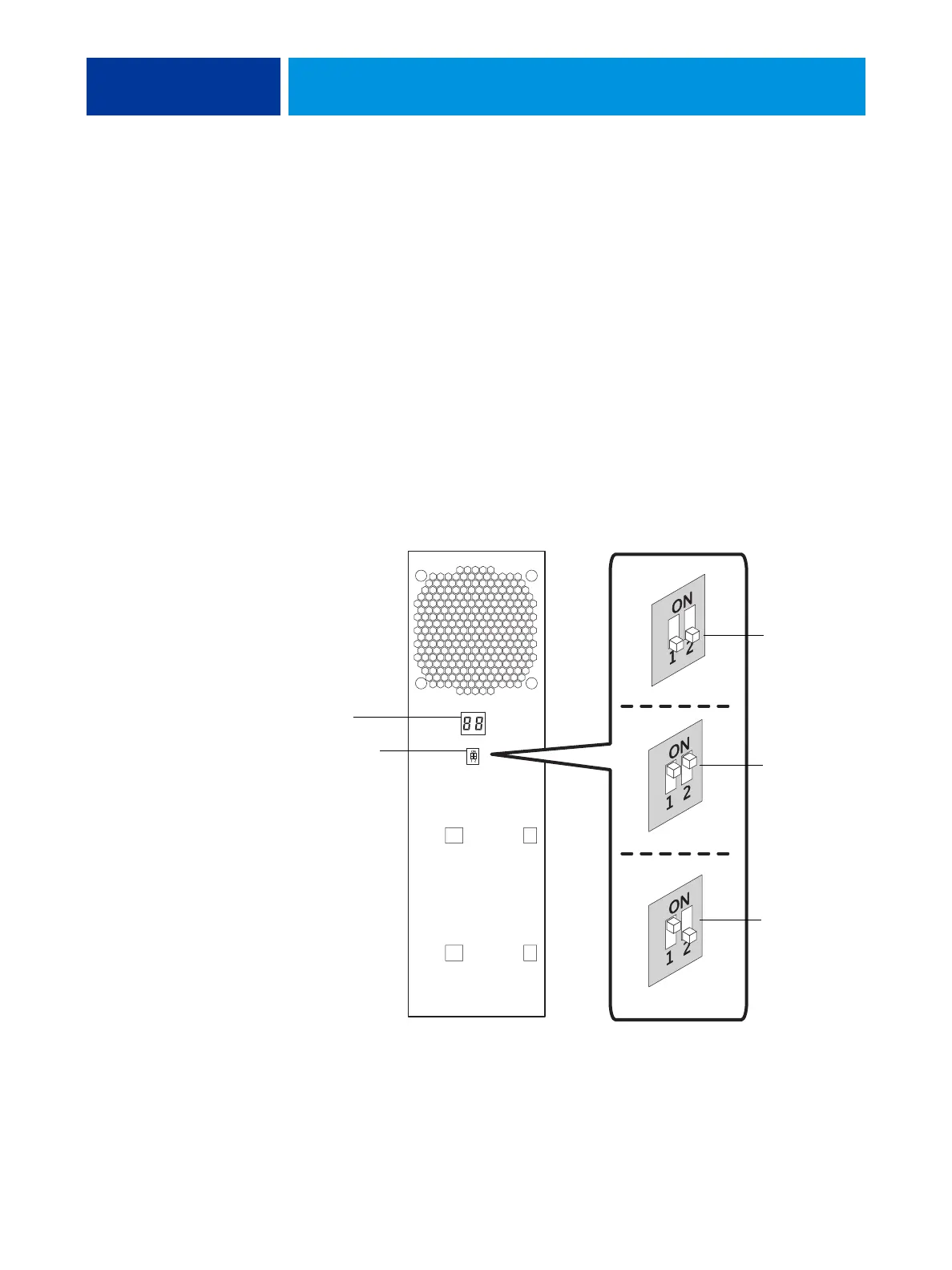
The E100 front panel includes the LED display and service switches.
LED display
With the LED display, you can monitor the progress of an installation and view service codes,
which provide information about the status of the E100. For more information about service
codes, see “Troubleshooting” on page 73.
During startup, the E100 advances through a standard diagnostic sequence. Codes flash
rapidly on the LED display during this time, until the E100 reaches Idle. In the Idle state,
00
displays. If the LED display hangs with a code other than
00, one or more diagnostic tests
may have failed.
Service switches
Service switches allow you to change the mode of the E100, which is a required step in some
service procedures.
FIGURE 11: LED display and service switches
LED display
Service switches
Normal mode
Boot mode
Service mode



 To Next Page