24
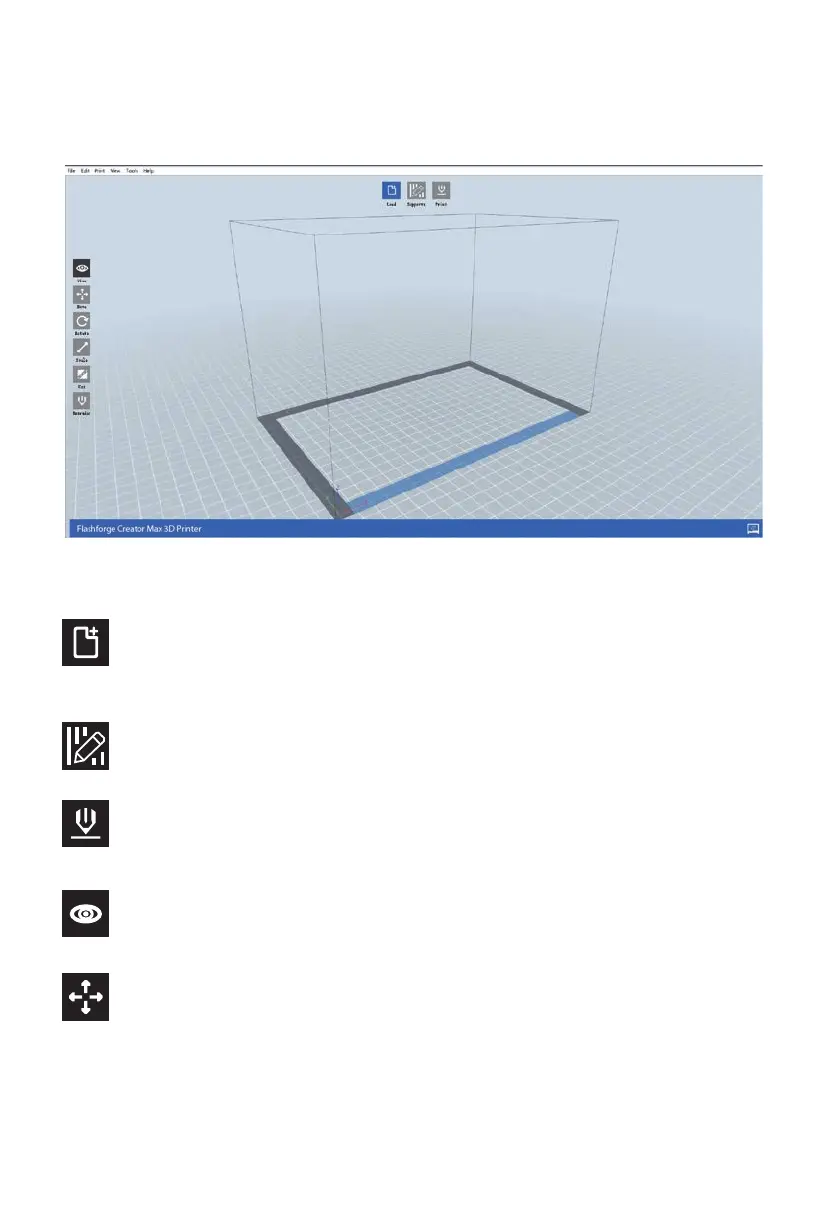
Main Interface Overview
The screenshot below shows the three main elements of the software - the Menus, the Icons,
and the Build Plate.
Load
Loads a model or Gcode file. FlashPrint supports .STL, .OBJ, and .FPP model files.
You can also load a .PNG, .JPG, .JPEG, or .BMP file and FlashPrint will generate a model from
the image. See the Generating a Model section for details.
Supports
Enters the Support Edit mode.
Print
Prints directly from FlashPrint via a USB or wireless connection or exports a Gcode file to the
SD™ card.
Move
Moves the model around on the X/Y plane. Hold the SHIFT key then click to move the mode
along the Z axis.
View
Views the FlashPrint home screen from one of six viewing angles.
The icons have the functions listed in the table below.















 To Next Page