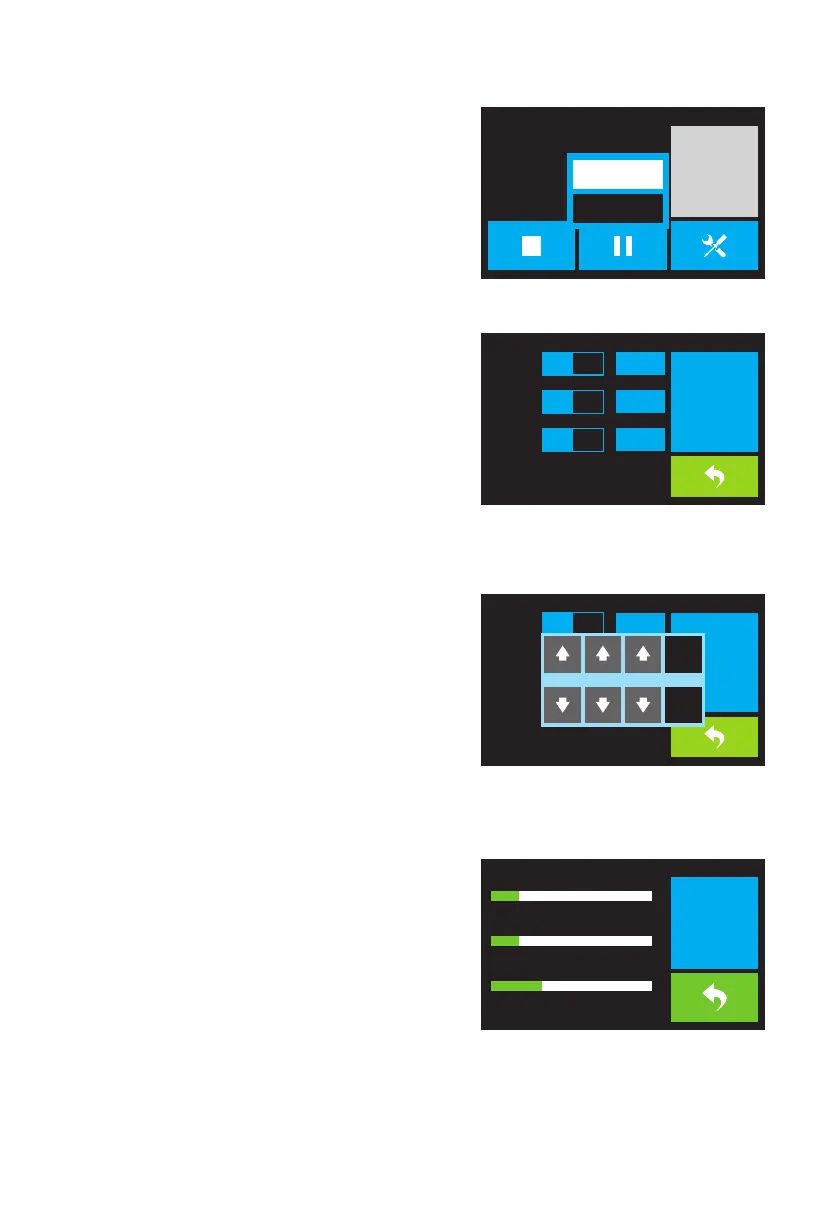
The Print Tools Menu is displayed by touching the Tools
button on the Print Progress Screen.
· Touch the Filament button to change filament during
printing. Note that the print must be paused first.
· Touch the Camera button to turn the camera on or off.
· Touch the Cancel button to return to the Print
Progress Screen.
Print Tools Menu
The Preheat Menu is displayed by touching the Preheat
button on the Top Menu.
· Touch the slider buttons to turn extruder and platform
heating on or off.
· Touch the target temperature buttons to set the preheat
temperature. The default target print temperature for
the extruders is 230°C and 100°C for the platform.
· Touch the Start button to start preheating the
extruder(s) and/or platform.
· Touch the Back button to return to the previous menu.
Preheat Menu
The Preheat Menu is displayed by touching the Preheat
button on the Top Menu.
· Touch the slider buttons to turn extruder and platform
heating on or off.
· Touch the target temperature buttons to set the preheat
temperature. The default target print temperature for
the extruders is 230°C and 100°C for the platform.
· Touch the Start button to start preheating the extruder(s)
and/or platform.
· Touch the Back button to return to the previous menu.
Preheat Temperature Screen
The Preheating Screen is displayed during the preheating
process. It displays the preheating progress, as well as the
actual and target temperatures of each element.
· Touch the Stop button to abort the preheating process.
· Touch the Back button to return to the previous menu.
Preheating Screen
06
TEST~1
0:00
24℃ / 220℃
0
%
17℃ / 110℃
24℃ / 220℃
Print Time
L Extruder
R Extruder
Platform
Filament
Cancel
230℃
230℃
100℃
L
Extruder
R
Extruder
Platform
on
on
on
Start
230℃
on
L
Extruder
Start
开
�
230
℃
110℃
�
230℃
� �
取 消
2
完 成
3 0
Yes
No
R
Extruder
Platform
20%
34℃ / 230℃
L Extruder
20%
34℃ / 230℃
R Extruder
33%
34℃ / 100℃
Platform
Stop















 To Next Page