Print Menu
The Print Menu contains the following options.
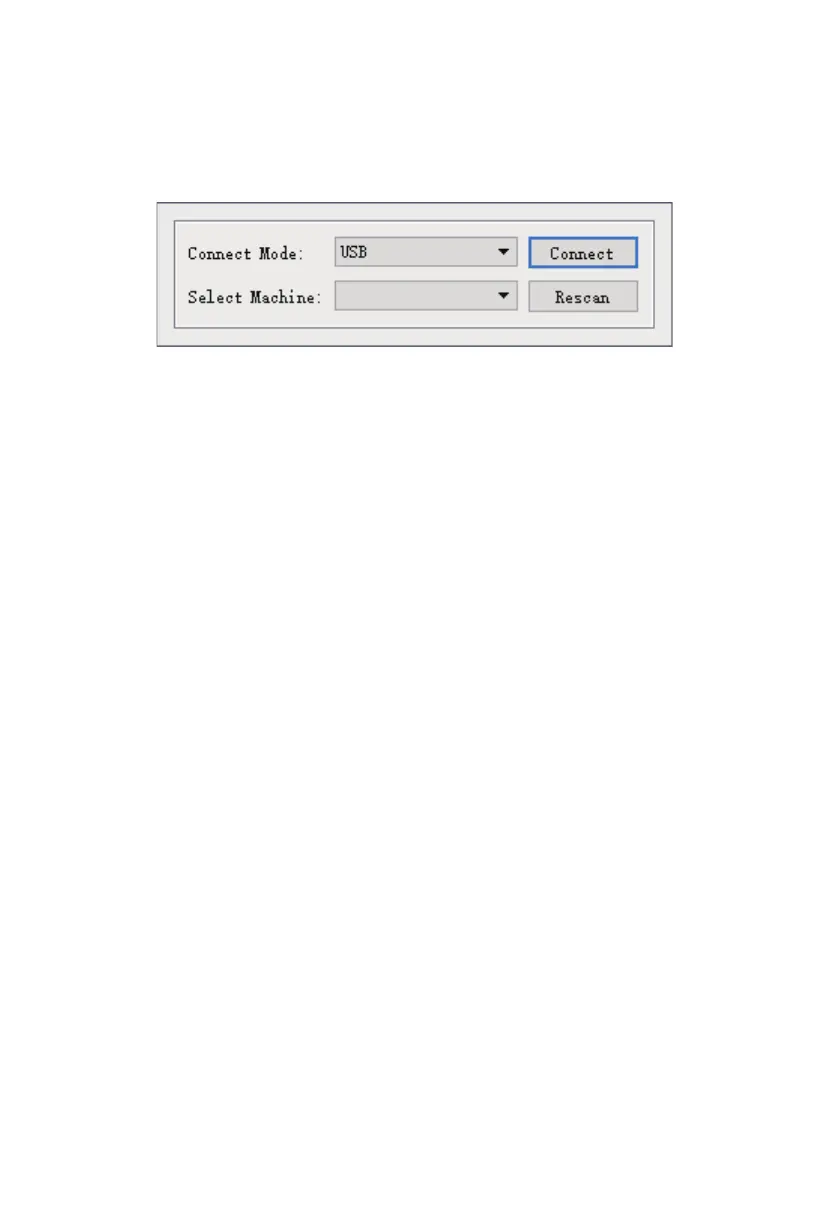
Connect Machine: Click Print > Connect Machine to establish a USB or Wi-Fi® connection to the
printer. This option is not available if the printer is already connected.
View Menu
The View Menu contains the following options.
Home View: Sets the camera to the default position.
Top View: Sets the camera to look directly down onto the build area.
Bottom View: Sets the camera to look directly up towards the build area.
Left View: Sets the camera to look at the build area from the left.
Right View: Sets the camera to look at the build area from the right.
Front View: Sets the camera to look at the build area from the front.
Back View: Sets the camera to look at the build area from the rear.
Show Model Outline: Puts a yellow outline around the model.
Show Steep Overhang: Highlights in red those portions of the model that requires supports.
Disconnect: Click Print > Disconnect to break a connection with the printer. This option is not
available if there is no connection with the printer.
Print: Click Print > Print or press CTRL+P to open the print dialog.
Machine Type: Click Print > Machine Type. Allows you to select the specific model of 3D printer
to use with FlashPrint. This printer is the Flashforge Creator Max 3D Printer.
35















 To Next Page