17
Loading Filament
Perform the following steps to load filament
into your 3D printer.
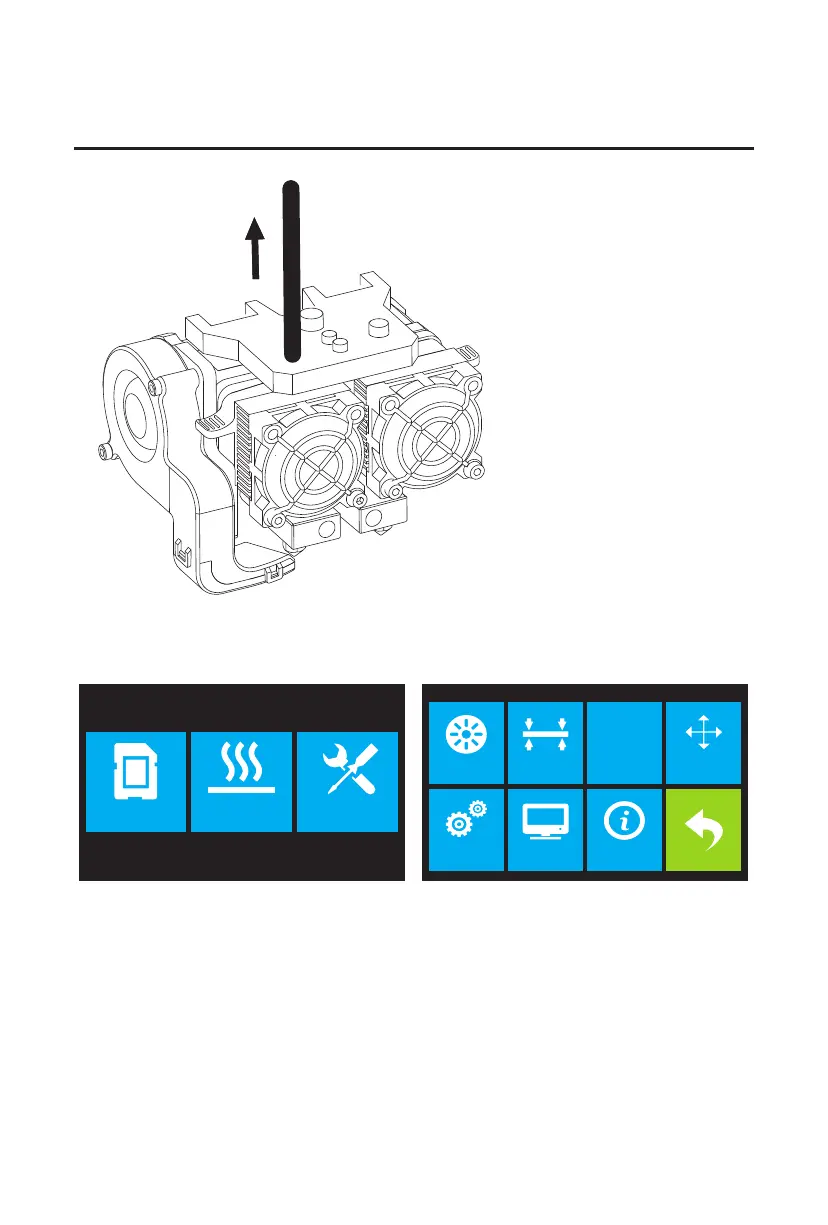
1. Remove the filament guide tube from the extruder.
2. If it is not already powered on, flip the power switch to the ON position. Wait for the system to
stabilize, then touch the Tool button on the Top Menu.
Print Preheat Tool
HOME
Filament Level Home Manual
Setting Status About















 To Next Page