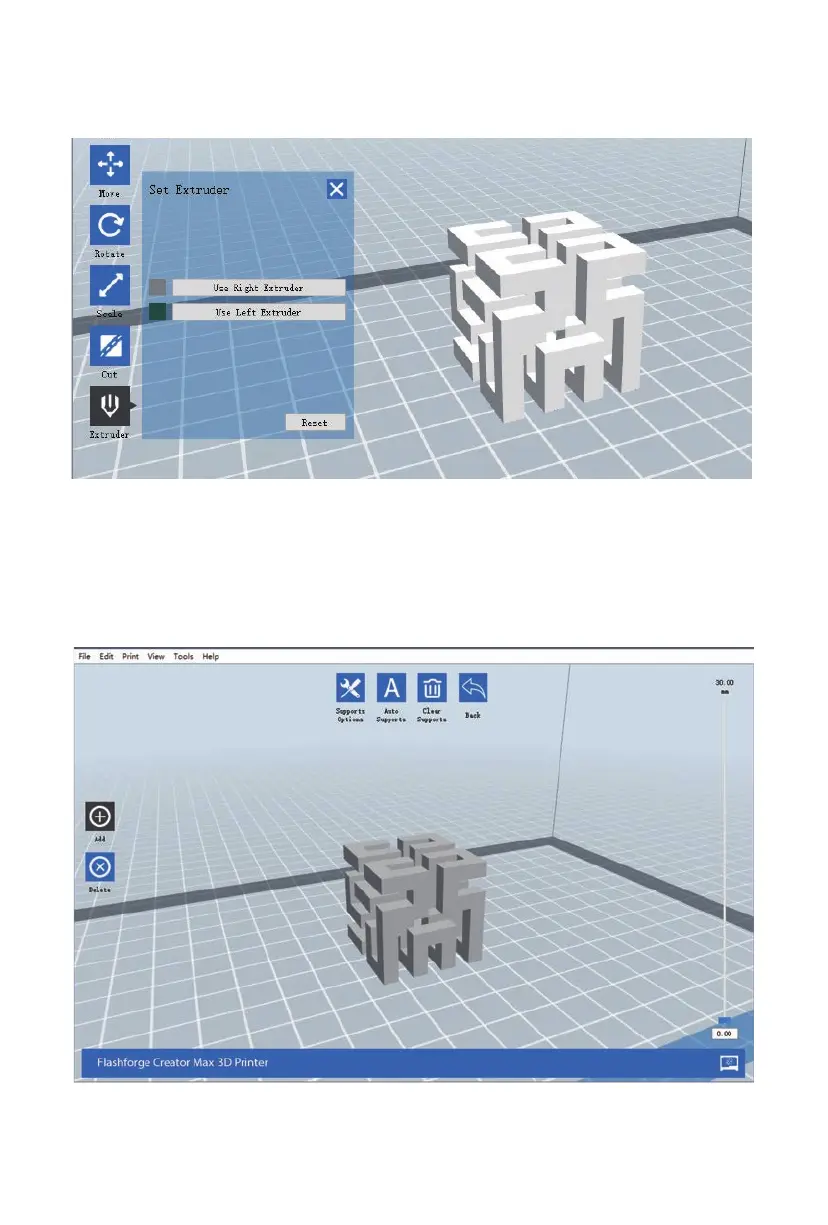
Extruder
Double-click the Extruder icon to select the left and/or right extruder for printing.
Supports
Because 3D printing is an additive process, each layer of filament needs a base to be built on.
The printer can gradually increase the layer size, so long as the overhang angle is less than about
45 degrees. Otherwise, you need to create support elements to serve as the base for adding
additional layers. To edit the supports, click the Edit menu, then select the Supports entry.
Alternatively, click the Supports icon. Click the Back button when finished editing the supports.
30















 To Next Page