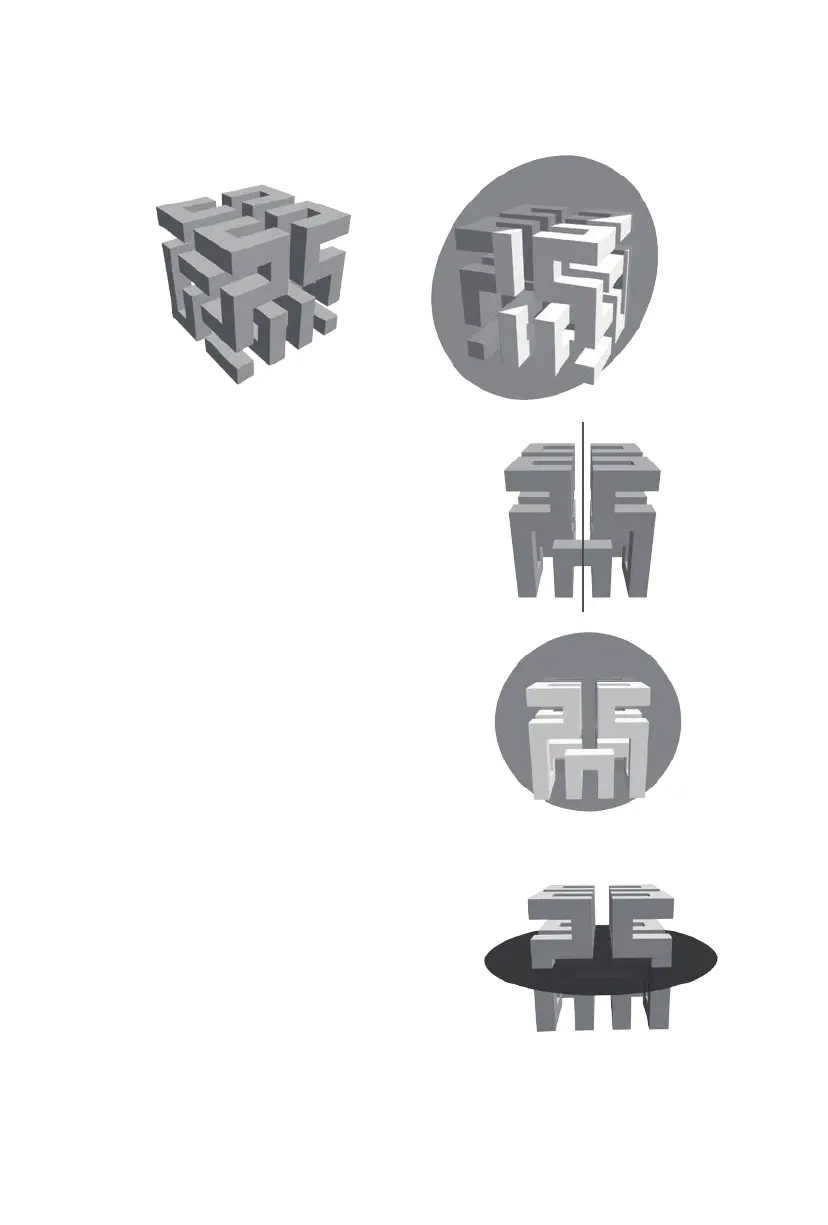
Cut: Click the model to select it, then double-click the Cut icon to set the cut plane in a variety of ways.
· Left click and drag the cursor across the model to set the cut angle.
· Select the X Plane option to cut the model vertically.
· Select the Y Plane option to cut the model vertically.
· Select the Z Plane option to cut the model horizontally.
29















 To Next Page