O P E R A T I O N C H A P T E R 6
Setting up Third Party Digital Programs
Each third party program has its own method of configuring CAT Control and selecting the COM port
and the sound card. In the following, we will use MixW as an illustrative example. We will also discuss
how to deal with digital programs that are only able to connect to the default sound device.
Note: Instructions for MMTTY, MMSSTV and WSJT 6 and others can be found
in our Knowledge Center at http://kc.flex-radio.com/search.aspx.
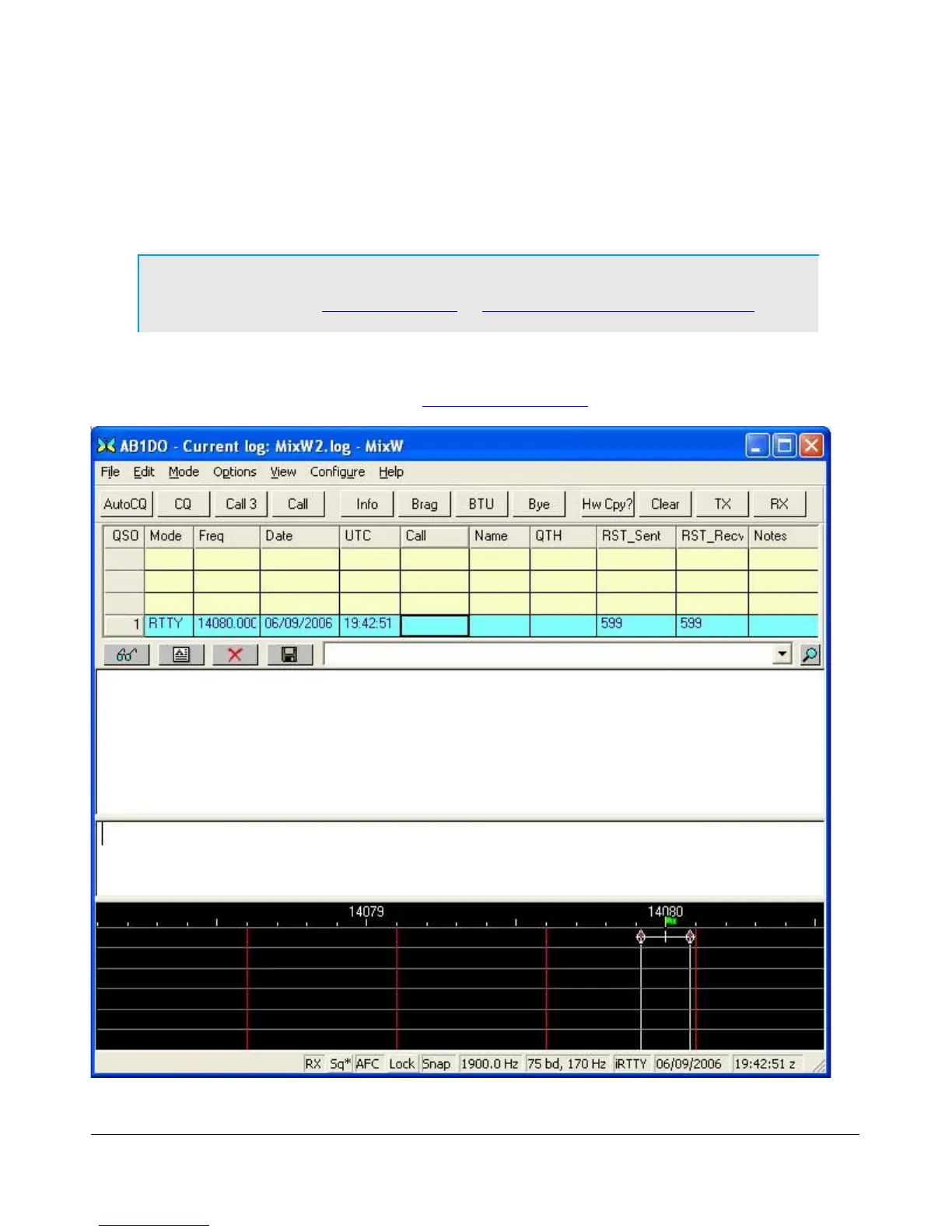
Using MixW with PowerSDR
Start MixW, which may be downloaded from http://www.mixw.net/.
Figure 162: MixW Console
162 2003-2009 FlexRadio Systems



 To Next Page