P O W E R S D R I N S T A L L A T I O N & S E T U P C H A P T E R 2
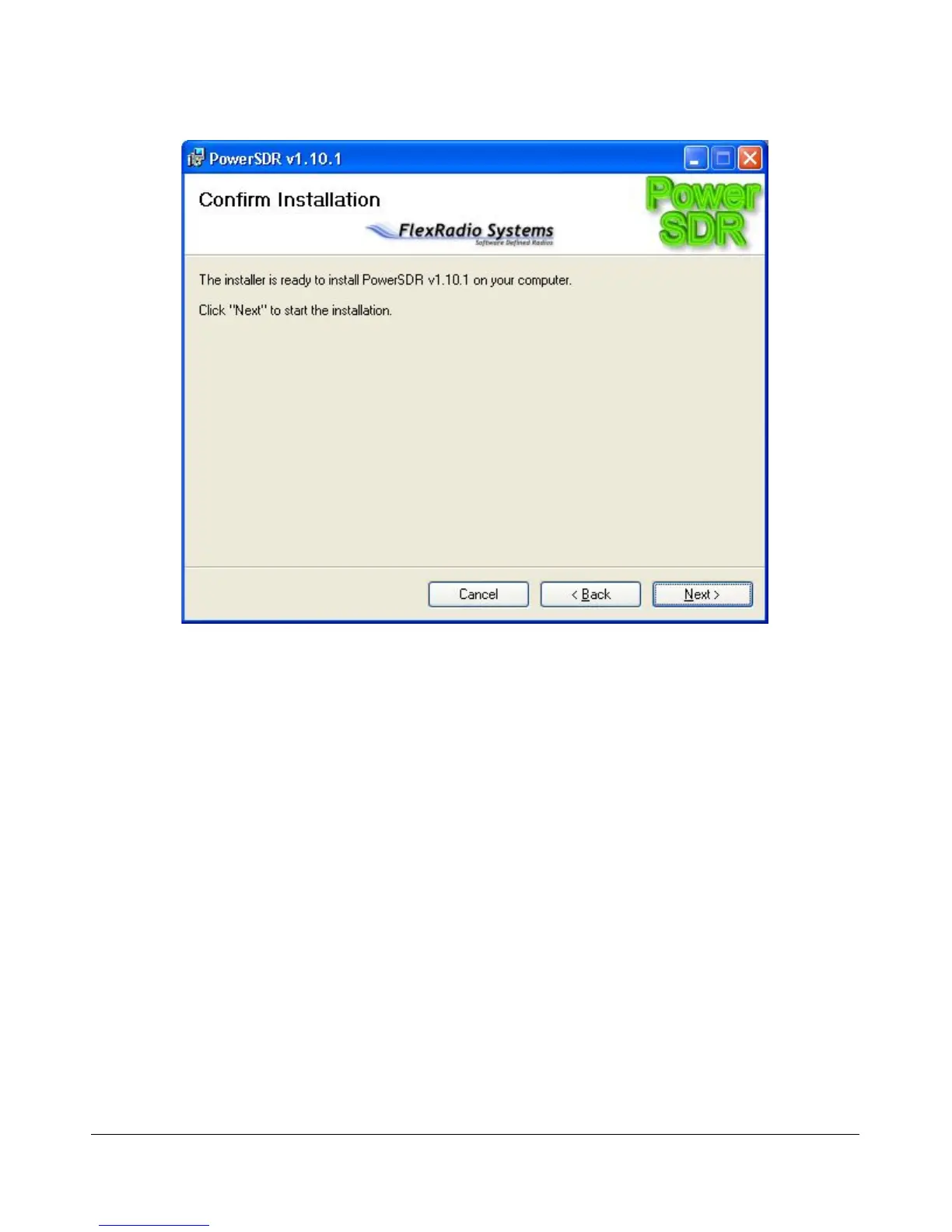
Figure 19: PowerSDR Installation Confirmation
Click the Next button to confirm these settings and to copy the necessary files to the selected install
directory. Once the files have been copied, you will see the screen shown in Figure 20.
[The rest of this page has been left blank intentionally]
25 2003-2009 FlexRadio Systems



 To Next Page